



Smart Health App Mockup and How to Use – Digital Innovation
RJ0600017_12
- Last Update 06/25/2025
- File Size 0.2MB
- # of Slides 2
- File Format PPTX
- Slide Ratio 16:9
- Color
Keywords
About the Product
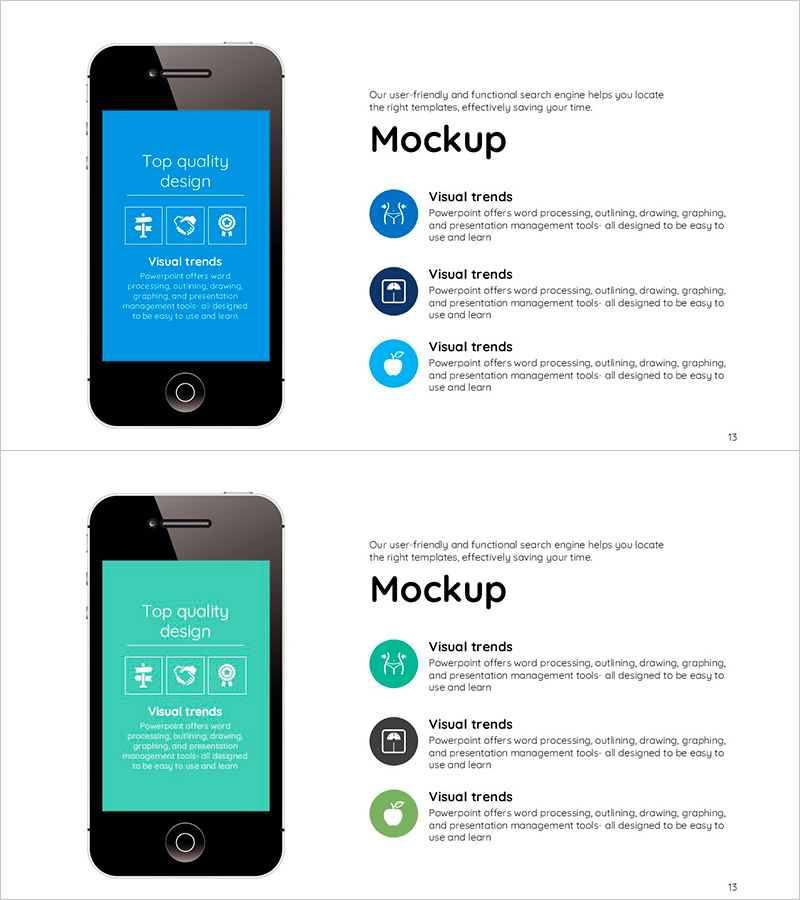
A 2-slide PowerPoint presentation showcasing a smart health application's features and user interface. The first slide features a blue background with an app mockup image and three key function icons (medical, heart, AI), while the second slide presents the same layout with a turquoise background for color variation. Each slide includes a "Top quality design" header section with three icons and a "Visual trends" area below for descriptive text input. Delivered in 16:9 widescreen PPTX format, fully editable and ready for digital healthcare, medical technology, and app introduction presentations.
Usage Points
-
Main Usage
Effectively communicate a mobile healthcare app's core features and user interface to investors, partners, and customers. The combination of app mockup imagery and functional icons enables audiences to quickly grasp both the product's appearance and its value proposition.
-
How to Use
Use the first slide to introduce the app's overall functionality and the second slide to elaborate on each feature. Select either the blue or turquoise color option to match your company's brand identity. Customize the text areas to align with your specific product characteristics and messaging.
-
Recommended For
Ideal for startup founders, medical technology companies, and healthcare platform managers presenting investor pitches (IR), product demonstrations, and partnership proposals. Also suitable for medical institutions, insurance companies, and digital health seminars introducing innovative technologies.
-
Slide Structure
Two-slide layout with each slide divided into three sections: top header area (title and 3 icons), center app mockup image, and bottom descriptive text area (3 input fields). Optimized for 16:9 widescreen format with all elements as fully editable text and shapes.
Related Products
-
Smart Health App Introduction Slide – Top Design and Features
#Product/Service Introduction #Other #Features
-
Simple Car Presentation Mockup – Product and Service Introduction
#Product/Service Introduction #Other #Features
-
Plotting Paper Presentation Template Mockup1 – Creative Visual Material Production
#Product/Service Introduction #Other #Features
-
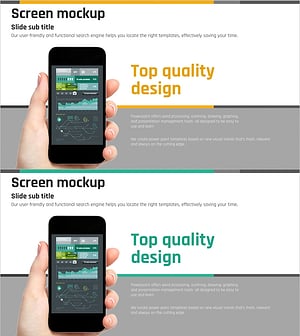
Technical Service Introduction Mockup – Harmonious Yellow and Bluegreen
#Product/Service Introduction #Other #Features
