



Plotting Paper Presentation Template Mockup1 – Creative Visual Material Production
RJ0200023_6
- Last Update 04/03/2025
- File Size 3.6MB
- # of Slides 2
- File Format PPTX
- Slide Ratio 16:9
- Color
Keywords
About the Product
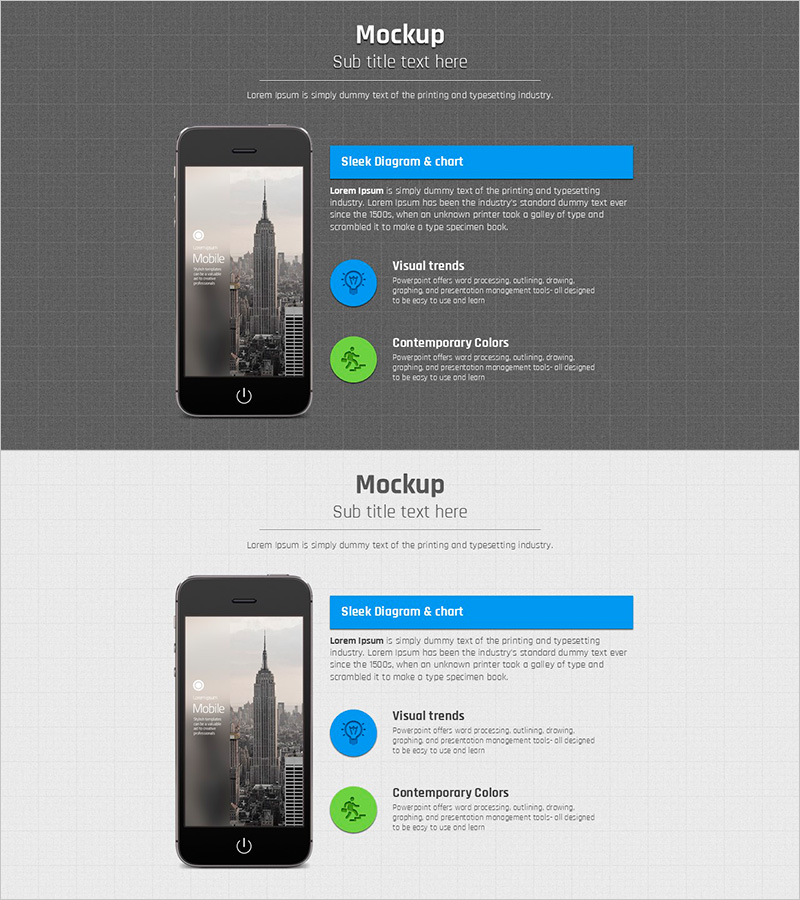
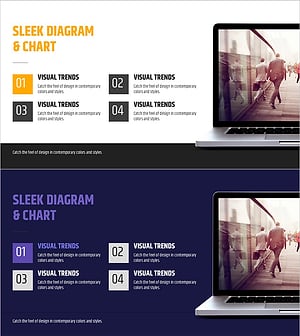
A 2-slide presentation set featuring smartphone mockup layouts for showcasing mobile apps and digital services. The design uses a dark gray background with blue and green accent colors in a minimalist two-column structure. The left side displays the smartphone device image, while the right side contains editable text, icons, and descriptive content. This layout effectively communicates app features, service highlights, and visual trends. Available in PowerPoint PPTX format for immediate editing, ideal for technology, startup, and marketing presentations.
Usage Points
-
Main Usage
Present mobile apps, digital services, and web products visually through mockup slides. By placing actual content on smartphone screens, you can intuitively convey user experience, features, and interface design to investors, clients, and team members, effectively demonstrating your product's real appearance.
-
How to Use
Insert app screenshots or UI designs into the left smartphone image area, and add feature descriptions, key messages, and statistics to the right text section. Use blue and green icons to highlight main features. Arrange the 2 slides consecutively to showcase multiple app screens and step-by-step functionality.
-
Recommended For
Recommended for IT companies, startups, app developers, digital marketing teams, and UX design presentations. Suitable for investment pitch decks, product launch presentations, client pitches, and team prototype sharing sessions centered on mobile services.
-
Slide Structure
Consists of 2 slides, each divided into a left smartphone mockup image area (fixed) and a right text, icon, and description area (editable). The right section includes 2-3 text input spaces for titles and body content, plus 2 blue and green circular icons for hierarchical representation of features, highlights, and statistics.
Related Products
-
Technical Service Introduction Mockup – Harmonious Yellow and Bluegreen
#Product/Service Introduction #Other #Features
-
Dot Patterns Wide PowerPoint Template Mockup – Stylish Design and Service Introduction
#Product/Service Introduction #Other #Features
-
Hologram Wide PPT Mockup3 – Innovative Product Presentation
#Product/Service Introduction #Other #Features
-
Slides for Busy Modern Workers - Effective Business Communication
#Product/Service Introduction #Other #Features
