



Traditional Program Guide – Program Introduction Diagram
RJ0600007_18
- Last Update 06/22/2025
- File Size 2.3MB
- # of Slides 2
- File Format PPTX
- Slide Ratio 16:9
- Color
Keywords
- #Content-Based Slides
- #Design-Based Slides
- #Slide Type
- #Product/Service Introduction
- #Diagram
- #Program Introduction
- #Cluster
- #Closed Cluster Diagram
- #Reference
- #16:9
- #cluster diagram PowerPoint
- #3-item comparison slide
- #program introduction template
- #closed layout diagram
- #program guide PowerPoint slide
About the Product
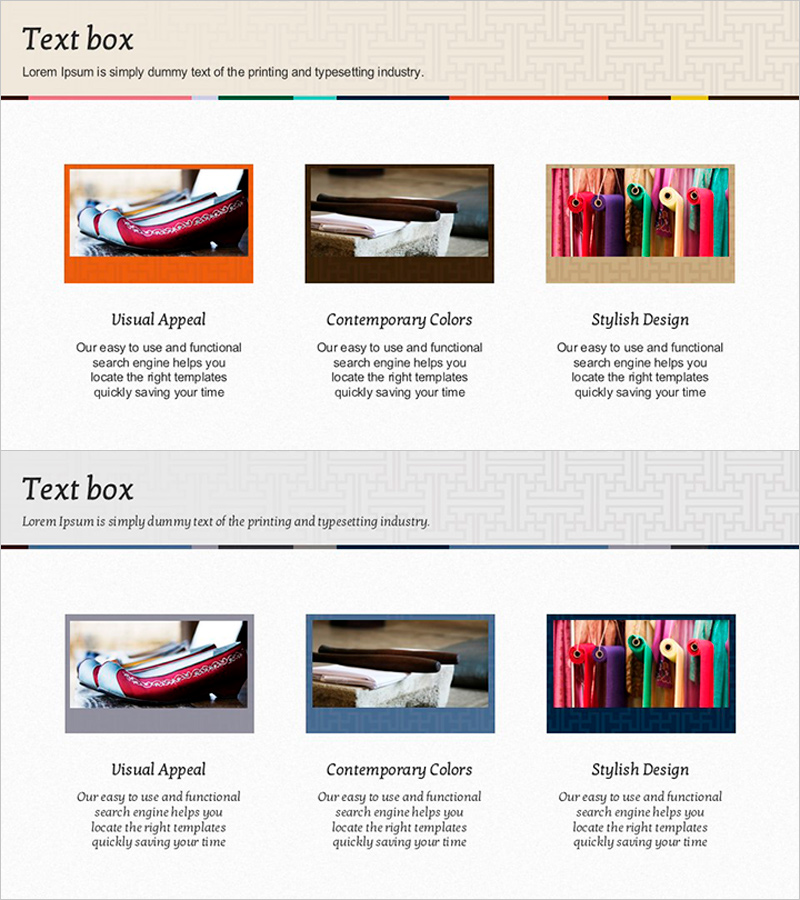
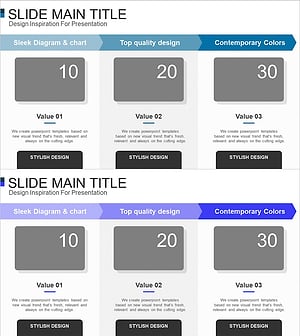
A 3-item cluster diagram PowerPoint slide optimized for program introduction and feature comparison presentations. The design features a central concept with three items arranged in a closed layout: orange frame on the left, brown frame in the center, and beige frame on the right. Each item area accommodates both image and descriptive text, making it ideal for showcasing program features, cultural events, educational seminars, and service offerings. The slide deck includes 2 slides in 16:9 widescreen format, ready for immediate editing and customization to match your presentation needs.
Usage Points
-
Main Usage
Visually compare and introduce three key features or components of a program using a central concept as the focal point. The closed-layout arrangement emphasizes both the independence of each item and the cohesive integration of all three elements.
-
How to Use
Insert program-related images or icons into the image area of each colored frame, then add item titles and descriptions in the text fields below. The color frames (orange, brown, beige) can be retained or customized to match your corporate branding and presentation style.
-
Recommended For
Program planners, educators, event coordinators, seminar facilitators, and tourism professionals presenting program overviews, feature explanations, or component comparisons. Particularly effective for traditional culture programs, educational offerings, tourism packages, and event announcements.
-
Slide Structure
2-slide deck. Each slide contains a central concept text area and three item sections with closed-layout frames: left (orange), center (brown), and right (beige). Each item section includes an upper image insertion area and a lower text input field for titles and descriptions.
Related Products
-
Hexagon Photo and Descriptive Text Slide – Key Format for Product Introduction
#Product/Service Introduction #Diagram #Product/Service Introduction
-
Collaborative Business Process – Diagram Visualization
#Product/Service Introduction #Diagram #Product/Service Introduction
-
Market Share Donut Pie Chart – Insightful Data Visualization
#Product/Service Introduction #Diagram #Graph
-
Introducing the Card Company Service Program – Effective Business Strategy
#Product/Service Introduction #Business Strategy #Diagram
