



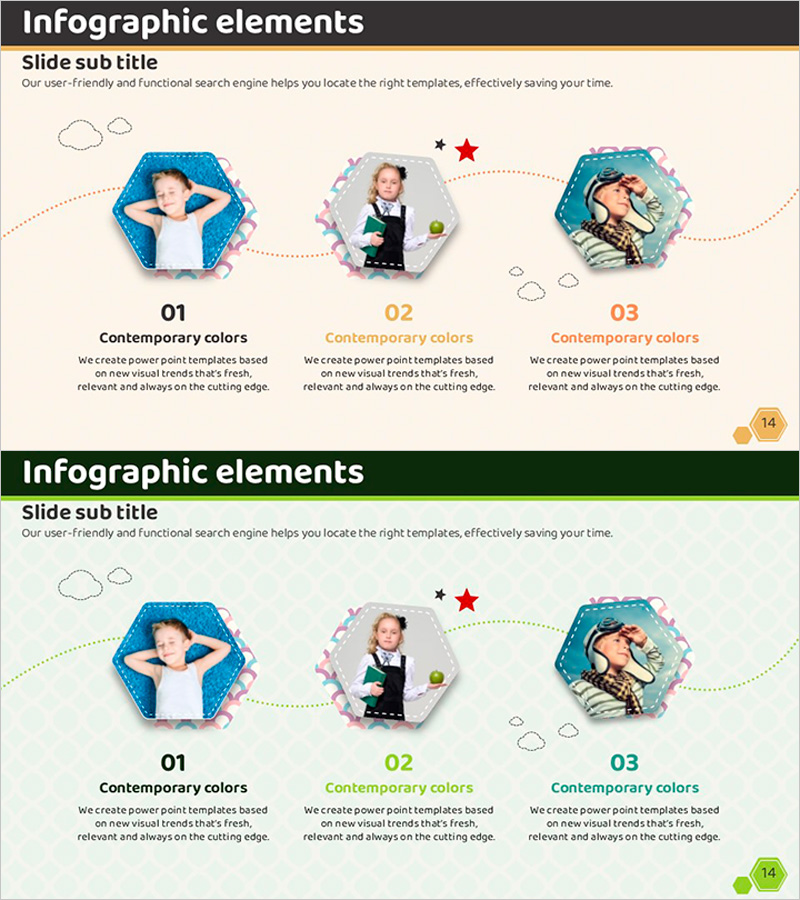
Hexagon Photo and Descriptive Text Slide – Key Format for Product Introduction
RJ0500006_13
- Last Update 06/08/2025
- File Size 0.9MB
- # of Slides 2
- File Format PPTX
- Slide Ratio 16:9
- Color
Keywords
- #Content-Based Slides
- #Design-Based Slides
- #Product/Service Introduction
- #Diagram
- #Product/Service Introduction
- #Program Introduction
- #Cluster
- #Closed Cluster Diagram
- #16:9
- #hexagon photo slide
- #cluster diagram PowerPoint
- #product introduction template
- #hexagon text box slide
- #3-step process PowerPoint
About the Product
A hexagon photo cluster slide optimized for product introduction presentations. This PowerPoint slide features three hexagon frames connected by dotted lines to showcase product features in sequential steps. The design uses a soft pastel background with blue, pink, and turquoise hexagons, each with dedicated photo and descriptive text areas. The slide is ready for immediate use in presentations and allows full customization of colors, images, and text content.
Usage Points
-
Main Usage
Visually communicate product features, functions, and benefits across three sequential stages. Insert product photos in hexagon frames and add descriptive text to structure the core content of your product introduction section.
-
How to Use
Insert product images into each hexagon frame and add feature descriptions, benefits, or effects in the text areas below. The dotted line connections represent sequential flow or relationships, making the slide suitable for product development stages, usage scenarios, or comparative analysis.
-
Recommended For
Ideal for product marketing professionals, business planners, and sales teams presenting product introductions. Effective for new product launches, client proposals, internal reports, and situations requiring multi-faceted product emphasis.
-
Slide Structure
2-slide set. First slide features a beige background with three hexagon frames (blue, pink, turquoise) connected by dotted lines, each containing a photo area and text input space below. Second slide presents the same structure with a green background option for color variety.
Related Products
-
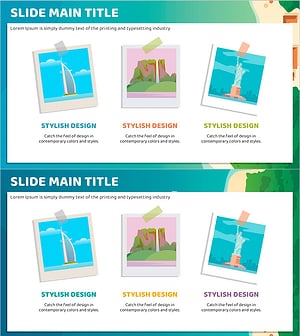
A Tourist Attraction Record Photo – Capturing Stylish Design
#Product/Service Introduction #Diagram #Product/Service Introduction
-
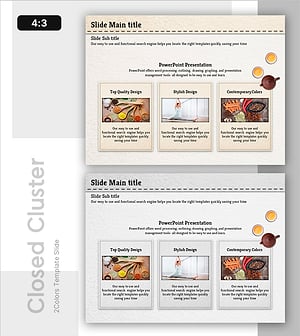
Traditional Tea-Based Wellness Program Introduction
#Product/Service Introduction #Diagram #Product/Service Introduction
-
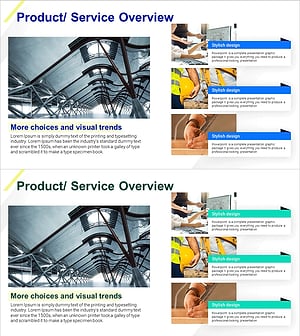
Architectural Services Program Overview – Systematic and Diverse Information Delivery
#Product/Service Introduction #Diagram #Product/Service Introduction
-

Introducing Differentiated Product Services – Infographic Slide to Enhance Business Efficiency
#Product/Service Introduction #Diagram #Product/Service Introduction
