



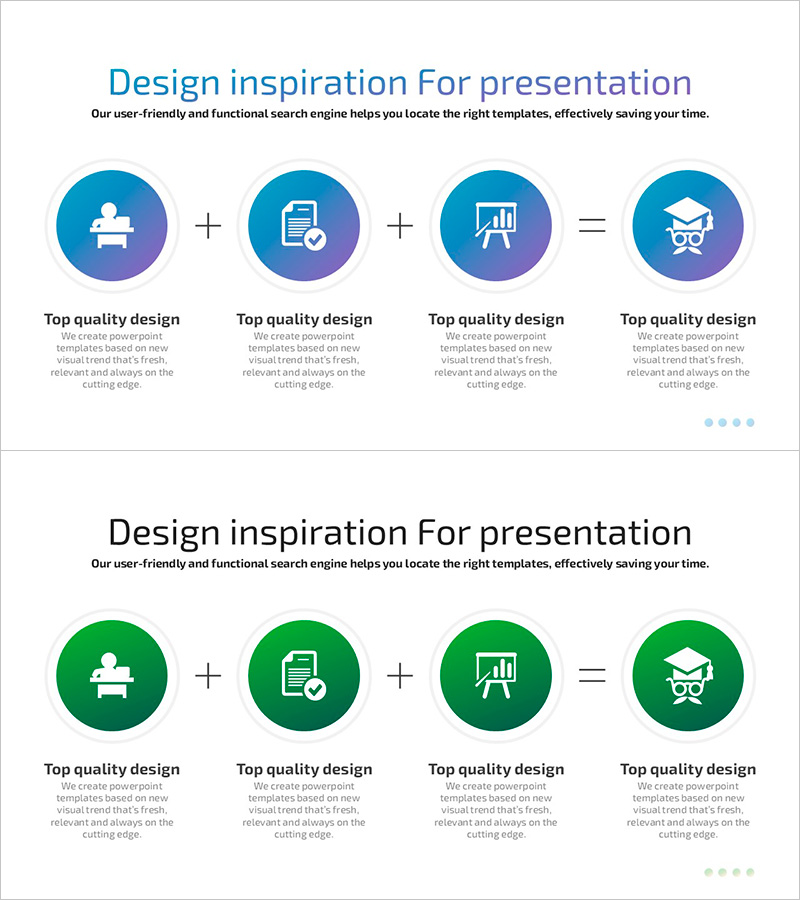
Blue Green Plus Diagram – Product/Service Differentiation Strategy
RJ0500038_4
- Last Update 06/17/2025
- File Size 0.4MB
- # of Slides 2
- File Format PPTX
- Slide Ratio 16:9
- Color
Keywords
- #Content-Based Slides
- #Design-Based Slides
- #Product/Service Introduction
- #Business Introduction
- #Diagram
- #Differentiation Strategy for Products/Services
- #Business Overview
- #Cluster
- #Closed Cluster Diagram
- #Chain Diagram
- #16:9
- #4-step diagram PowerPoint
- #connection diagram slide template
- #plus symbol infographic
- #blue green gradient slide
- #process flow PowerPoint slide download
About the Product
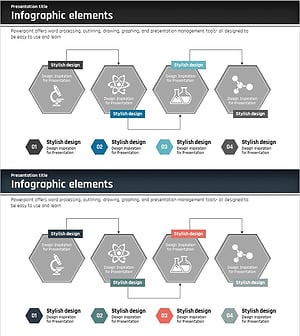
A professional infographic PowerPoint slide featuring four circular nodes connected with plus and equals symbols. The design uses a blue-to-green gradient color scheme to visualize cumulative effects and sequential relationships. Perfect for illustrating product development stages, service differentiation factors, business strategy components, or multi-step processes. This 2-slide deck includes editable icons and text areas within each node, making it easy to customize for presentations, business plans, proposals, and reports. Ready to download and use immediately in your PowerPoint presentations.
Usage Points
-
Main Usage
Effectively communicates cumulative relationships and sequential connections between four key elements. Ideal for presenting product development processes, service differentiation strategies, business components, marketing mix frameworks, or any multi-step workflow that requires visual clarity and professional presentation.
-
How to Use
Enter your content into each circular node's text area and customize the icons as needed. The blue-green gradient color scheme can be retained or modified to match your corporate branding. Insert into your presentation's strategy, planning, or process sections to enhance audience comprehension and engagement.
-
Recommended For
Product managers, marketing professionals, business strategists, management consultants, educators, and corporate trainers. Suitable for business plans, proposals, marketing strategy documents, investor pitch decks, and educational seminar materials.
-
Slide Structure
2-slide template with four circular nodes arranged horizontally from left to right. Nodes are connected by plus (+) and equals (=) symbols. Each node contains an icon area and text input field. White background ensures compatibility with various presentation themes and printing requirements.
Related Products
-
Custom Clothing Service Overview – Presented in a Modern Diagram
#Product/Service Introduction #Business Introduction #Diagram
-
Visualizing Efficient Execution Strategy – Differentiated Approach
#Product/Service Introduction #Business Vision and Strategy #Diagram
-
The Strength of the Media – Diagram Template for Presentation
#Product/Service Introduction #Diagram #Differentiation Strategy for Products/Services
-
Closed Diagram for Science Experiments
#Product/Service Introduction #Diagram #Differentiation Strategy for Products/Services
