



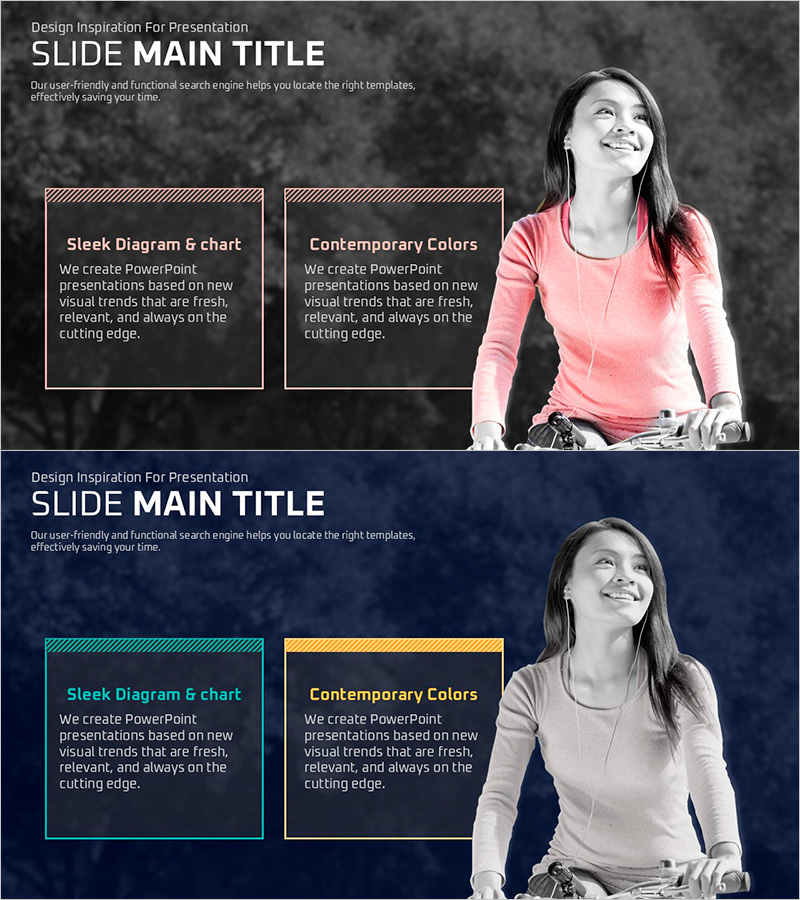
Message Box with a Girl on a Bicycle – Customer Success Story
RJ0500028_18
- Last Update 06/14/2025
- File Size 2.8MB
- # of Slides 2
- File Format PPTX
- Slide Ratio 16:9
- Color
Keywords
- #Content-Based Slides
- #Design-Based Slides
- #Customer Success Stories
- #Text Box
- #Customer Cases and Success Stories
- #Rectangle Text Box
- #16:9
- #customer success story PPT slide
- #message box PowerPoint design
- #2-column layout slide
- #customer testimonial presentation
- #how to create customer success slides in PowerPoint
About the Product
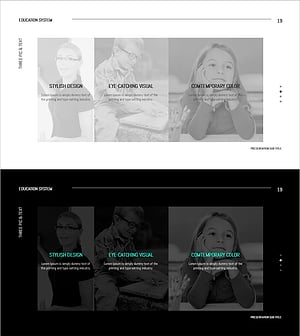
A 2-slide PowerPoint presentation template designed to showcase customer success stories with impact. Features a dark gray background with pink accent color, combining two text message boxes on the left with a customer image on the right. The first slide uses striped border boxes for emphasis, while the second applies colored accent lines (teal and gold) for visual variation. This comparison-style layout effectively communicates customer achievements, product results, and testimonials. Ideal for sales proposals, case study presentations, and marketing materials that require immediate deployment.
Usage Points
-
Main Usage
Effectively communicate customer achievements, testimonials, and product impact through visually compelling message boxes. Builds credibility in investor pitches, client proposals, and marketing presentations by showcasing real-world success.
-
How to Use
Enter customer name and case title in the left message boxes, add performance metrics or key results, and place customer photo or company logo in the right image area. Use the first slide for case overview and the second for detailed outcomes to create a persuasive narrative.
-
Recommended For
Sales teams presenting client proposals, marketing departments showcasing case studies, executives delivering investor presentations, and consulting firms reporting project results. Particularly effective for B2B companies building trust and demonstrating proven success.
-
Slide Structure
Two-slide deck with identical layout: left side contains two text message boxes (dual input areas) with striped or colored borders, right side features customer image space. First slide uses striped borders; second uses colored accent lines (teal/gold) to create visual hierarchy and information flow.
Related Products
-
Man Power Plotting Paper Template – Customer Success Case Inclusion
#Company Introduction #Customer Success Stories #Text Box
-
Social Network Wide Template Diagram – Customer Success Case
#Product/Service Introduction #Customer Success Stories #Diagram
-
Simple & Modern Wide PPT Closed Diagram
#Customer Success Stories #Diagram #Text Box
-
Knowledge Sharing Slide – Product Introduction
#Product/Service Introduction #Text Box #Product/Service Introduction
