




Simple & Modern Wide PPT Closed Diagram
RJ0200058_28
- Last Update 04/15/2025
- File Size 0.8MB
- # of Slides 2
- File Format PPTX
- Slide Ratio 16:9
- Color
Keywords
- #Content-Based Slides
- #Design-Based Slides
- #Customer Success Stories
- #Diagram
- #Text Box
- #Customer Cases and Success Stories
- #Cluster
- #Closed Cluster Diagram
- #Rectangle Text Box
- #16:9
- #closed diagram PowerPoint
- #two-step connected structure slide
- #process diagram template
- #business diagram slide design
- #customer success case study presentation
About the Product
A 2-slide 16:9 widescreen PowerPoint diagram set featuring a closed-structure layout with two white rectangular boxes connected horizontally on a beige background. Each box includes dedicated text input areas for titles and descriptions, enabling clear visualization of sequential processes, relationships, or comparative structures. This minimalist diagram slide is ready to use in business presentations, customer success case studies, and project outcome reports.
Usage Points
-
Main Usage
Designed to visualize relationships between two elements, sequential stages, or comparative structures. Ideal for Before-After scenarios in customer success stories, project progression phases, cause-and-effect relationships, and any two-component relationship visualization.
-
How to Use
Double-click text areas within each box to enter titles and descriptions. Modify colors by right-clicking shapes and selecting fill options. Adjust arrow line thickness and style through the drawing tools menu for customization.
-
Recommended For
Executive reports, marketing strategy presentations, product introductions, customer success case sharing, project outcome reports, organizational improvement proposals, and any business presentation requiring emphasis on two-element relationships.
-
Slide Structure
Beige-toned widescreen background (16:9) with two white rectangular boxes positioned horizontally and connected by a central arrow. Each box contains separate input areas for title and descriptive text, creating clear information hierarchy.
Related Products
-
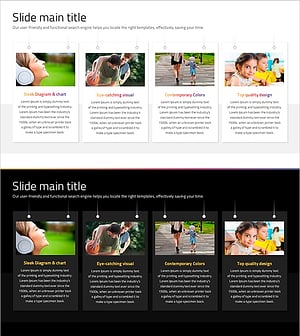
Social Network Wide Template Diagram – Customer Success Case
#Product/Service Introduction #Customer Success Stories #Diagram
-
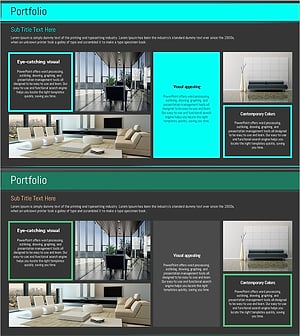
Interior Portfolio Presentation Template – Contemporary Visual Elements
#Slide Type #Diagram #Text Box
-
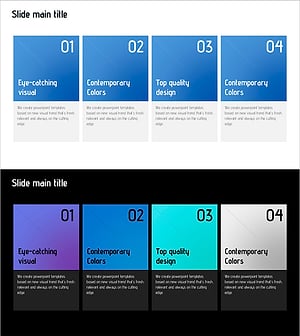
Stylish Design Presentation Template – Setting New Standards for Data Delivery
#Product/Service Introduction #Operational Plan #Diagram
-
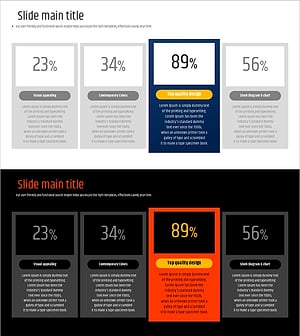
Typographic Wide Template Closed Diagram – Company Introduction and Market Analysis
#Company Introduction #Market and Competitor Analysis #Diagram
