



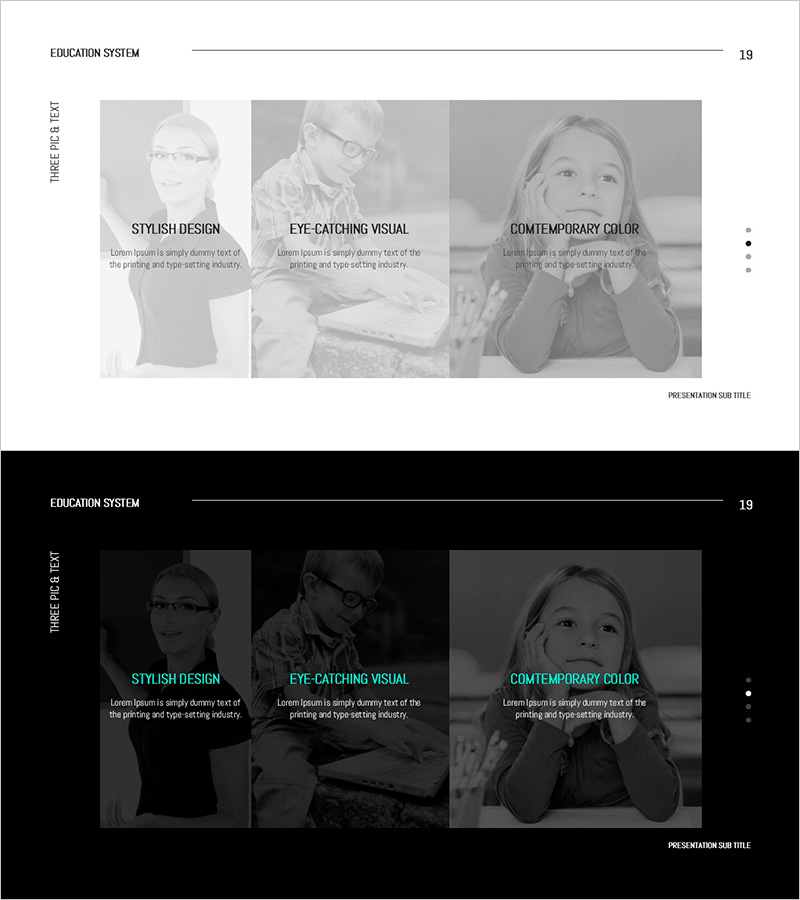
Knowledge Sharing Slide – Product Introduction
RJ0500042_21
- Last Update 06/18/2025
- File Size 0.7MB
- # of Slides 2
- File Format PPTX
- Slide Ratio 16:9
- Color
Keywords
- #Content-Based Slides
- #Design-Based Slides
- #Product/Service Introduction
- #Text Box
- #Product/Service Introduction
- #Benefits and Advantages
- #Rectangle Text Box
- #16:9
- #product introduction PowerPoint slide
- #3-column text box template
- #product description slide design
- #knowledge sharing presentation
- #comparison layout PowerPoint
About the Product
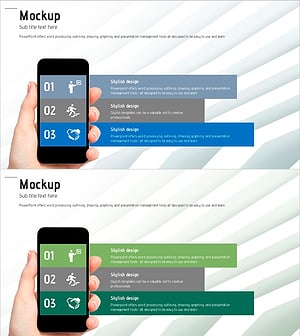
A 2-slide PowerPoint presentation template designed for product introduction and knowledge sharing. Features three independent text box areas on a light gray background, allowing you to input title and descriptive text in each section. Ideal for presenting three key product features, comparing functionalities, or delivering three core messages with equal emphasis. The 16:9 widescreen format suits modern presentation environments, and the fully editable PPTX format enables quick customization for your specific content.
Usage Points
-
Main Usage
Present three key product features, technical specifications, or differentiators simultaneously, or deliver three core messages in a knowledge-sharing session. The balanced, independent text box layout distributes audience attention evenly across all three sections.
-
How to Use
Enter product highlights, technical specs, or user benefits in each text box. Use the title area for category names (e.g., Performance, Reliability, Value), and the body section for detailed explanations. Add images or icons to enhance visual impact and reinforce key points.
-
Recommended For
Product marketing presentations, new product launch events, technical briefings, sales pitches, and internal training sessions. Particularly effective for B2B product introductions and technology company solution explanations where three core value propositions need emphasis.
-
Slide Structure
Two-slide deck with light gray background and three equally-sized text boxes arranged horizontally or vertically on each slide. Each box contains a title area (bold text) and body area (regular text) to establish clear information hierarchy and readability.
Related Products
-
Fantastic Wide PowerPoint Square Text Box – The Perfect Tool for Product Presentations
#Product/Service Introduction #Text Box #Product/Service Introduction
-
Infinite Energy Wide Text Square Box – Introduction of Benefits and Advantages
#Product/Service Introduction #Text Box #Benefits and Advantages
-
Introduction to Services and Features - Intuitive Diagram Design
#Product/Service Introduction #Diagram #Product/Service Introduction
-
Structure Presentation Template Mockup – The New Standard in Business Presentations
#Product/Service Introduction #Text Box #Other
