



Schedule and Subject Stickers for Operational Planning
RJ0500027_17
- Last Update 06/14/2025
- File Size 1MB
- # of Slides 2
- File Format PPTX
- Slide Ratio 16:9
- Color
Keywords
About the Product
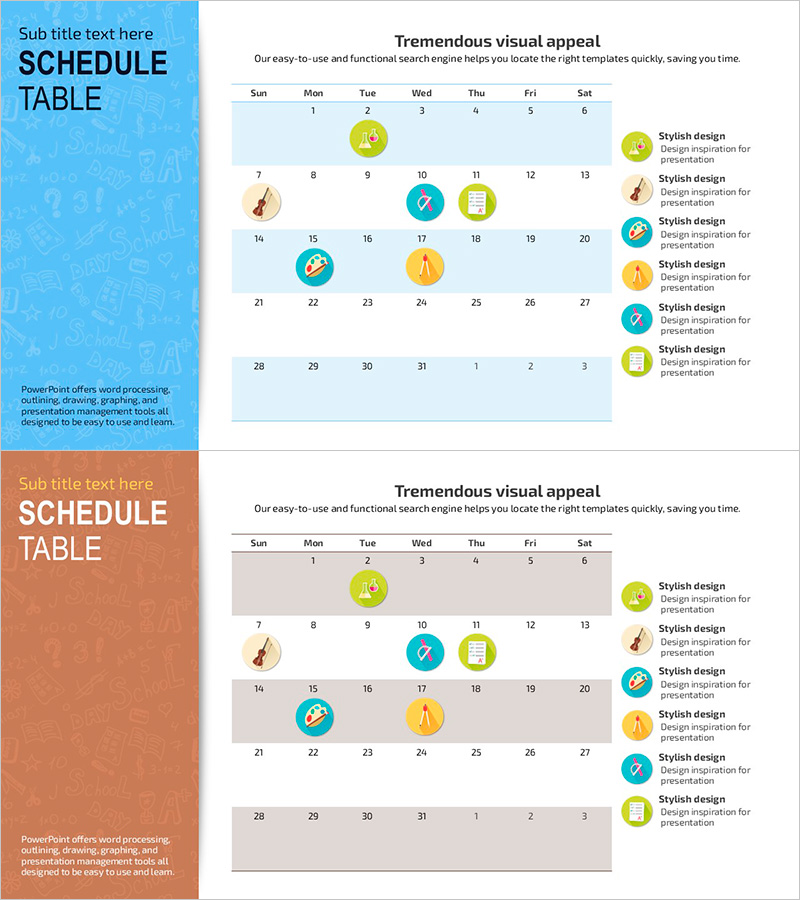
A monthly schedule and operational planning PowerPoint slide featuring a clean calendar layout with dual color schemes (blue and orange versions). Each slide displays a 7-day week grid (Sunday to Saturday) with date cells arranged in a 4-5 week format. Colorful circular sticker icons (music, document, checkmark, clock, star) are positioned on dates to visually distinguish tasks, subjects, or project milestones. The left sidebar provides dedicated text input areas for title and description, making it ideal for project timelines, team schedules, educational curricula, and business planning presentations. Delivered as 2 slides in 16:9 widescreen format, ready to insert directly into your presentation deck.
Usage Points
-
Main Usage
Visualize and present monthly operational schedules, project timelines, educational curricula, and team task assignments. The calendar format combined with color-coded sticker icons enables stakeholders to quickly grasp key dates, milestones, and task dependencies at a glance.
-
How to Use
Enter your project name, department, or schedule overview in the left sidebar text fields. Click the sticker icons on calendar dates to customize colors, shapes, or add descriptive text. Use the blue version for formal business reports and the orange version for educational or training materials. Easily modify dates and add new stickers as needed.
-
Recommended For
Project managers, team leads, training coordinators, and operations planners presenting monthly or quarterly schedules in meetings, status reports, or strategic planning sessions. Ideal for business plans, operational plans, educational curriculum presentations, and cross-functional team synchronization.
-
Slide Structure
Each slide combines a colored left sidebar (title and description area) with a right-aligned calendar table. The calendar grid displays 7 columns (weekdays) and 4-5 rows (weeks) with date cells. Colorful circular sticker icons (5-6 per slide) mark specific dates, and a legend on the right explains each icon's meaning for task categorization.
Related Products
-
Schedule Table and Arrow Sign – Project Timeline Management
#Business Management #Operational Plan #Diagram
-
Blue Pink Calendar Marks – Business Operation Management
#Business Management #Operational Plan #Diagram
-
Color Area Table Schedule Chart – Effective Visualization for Operations Planning
#Operational Plan #Diagram #Capital Investment Plan
-
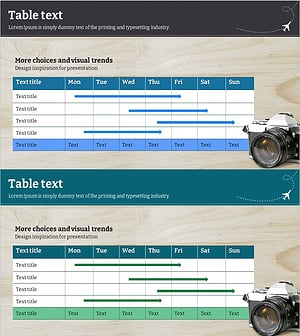
Visualizing Business Schedule with Blue Green Line Graph Slide
#Operational Plan #Diagram #Project Implementation Schedule
