



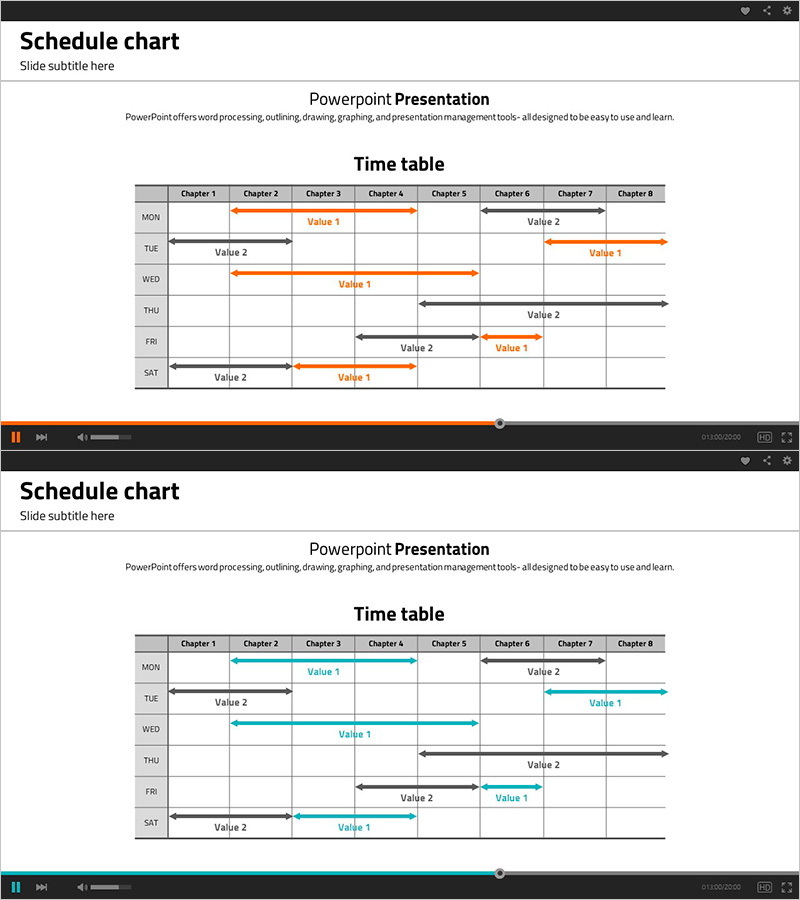
Schedule Table and Arrow Sign – Project Timeline Management
RJ0500016_13
- Last Update 06/11/2025
- File Size 0.2MB
- # of Slides 2
- File Format PPTX
- Slide Ratio 16:9
- Color
Keywords
- #Content-Based Slides
- #Design-Based Slides
- #Business Management
- #Operational Plan
- #Diagram
- #Implementation Schedule
- #Project Implementation Schedule
- #Table
- #Standard Table
- #16:9
- #schedule table PowerPoint
- #project timeline slide
- #horizontal schedule template
- #project management presentation
- #table diagram PPT
- #Gantt-style PowerPoint slide
About the Product
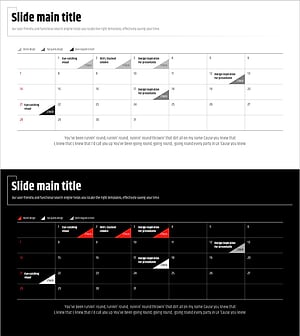
A horizontal schedule table PowerPoint slide designed for visual project timeline management. This template displays work items across 7 chapters and 6 weekdays (MON–SAT) using orange and black arrows to indicate task start, end, and overlap periods at a glance. Two color variations (orange/black and teal/black) are provided for flexible presentation styling. The table format enables clear information organization for business management, operational planning, and project timeline presentations. Fully editable in 16:9 PPTX format.
Usage Points
-
Main Usage
Visualizes project timelines by chapter and weekday, enabling team members to share schedules and track progress efficiently. Clearly displays task start/end points and overlapping periods, making parallel task management and risk identification more effective.
-
How to Use
Select table cells and arrows to input your project's chapter names, work items, and dates. Maintain the orange/black color scheme or customize with your company's brand colors. Insert into business plans, operational plans, or project reports to communicate timelines clearly.
-
Recommended For
Ideal for project managers, team leads, and business coordinators presenting project schedules. Suitable for business plans, project reports, operational plans, project kickoff presentations, and weekly status updates. Applicable across industries including construction, IT, marketing, and manufacturing.
-
Slide Structure
2-slide set featuring a horizontal table with 7 chapter columns (Chapter 1–8) and 6 weekday rows (MON–SAT). Each cell contains color-coded arrows (orange/black or teal/black) indicating task duration, with 'Value 1' and 'Value 2' labels for item names. Two color variations allow selection based on presentation context.
Related Products
-
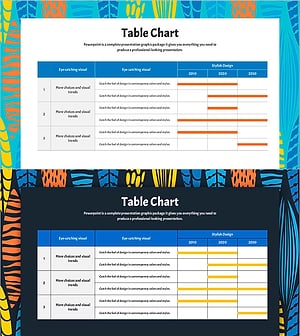
Summer Template Planning Table Chart – Optimizing Business Management and Operations
#Business Management #Operational Plan #Diagram
-
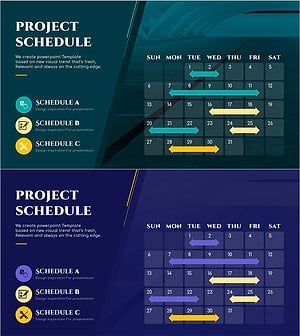
Construction Project Schedule Slide Template - Combining Visualization and Practicality
#Business Management #Operational Plan #Diagram
-
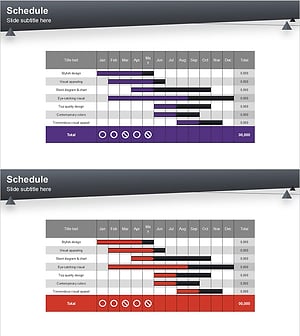
Schedule Slide Template for Efficient Journeys
#Business Management #Operational Plan #Diagram
-
Modern Wide PowerPoint Schedule – Visualization of Business Plans
#Business Management #Operational Plan #Diagram
