



Subject-specific Icons and Flow Diagrams
RJ0500016_8
- Last Update 06/11/2025
- File Size 0.2MB
- # of Slides 2
- File Format PPTX
- Slide Ratio 16:9
- Color
Keywords
- #Content-Based Slides
- #Design-Based Slides
- #Business Strategy
- #Operational Plan
- #Diagram
- #Business Direction
- #Business Processes
- #Flow
- #Linear Flow
- #16:9
- #arrow flow diagram PowerPoint
- #5-step process diagram
- #linear flow chart slide
- #business process PowerPoint
- #how to create flow diagram in PowerPoint
About the Product
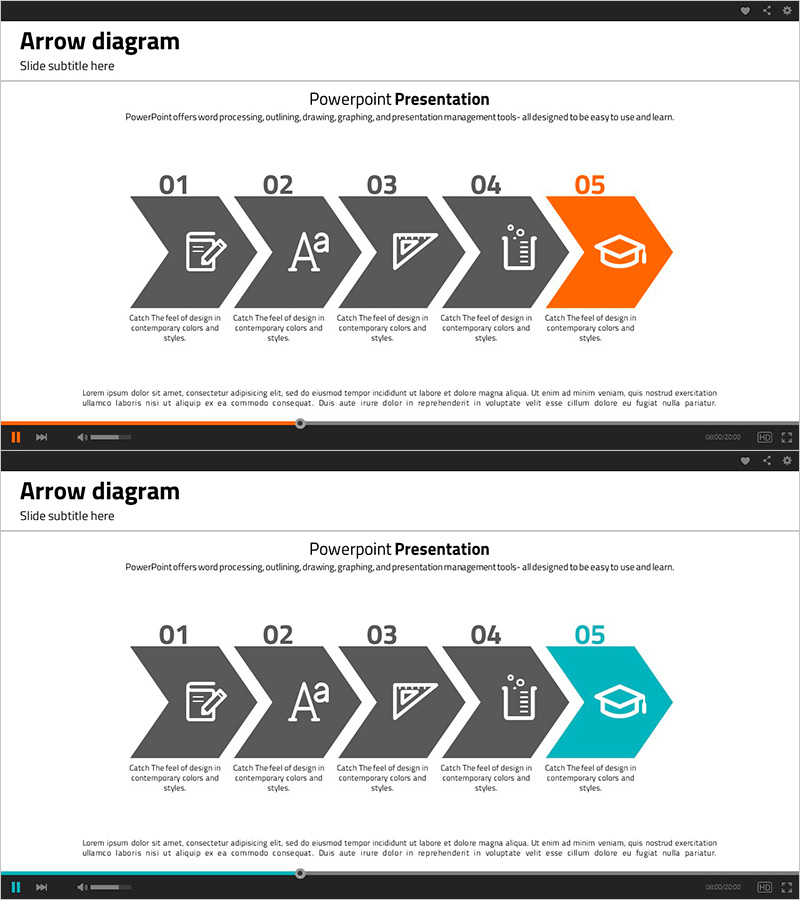
A 2-slide PowerPoint set featuring a 5-step linear arrow flow diagram with icons and text areas for each stage. Ideal for visualizing business processes, educational curricula, and strategic roadmaps. The charcoal gray background with an orange-highlighted final step creates visual hierarchy and draws attention to key outcomes. Delivered in 16:9 widescreen PPTX format, fully editable and ready to integrate into presentations and planning documents.
Usage Points
-
Main Usage
Visualizes sequential workflows, educational stages, and strategic milestones across 5 steps. The orange accent on the final step emphasizes the ultimate goal or critical outcome, making it ideal for highlighting key deliverables or conclusions.
-
How to Use
Replace text in each stage with your process names, course topics, or strategy phases. Swap icons to match your content, and adjust colors or add/remove steps to fit your presentation needs. All elements are fully editable in PowerPoint.
-
Recommended For
Business plans, marketing strategies, product development roadmaps, training seminars, organizational change initiatives, project timelines, and strategic presentations. Suited for executives, team leaders, educators, and consultants presenting multi-phase initiatives.
-
Slide Structure
2 slides total. Slide 1: Charcoal gray background with 5 arrow nodes (01–05) arranged left-to-right, final node highlighted in orange. Slide 2: Identical layout with teal accent on final node. Each node includes icon placeholder and text area for customization.
Related Products
-
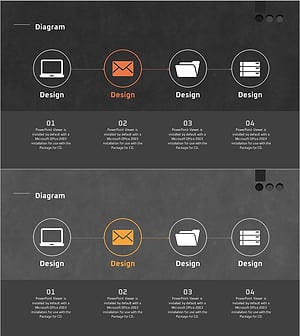
Design Work Process Diagram – Business Strategy
#Business Strategy #Operational Plan #Diagram
-
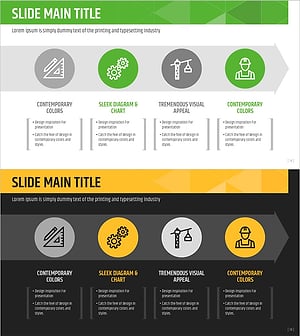
Flowchart of the Construction Propulsion System
#Business Strategy #Operational Plan #Diagram
-
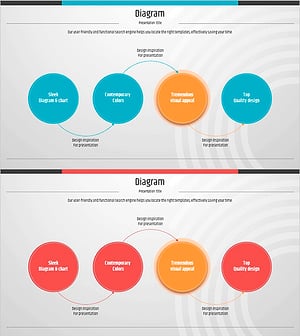
Identity Presentation Wide Circular Connection Diagram
#Business Strategy #Operational Plan #Diagram
-
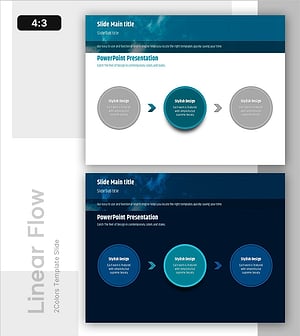
Efficient Workflow – Visualizing Business Strategy Slide
#Business Strategy #Operational Plan #Diagram
