



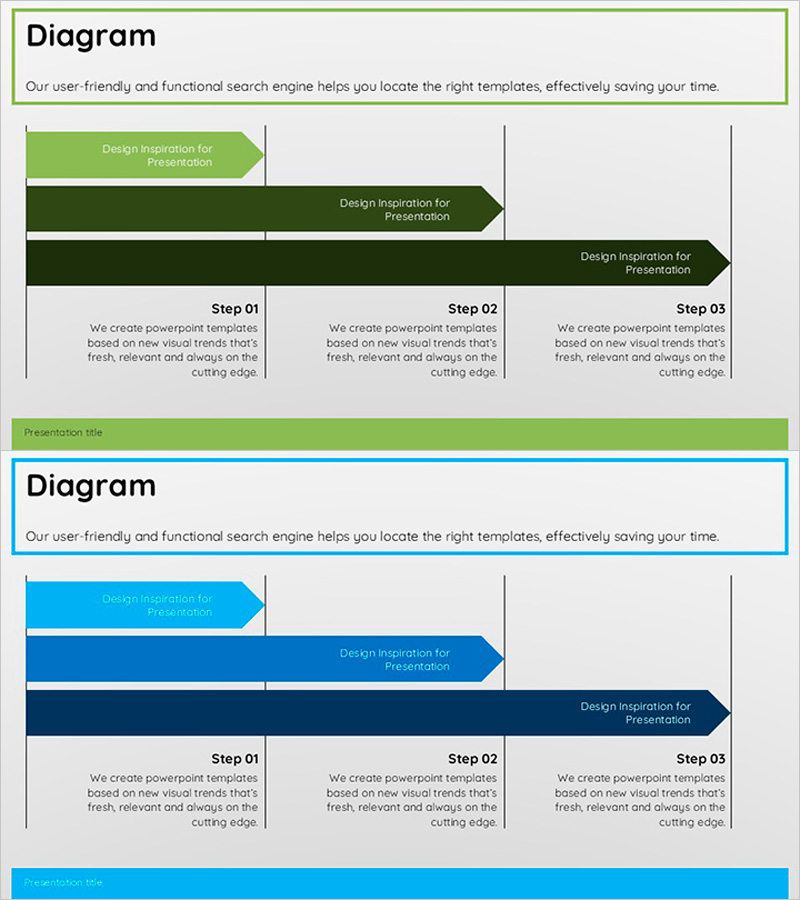
Achievements and Stage Diagram – Visualizing Business Progress
RJ0500005_16
- Last Update 06/08/2025
- File Size 0.2MB
- # of Slides 2
- File Format PPTX
- Slide Ratio 16:9
- Color
Keywords
- #Content-Based Slides
- #Design-Based Slides
- #Business Strategy
- #Operational Plan
- #Diagram
- #Business Processes
- #Flow
- #Linear Flow
- #Project Progress
- #16:9
- #3-stage arrow diagram PowerPoint
- #business progress slide template
- #step-by-step process diagram
- #project milestone visualization
- #how to create process flow in PowerPoint
About the Product
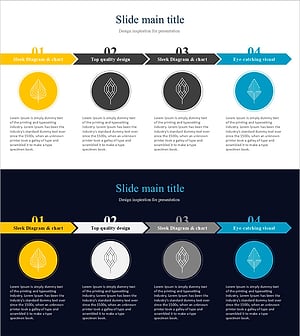
A 3-stage arrow diagram PowerPoint slide that clearly presents business progress and project milestones in sequential order. The slide features three color-coded arrows in lime green, dark green, and navy blue, with detailed description areas beneath each stage to communicate achievements and objectives simultaneously. Designed in 16:9 widescreen format with 2 slides, this presentation template is ready to use in business plans, progress reports, and strategic presentations.
Usage Points
-
Main Usage
The primary goal is to structure business progress into distinct phases and enhance audience comprehension. The 3-stage arrow layout emphasizes linear progression, while text areas below each stage provide supporting details about achievements and objectives. The color gradient (lime to dark to navy) implicitly conveys time progression and increasing complexity.
-
How to Use
Insert this slide into the 'Implementation Strategy' section of business plans or quarterly progress reports. Enter stage names (Step 01/02/03) in the arrow text fields and key activities, achievements, and goals in the description areas below. The arrow direction and color progression automatically communicate timeline flow, minimizing need for additional explanation.
-
Recommended For
Business development managers, project managers, and strategic planning teams presenting progress updates to executives, boards, and external investors. Particularly effective for new product launches, organizational restructuring, system implementation, and other multi-phase projects requiring clear milestone communication.
-
Slide Structure
Two-slide set with the first slide featuring three left-to-right arrows in lime green, dark green, and navy blue, each with Step 01/02/03 labels and detailed description boxes below. The second slide provides the same structure in blue-tone colors, offering color variation options.
Related Products
-
Animal Farm Arrow Flow Linear – Business Strategy
#Business Strategy #Operational Plan #Diagram
-
Transport Icons and Flowcharts – Business Strategy
#Business Strategy #Operational Plan #Diagram
-
Scientific Research Planning Diagram – Business Strategy
#Business Strategy #Operational Plan #Diagram
-
Leaf Graphics and Progress Diagrams – Business Execution Strategy
#Business Strategy #Operational Plan #Diagram
