



Learning Status Graph – Development Status and Achievements
RJ0500004_14
- Last Update 06/08/2025
- File Size 1.8MB
- # of Slides 2
- File Format PPTX
- Slide Ratio 16:9
- Color
Keywords
- #Content-Based Slides
- #Design-Based Slides
- #Product/Service Introduction
- #Technical Approach
- #Graph
- #Other
- #Development Status
- #Research and Development
- #16:9
- #learning status graph PowerPoint
- #horizontal bar chart slide
- #progress comparison PPT
- #development status slide
- #achievement visualization PowerPoint
About the Product
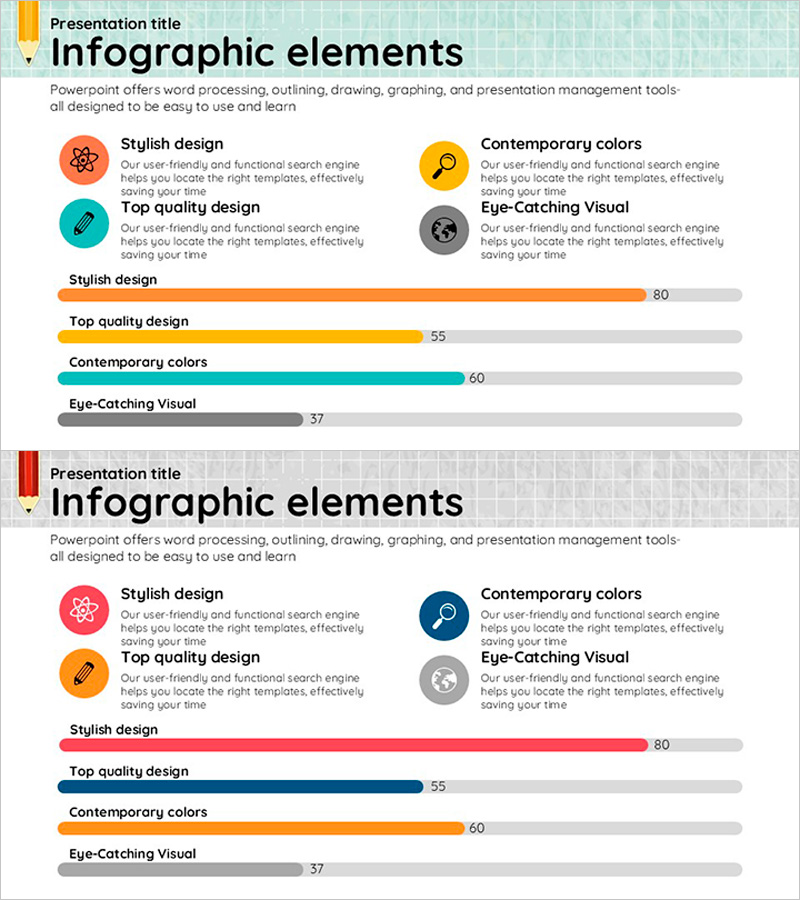
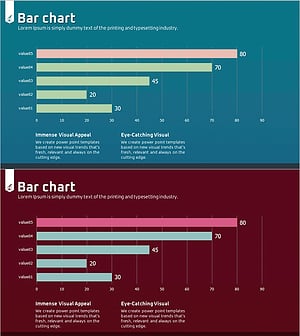
A 2-slide PowerPoint presentation designed to visualize research development and product achievements. The upper section features 4 key elements (Stylish Design, Top Quality Design, Contemporary Colors, Eye-Catching Visual) with icons and descriptive text, while the lower section displays a horizontal bar chart comparing progress metrics (80, 55, 60, 37) for each item. The design uses a vibrant color palette—orange, yellow, teal, and gray—to differentiate each category, optimized for 16:9 widescreen format. Instantly applicable for technology department presentations, product development status reports, and research outcome explanations.
Usage Points
-
Main Usage
Visualize research project progress, product development stage performance, and learning goal achievement rates in a single comparative view to support decision-making. Ideal for weekly/monthly progress reports to technical teams, executive briefings, and investor presentations where performance metrics must be clearly communicated.
-
How to Use
Enter key achievement item names in the 4 icon boxes at the top, then input progress values (0–100) in the horizontal bar chart below. Colors are automatically assigned per item, so you only need to update data without additional formatting. Place the slide in your presentation sequence for technology briefings, research reports, or product development status discussions.
-
Recommended For
R&D team leads, technical managers, product development managers, research directors, and technical sales representatives presenting development progress and achievements in internal meetings, executive reports, and client presentations. Particularly effective when comparing completion rates across multiple project phases.
-
Slide Structure
The slide consists of 2 sections: the upper area contains a title zone and 4 icon boxes (each with item name and description text fields), while the lower area displays a horizontal bar chart with 4 progress bars in distinct colors showing numerical metrics. The color differentiation enables easy comparative analysis.
Related Products
-
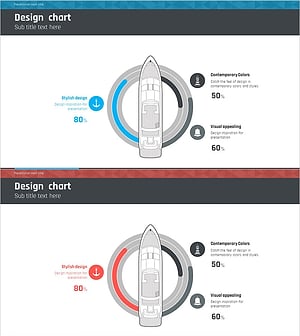
Sailing Travel Project Expected Return on Investment Design Chart
#Product/Service Introduction #Financial Plans and Performance #Graph
-
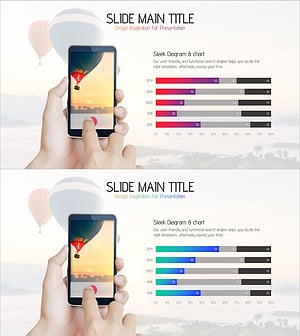
Camera Shooting App Analysis Graph – Visualization and Insights
#Product/Service Introduction #Market and Competitor Analysis #Graph
-
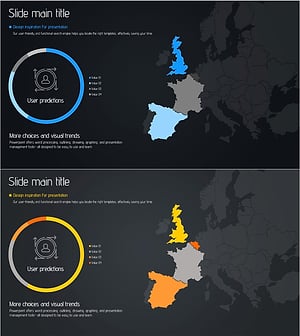
Target Market Analysis Graph – Visualized Data Insights
#Product/Service Introduction #Market and Competitor Analysis #Graph
-
Water Drop Shape Graph – Visualizing Market Share
#Product/Service Introduction #Market and Competitor Analysis #Diagram
