



Introduction Page Related to Children's Education – Emphasizing Creative Design
RJ0500003_4
- Last Update 06/08/2025
- File Size 5.7MB
- # of Slides 2
- File Format PPTX
- Slide Ratio 16:9
- Color
Keywords
- #Content-Based Slides
- #Design-Based Slides
- #Product/Service Introduction
- #Diagram
- #Product/Service Introduction
- #Program Introduction
- #Cluster
- #Closed Cluster Diagram
- #16:9
- #children's education PowerPoint slide
- #closed box diagram presentation
- #education introduction slide
- #3-item box diagram
- #kids learning presentation template
About the Product
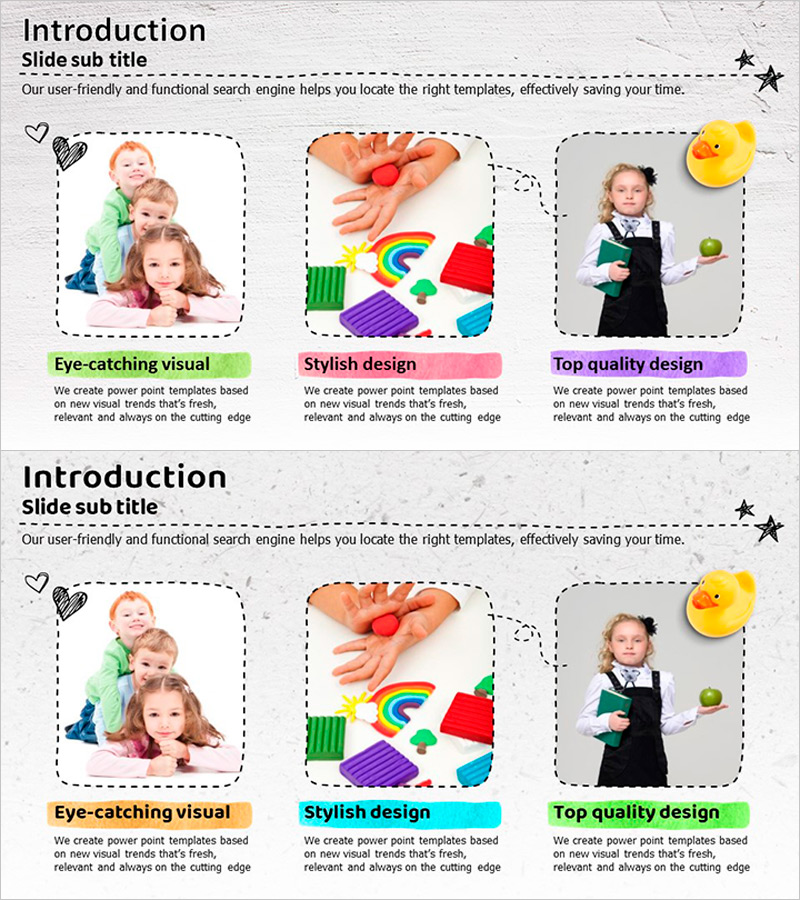
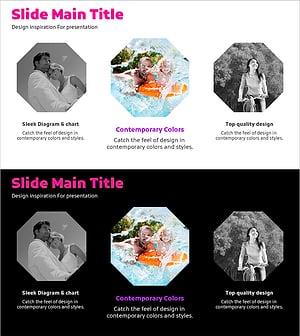
A 2-slide PowerPoint presentation designed for introducing children's education programs. Features three independent closed-box diagrams arranged horizontally, each with a distinct visual image and vibrant background color (lime green, pink, purple). The design uses bright, child-friendly tones with dashed-line frames to create visual separation. Ideal for educational institutions, academies, and childcare facilities. The clear division between image and text areas makes editing straightforward and allows for quick customization of content.
Usage Points
-
Main Usage
Visually highlight and explain three key features or benefits of a children's education program. Each closed box can accommodate a distinct topic (visual learning, creative design, quality education, etc.), combining images and text to enhance information delivery and audience engagement.
-
How to Use
Enter your education program's key features, strengths, or differentiators into each closed box. Replace existing images with photos from your institution and adjust background colors and text to match your brand identity. Use slide 1 for title and overview, slide 2 for detailed descriptions.
-
Recommended For
Perfect for kindergartens, elementary schools, academies, childcare centers, and educational institutions. Suitable for parent information sessions, new student recruitment presentations, education program proposals, and educational authority reports where highlighting children's learning benefits is essential.
-
Slide Structure
2-slide layout with 3 closed-box diagrams arranged horizontally on each slide. Each box features a dashed-line border frame with an image area at the top and a colorful background label with text area below. Three distinct colors (lime, pink, purple) differentiate each item for visual clarity.
Related Products
-
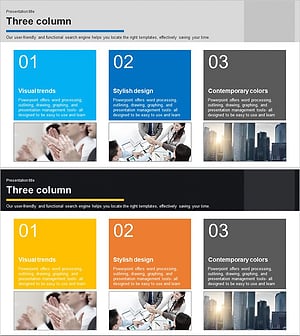
Introduction to the Main Business Services Slide Template – Cluster Diagram
#Product/Service Introduction #Diagram #Product/Service Introduction
-
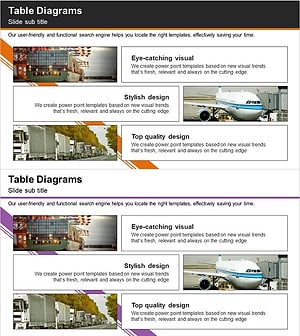
Introduction to Trade Business Transportation – Cluster Diagram
#Product/Service Introduction #Diagram #Product/Service Introduction
-
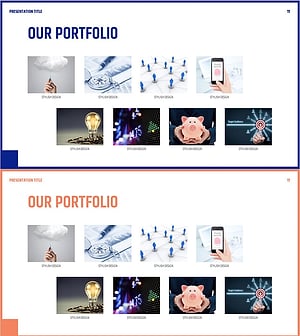
Introduction to Ongoing Business Areas - Stylish Diagram
#Product/Service Introduction #Diagram #Product/Service Introduction
-
Travel Outside Activities Plan Diagram Slide – A New Experience and Adventure
#Product/Service Introduction #Diagram #Product/Service Introduction
