



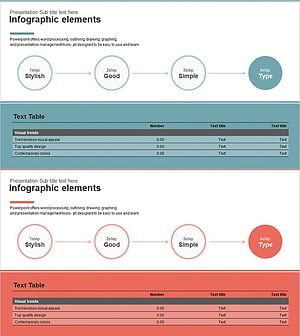
Step-by-step Schedule Diagram – Systematic Execution Strategy
RJ0400060_21
- Last Update 06/03/2025
- File Size 0.4MB
- # of Slides 2
- File Format PPTX
- Slide Ratio 16:9
- Color
Keywords
- #Content-Based Slides
- #Design-Based Slides
- #Business Strategy
- #Business Management
- #Diagram
- #Other
- #Step-by-Step Schedule Plan
- #Implementation Plan
- #Table
- #16:9
- #mobile app feature comparison PPT
- #5-value vertical slide layout
- #service feature PowerPoint template
- #app functionality diagram slide
- #product feature explanation PPT
About the Product
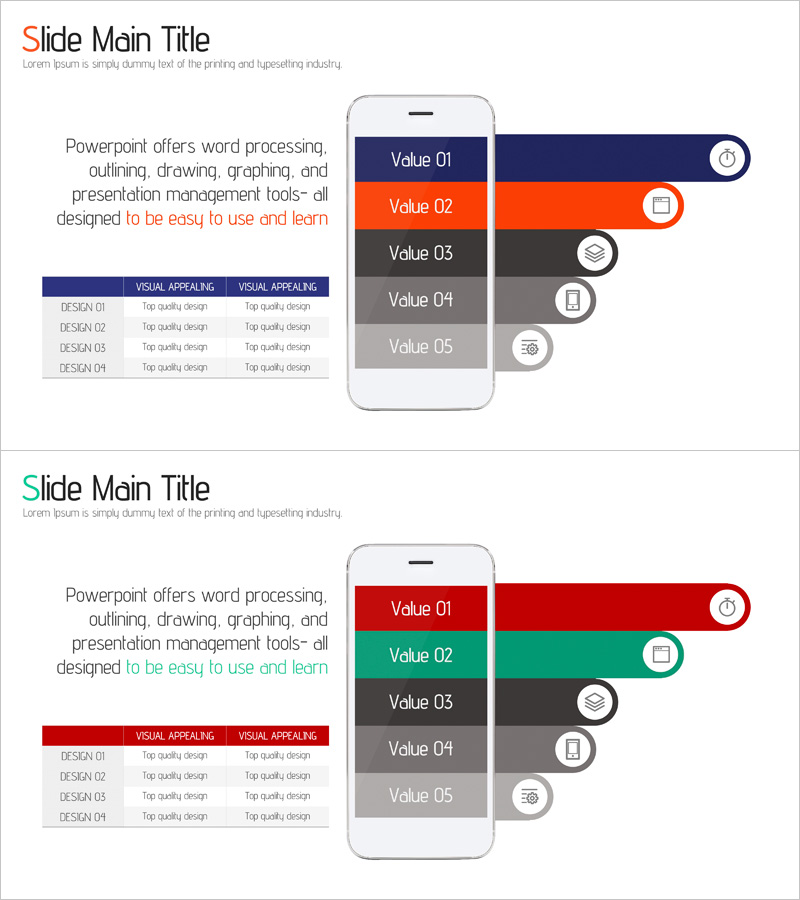
A PowerPoint slide template designed to showcase mobile app or service features through a 5-step value comparison layout. The slide features a smartphone frame in the center with Value 01 through Value 05 arranged vertically, each connected to icons and descriptive labels on the right side. The design uses a dark blue, orange, and gray color palette to create visual hierarchy and information distinction. A text area on the left provides detailed descriptions, while a comparison table below outlines feature specifications. This slide is ideal for product presentations, technology pitches, and service documentation where clear feature explanation is essential.
Usage Points
-
Main Usage
This slide effectively communicates mobile app or web service features by breaking them into five distinct steps with visual hierarchy. Each feature is represented through icons, color differentiation, and descriptive text to enhance audience comprehension. Ideal for product launches, technology presentations, and investor pitches where service differentiation is critical.
-
How to Use
Enter feature names in the Value 01-05 sections on the smartphone frame. Add corresponding icons to the right side of each value. Fill the left text area with feature descriptions and benefits. Complete the comparison table at the bottom with detailed specifications. Adjust colors based on importance or category classification as needed.
-
Recommended For
Perfect for IT startups and software companies presenting product features, mobile app developers explaining functionality, SaaS companies showcasing solutions, technology teams in planning meetings, and investor pitch decks. Suitable for marketing, development, and sales teams across organizations.
-
Slide Structure
The slide uses a two-column layout: left side contains title, descriptive text, and comparison table; right side features a smartphone frame with 5 vertically stacked values, each connected to icons via lines. Two color scheme variations are included (dark blue-orange and red-green) to accommodate different presentation contexts and brand guidelines.
Related Products
-
Step-by-Step Schedule Diagram – Business Strategy and Management
#Business Strategy #Business Management #Diagram
-
Running Silhouette Step Diagram – Stepwise Action Plan
#Business Strategy #Business Management #Diagram
-
Step by Step Diagram of Playing a Musical Instrument - Fundamentals of Music
#Business Strategy #Business Management #Diagram
-
Step by Step Business Plan Diagram – Visualization of Business Strategy
#Business Strategy #Business Management #Diagram
