



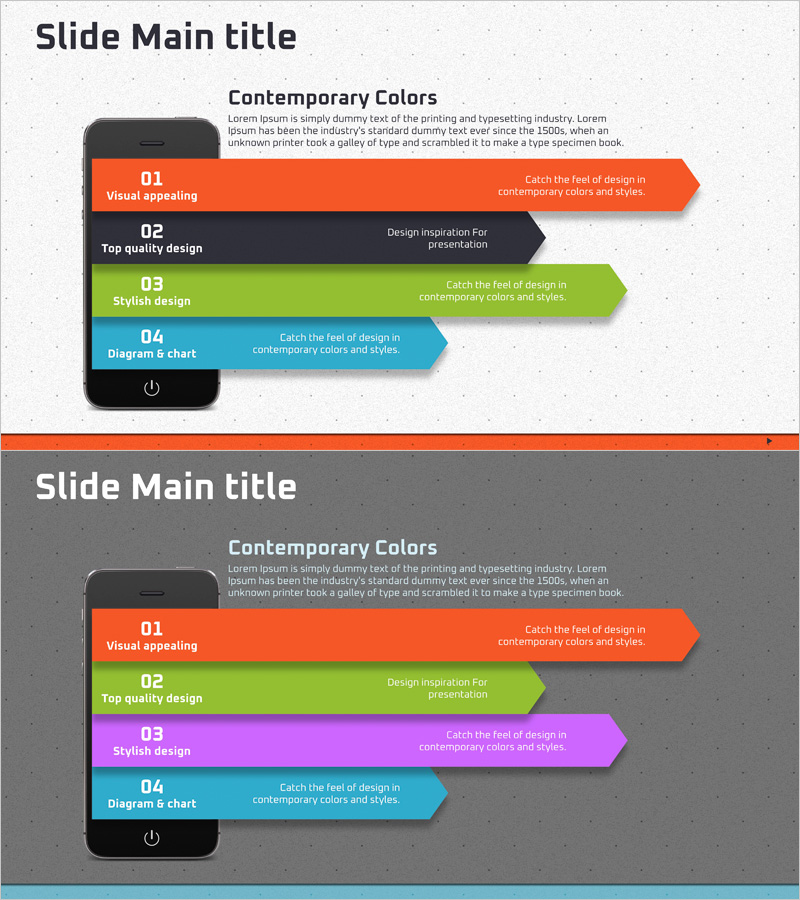
Mobile App Step-by-Step Schedule Planning Diagram
RJ0400051_20
- Last Update 05/31/2025
- File Size 4.8MB
- # of Slides 2
- File Format PPTX
- Slide Ratio 16:9
- Color
Keywords
- #Content-Based Slides
- #Design-Based Slides
- #Business Strategy
- #Business Management
- #Diagram
- #Step-by-Step Schedule Plan
- #Implementation Plan
- #Flow
- #Linear Flow
- #16:9
- #arrow diagram PowerPoint
- #4-step process slide
- #mobile app development presentation
- #sequential flow diagram
- #project timeline PowerPoint slide
About the Product
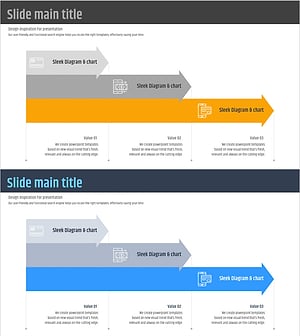
A PowerPoint slide featuring a 4-step arrow diagram that visualizes the mobile app development process. Colorful arrow boxes in orange, black, green, and blue express sequential workflow clearly, with dedicated title and description text areas for each stage. Composed of 2 slides in 16:9 widescreen format, this presentation template is ready to use for business strategy presentations, project scheduling, and phased roadmap discussions. The intuitive arrow-based flow design makes complex processes easy to understand in your PowerPoint presentation.
Usage Points
-
Main Usage
Clearly communicate the 4-phase mobile app development workflow through visual arrow progression. Separate title and description areas for each stage enable detailed information input, while colorful arrow boxes naturally guide audience attention through each step of the process.
-
How to Use
Use in business strategy presentations, project kickoff meetings, development roadmap explanations, and phased timeline sharing. Edit the title and description text in each arrow box to match your specific process, and customize arrow and background colors as needed for your brand.
-
Recommended For
Mobile app development teams, IT project managers, startup founders, technical planners, and marketing professionals explaining development phases, project timelines, and technology roadmaps. Ideal for investor pitch decks, internal reports, and client proposal presentations requiring credible process visualization.
-
Slide Structure
2-slide set with title area and 4 sequential arrow boxes per slide. First slide features light background with orange, black, green, and blue arrows; second slide uses dark background with orange, green, purple, and blue arrows, offering diverse color combinations.
Related Products
-
Schedule Diagram for Scientific Research – Detailed Implementation Plan
#Business Strategy #Business Management #Diagram
-
Schedule Planning Arrow Diagram – Visualization of Business Strategy
#Business Strategy #Business Management #Diagram
-
Export Business Step-by-Step Schedule Plan – Efficient Business Strategy
#Business Strategy #Business Management #Diagram
-
Fintech Promotion Plan Diagram – Structured Visualization of Business Strategy
#Business Strategy #Business Management #Diagram
