



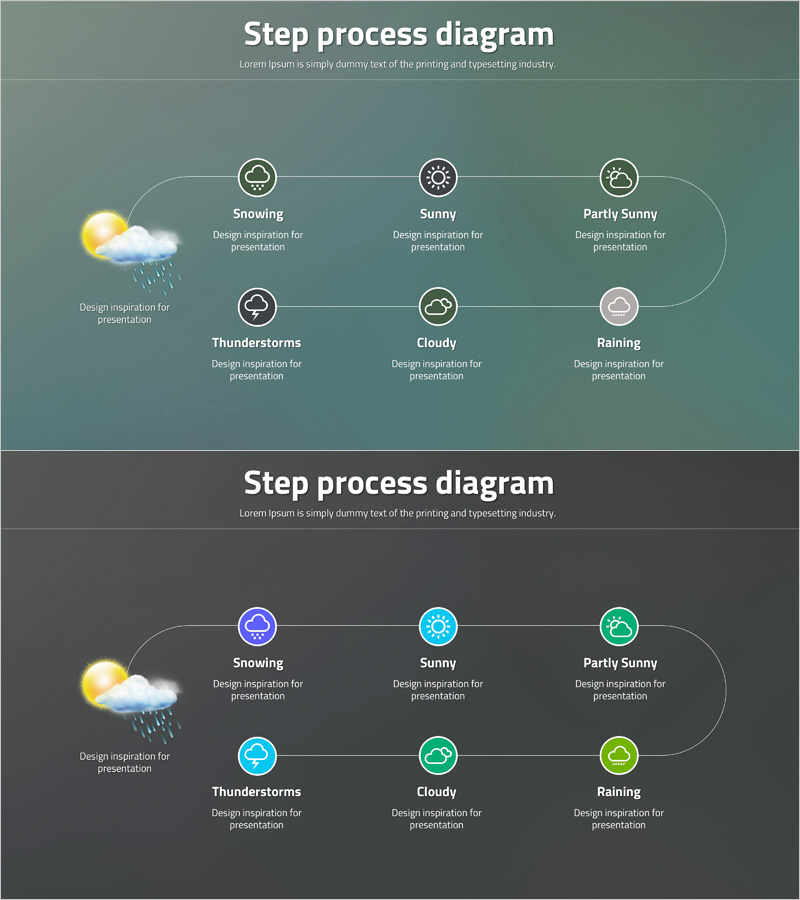
Step-by-Step Process Diagram – Clear Communication Slide
RJ0400044_16
- Last Update 05/28/2025
- File Size 0.5MB
- # of Slides 2
- File Format PPTX
- Slide Ratio 16:9
- Color
Keywords
- #Content-Based Slides
- #Design-Based Slides
- #Business Strategy
- #Operational Plan
- #Diagram
- #Step-by-Step Schedule Plan
- #Business Processes
- #Flow
- #Circular Flow
- #16:9
- #circular process diagram PowerPoint
- #6-step flow diagram
- #business process slide template
- #cycle diagram presentation
- #how to create process flow in PowerPoint
About the Product
A circular process diagram PowerPoint slide that visualizes six sequential steps in a continuous cycle. Weather icons (snowing, sunny, partly sunny, thunderstorms, cloudy, raining) distinguish each stage, while connecting arrows clarify the flow and repetitive nature of the process. Two color versions are provided: a teal background slide and a dark background slide, allowing you to match your presentation's tone. Each node includes a text area for descriptions, making it immediately applicable to project phases, decision-making workflows, product development cycles, and various business communication scenarios.
Usage Points
-
Main Usage
Ideal for explaining repetitive project phases, product development cycles, decision-making workflows, and seasonal changes through visual circular structures. Clearly expresses cause-and-effect relationships and continuity between stages, enhancing audience comprehension.
-
How to Use
Enter stage names and descriptions in each node's text area, and customize icons as needed to match your context. Apply the teal version for bright-toned presentations and the dark version for sophisticated, premium-style presentations.
-
Recommended For
Strategy presentations, product development process explanations, marketing campaign cycle sharing, operational process training, organizational change management, and any business presentation requiring circular structure visualization.
-
Slide Structure
Six nodes arranged clockwise, each containing an icon, stage name, and description text area. Connecting arrows between nodes express the circular flow. An additional explanation area is positioned on the left side. Both slides share the same structure with only color variations.
Related Products
-
Step-by-step Work Schedule Planning – Efficient Operational Strategy
#Business Strategy #Operational Plan #Diagram
-
Step by Step Procedure Square Diagram – Business Strategy
#Business Strategy #Operational Plan #Diagram
-
Circular Flow for Business Advancement
#Business Strategy #Operational Plan #Diagram
-
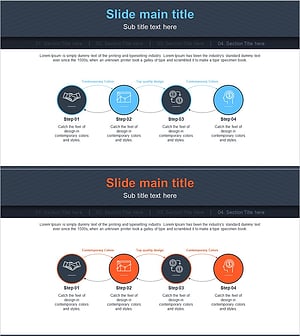
Financial Business Process Diagram – Efficient Workflow
#Business Strategy #Operational Plan #Diagram
