



Website Process Diagram – Effective Operational Planning
RJ0400041_7
- Last Update 05/28/2025
- File Size 0.2MB
- # of Slides 2
- File Format PPTX
- Slide Ratio 16:9
- Color
Keywords
- #Content-Based Slides
- #Design-Based Slides
- #Product/Service Introduction
- #Operational Plan
- #Diagram
- #Product/Service Introduction
- #Business Processes
- #Cluster
- #Chain Diagram
- #16:9
- #connected diagram PowerPoint
- #website process flow slide
- #3-step cluster diagram
- #business process template
- #operational planning PPT slide
About the Product
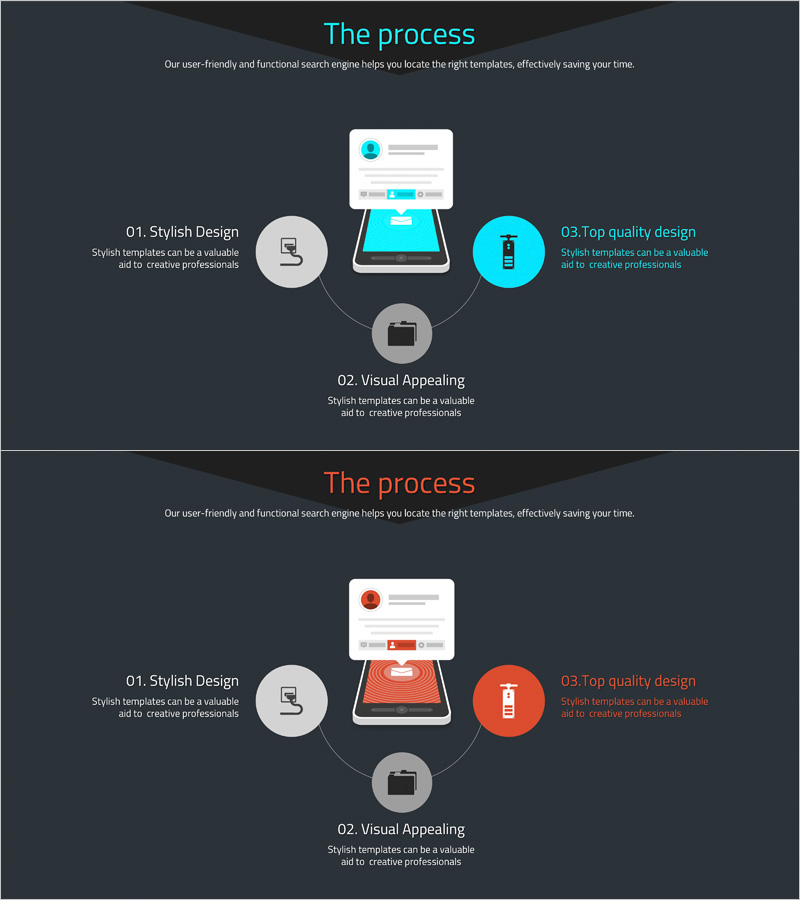
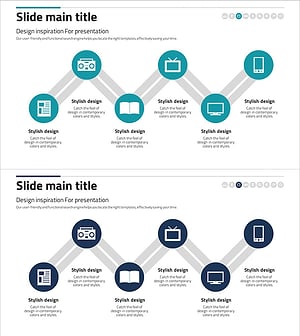
A PowerPoint slide visualizing website operational processes through a 3-step connected cluster diagram. The design features a central folder icon connected to three stages: stylish design (left), visual appeal (center), and top quality design (right). The cyan and gray color palette with circular nodes and straight connector lines clearly distinguishes each process stage. Provided in 2-slide 16:9 PPTX format, this diagram is ready to use for web development team presentations, operational planning discussions, system architecture explanations, and marketing process overviews in business settings.
Usage Points
-
Main Usage
Optimized for explaining website development, operations, and marketing processes through a 3-step connected structure. The cluster diagram radiates from a central element to three stages on the left, center, and right, intuitively conveying each stage's role and interconnections. Ideal for system architecture, business process workflows, and operational planning presentations.
-
How to Use
Insert into company profile business operations sections, proposal implementation strategy pages, or business plan operational strategy slides to visualize process flows. Customize node text labels to match your specific process stages and adjust colors to align with brand guidelines. During presentations, highlight each stage sequentially to enhance audience comprehension of the workflow.
-
Recommended For
Recommended for web development agencies, digital marketing firms, and IT consulting companies presenting business operations. Suitable for product development teams, operations management teams, and marketing departments explaining their workflows. Effective for investor presentations, client proposals, internal training materials, and various business communication scenarios.
-
Slide Structure
2-slide set featuring identical 3-step connected cluster layouts in different color schemes: first slide in cyan tones, second slide in orange tones. Each slide centers on a folder icon with three circular nodes connected by straight lines, optimized for 16:9 widescreen format with balanced spacing and clear visual hierarchy.
Related Products
-
Construction Technology Connection Diagram – Product/Service Introduction
#Product/Service Introduction #Operational Plan #Diagram
-
Business Process Procedure Diagram – Effective Business Management
#Business Management #Operational Plan #Diagram
-
Idea Development Plan Diagram – Business Strategy
#Business Strategy #Operational Plan #Marketing Plan and Strategy
-
Business Process Connection Diagram – Strategic Network Visualization
#Business Vision and Strategy #Operational Plan #Diagram
