



Business Process Procedure Diagram – Effective Business Management
RJ0300067_9
- Last Update 05/07/2025
- File Size 22.4MB
- # of Slides 2
- File Format PPTX
- Slide Ratio 16:9
- Color
Keywords
- #Content-Based Slides
- #Design-Based Slides
- #Business Management
- #Operational Plan
- #Diagram
- #Execution Plan
- #Business Processes
- #Cluster
- #Chain Diagram
- #16:9
- #business process diagram PowerPoint
- #5-step connection diagram
- #process flow PowerPoint slide
- #workflow diagram template
- #PowerPoint diagram slide design
About the Product
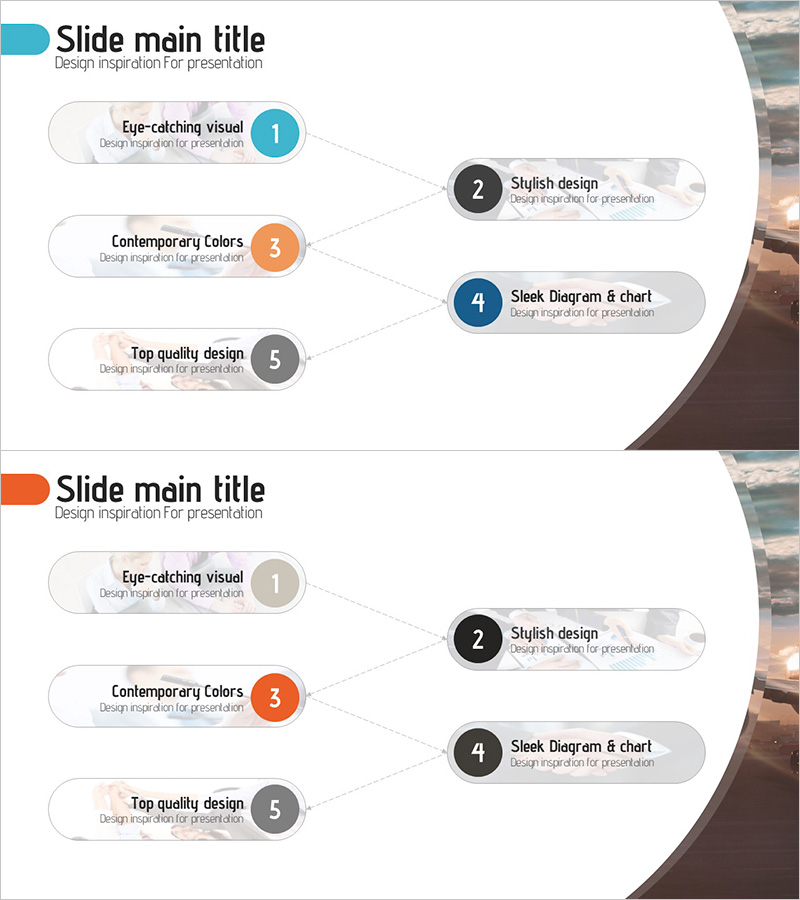
A connection diagram PowerPoint slide that visualizes a 5-step business workflow with circular nodes linked by directional arrows. Each stage is clearly distinguished using blue, orange, and gray accent colors to represent priority levels. The slide features editable text areas within each node, allowing you to input specific process names and details directly. Provided in a 2-slide set with alternative layouts, optimized for 16:9 widescreen format. This PowerPoint slide is ready to use for business management presentations, operational planning reports, and process improvement discussions.
Usage Points
-
Main Usage
Visually represents sequential business workflow stages to clearly communicate organizational procedures and process steps. The arrow connections between nodes illustrate the logical flow and dependencies, making complex processes easy to understand at a glance.
-
How to Use
Enter process stage names into each circular node and adjust colors to indicate priority levels as needed. Use this slide when presenting business management strategies, operational plans, or process improvement initiatives. Ideal for team meetings, stakeholder briefings, and onboarding sessions where workflow clarity is essential.
-
Recommended For
Business managers, operations directors, process improvement specialists, and team leads presenting organizational workflows. Suitable for business management presentations, operational planning reports, process improvement proposals, team onboarding training, and cross-functional workflow documentation.
-
Slide Structure
2-slide set featuring 5 circular nodes sequentially connected by directional arrows. The first slide uses blue, orange, and gray accent colors; the second provides an alternative layout option. All nodes include editable text fields, and the design is optimized for 16:9 widescreen displays.
Related Products
-
Navigation Program App Process and Implementation Plan - Enhancing Business Performance
#Business Management #Operational Plan #Diagram
-
Denim PPT Connection Diagram – Ideal for Business Management and Operational Plans
#Business Management #Operational Plan #Diagram
-
Construction Business Process Diagram – Visualize Effective Workflows
#Business Management #Operational Plan #Diagram
-
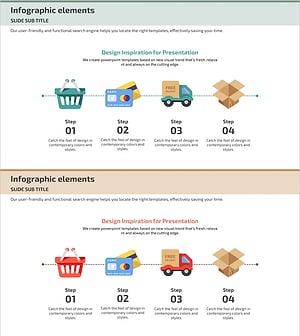
Diagram Illustrating the Internet Shopping Process
#Business Management #Operational Plan #Diagram
