



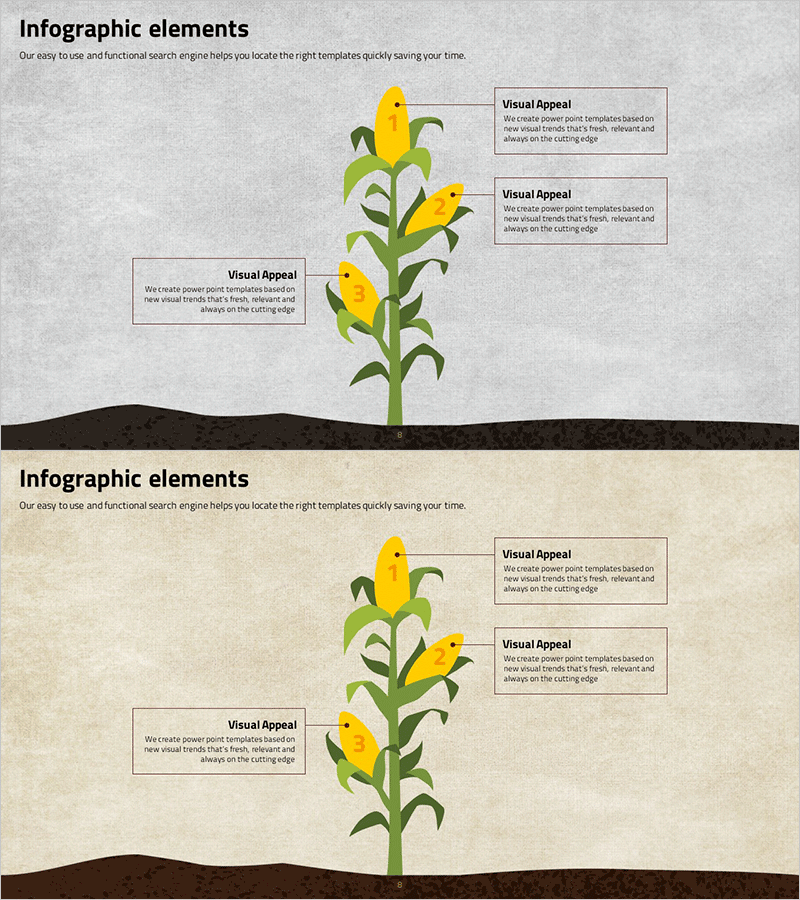
Corn Shape Target Diagram – Visualizing Business Vision and Strategy
RJ0400031_7
- Last Update 05/26/2025
- File Size 8MB
- # of Slides 2
- File Format PPTX
- Slide Ratio 16:9
- Color
Keywords
About the Product
A radial diagram PowerPoint slide featuring a corn-shaped center point with three directional branches extending outward. The design combines yellow corn and green stem illustrations against gray and beige backgrounds, creating a natural metaphor for business vision, strategy, and goal expansion. Three text boxes are positioned around the diagram for detailed explanations at each level. The 2-slide set includes multiple color variations (gray background, beige background, white background) optimized for 16:9 widescreen presentations. Ideal for business planning, strategic roadmaps, organizational goal communication, and growth-focused presentations.
Usage Points
-
Main Usage
Visualizes how a central core vision expands into three strategic pillars or initiatives. Perfect for illustrating business objectives, marketing strategies, organizational structures, or any concept that radiates from a central point outward. The corn metaphor naturally conveys growth, development, and harvest themes.
-
How to Use
Enter your core objective in the central corn area (e.g., '2024 Business Goal'), then fill the three surrounding text boxes with strategic pillars (e.g., 'Product Development', 'Market Expansion', 'Customer Success'). Switch between color variations to differentiate sections or match presentation themes.
-
Recommended For
Executives, strategy managers, marketing directors, and project leaders presenting organizational vision, business strategy, and goal achievement roadmaps. Suitable for employee training, shareholder meetings, strategic planning sessions, and new hire orientations.
-
Slide Structure
2-slide set: Slide 1 features gray background with corn center and 3 text boxes (left, right, top); Slide 2 uses beige background with identical layout. Each text box accommodates 50–80 characters, with connecting lines between the corn illustration and text boxes to enhance visual flow.
Related Products
-
Step-by-step Business Objectives Diagram – Execution Roadmap for Vision Realization
#Product/Service Introduction #Business Vision and Strategy #Diagram
-
The Serious Problem of Drug Addiction – Infographic Featuring Clusters and Connections
#Product/Service Introduction #Business Vision and Strategy #Diagram
-
Cluster Diagram for Cosmetic Ingredients
#Product/Service Introduction #Diagram #Features
-
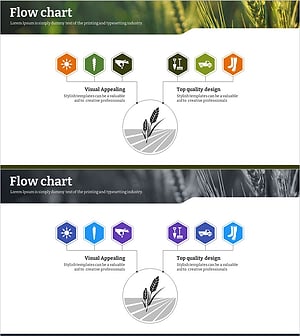
Eco-Farming Characteristics Icon – Sustainable Agriculture
#Product/Service Introduction #Technical Approach #Diagram
