



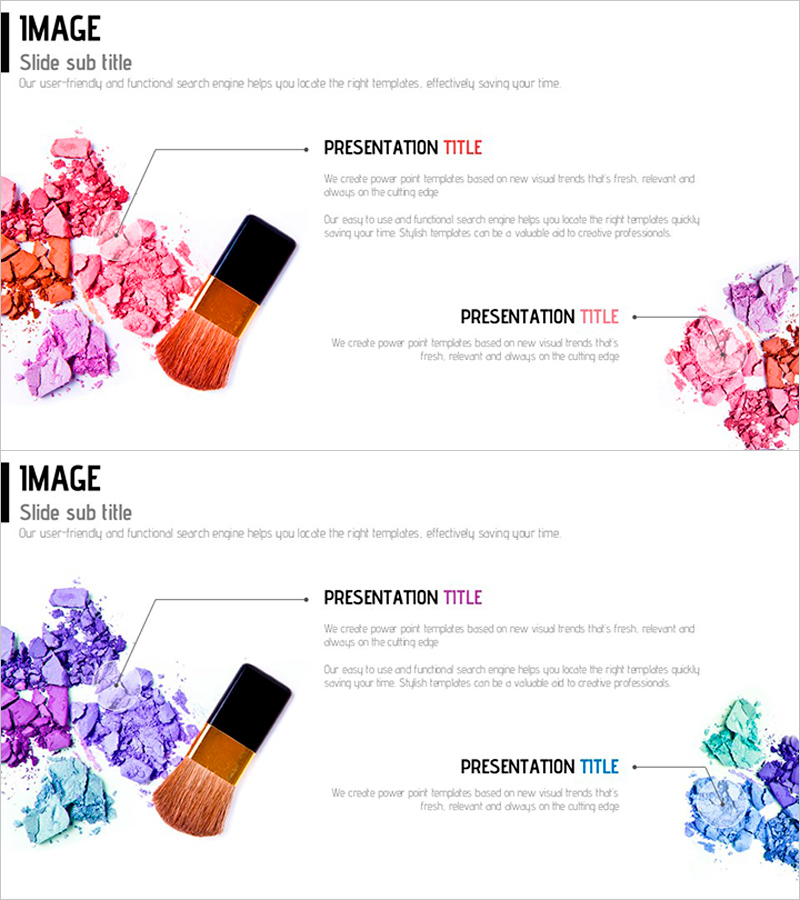
Cluster Diagram for Cosmetic Ingredients
RJ0600010_16
- Last Update 06/23/2025
- File Size 1.5MB
- # of Slides 2
- File Format PPTX
- Slide Ratio 16:9
- Color
Keywords
About the Product
A cluster diagram PowerPoint slide that visually represents cosmetic product ingredients and their relationships. The design features a central node structure that radiates outward to multiple satellite nodes, making it easy to show ingredient categories, functions, and connections at a glance. The watercolor splash background in pink, orange, and purple tones combined with black arrow lines creates a modern, professional aesthetic. Ample text areas allow you to input ingredient names, benefits, and concentrations. The 2-slide set is perfect for introducing multiple product lines, and the 16:9 widescreen format is optimized for contemporary presentation environments.
Usage Points
-
Main Usage
Ideal for cosmetic and beauty product presentations where you need to organize and communicate key ingredients, functions, and features in a hierarchical, easy-to-understand format. The node-based structure clearly shows ingredient relationships and helps emphasize product differentiation.
-
How to Use
Enter the primary ingredient name in the central node, then add specific ingredients, functions, and benefits to the surrounding satellite nodes. Double-click each text box to edit content, and customize node colors as needed. Use both slides to showcase different ingredient structures for multiple product lines.
-
Recommended For
Recommended for cosmetic and beauty companies presenting product introductions, marketing pitches, and new product launches. Ideal for beauty consultants, product managers, and marketing professionals explaining ingredient composition, efficacy, and target skin types.
-
Slide Structure
2-slide set with a radial cluster design: 1 central node connected to 6 satellite nodes (3 on left, 3 on right). Watercolor background in pink, orange, and purple with black connecting arrows and text input areas. 16:9 widescreen format for modern presentation standards.
Related Products
-
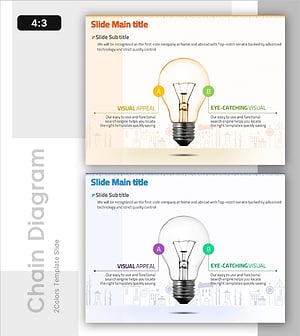
Key Elements of Early Education Programs – Slides for Creative Thinking
#Product/Service Introduction #Diagram #Features
-
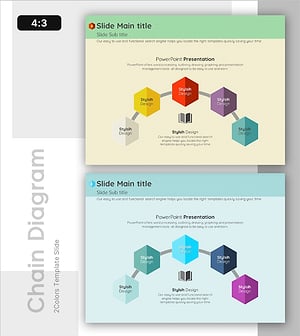
Hexagonal Element Connection for Service and Business Introduction
#Product/Service Introduction #Business Introduction #Diagram
-
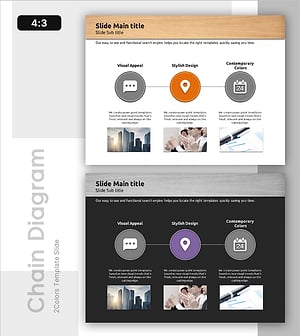
Stylish Section Divider for a Focused Office Mood
#Product/Service Introduction #Diagram #Features
-
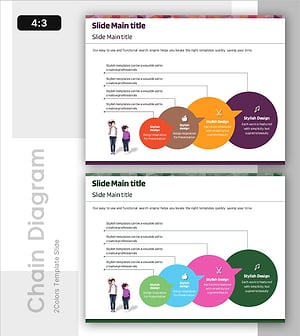
Overview of Learning Activities – Efficient and Creative Presentation
#Product/Service Introduction #Diagram #Features
