



Introducing Services for Business Partners – Icon Box Diagram
RJ0300087_13
- Last Update 05/13/2025
- File Size 0.2MB
- # of Slides 2
- File Format PPTX
- Slide Ratio 16:9
- Color
Keywords
- #Content-Based Slides
- #Design-Based Slides
- #Product/Service Introduction
- #Business Strategy
- #Diagram
- #Product/Service Introduction
- #Step-by-Step Schedule Plan
- #Cluster
- #Closed Cluster Diagram
- #16:9
- #icon box diagram PowerPoint
- #3-item comparison slide
- #service introduction presentation
- #business partner slide template
- #icon box PPT slide design
About the Product
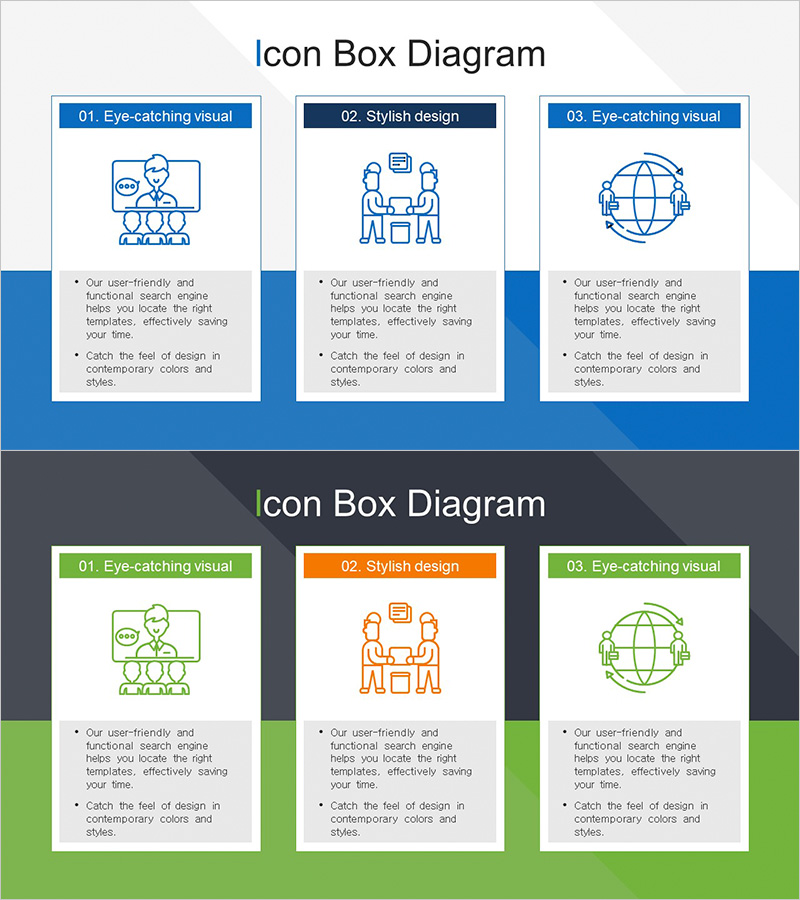
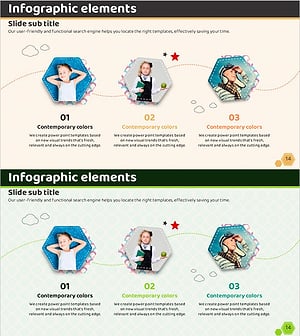
A professional icon box diagram PowerPoint slide designed to introduce services for business partners across three distinct categories. Each box features a custom icon, clear header label, and dedicated text area for detailed descriptions. The slide deck includes two color variations—blue and green versions—allowing flexible brand alignment. The layout emphasizes visual clarity and information hierarchy, making it ideal for presenting service offerings to corporate clients or partners. Provided in 16:9 widescreen format with 2 fully editable slides in PPTX format.
Usage Points
-
Main Usage
Present three service categories or offerings to business partners and corporate clients with visual impact. The icon-based layout helps audiences quickly grasp service distinctions and key benefits, improving engagement and message retention during presentations.
-
How to Use
Replace the header text in each box with your service category names. Edit the description text below each icon to highlight service features and benefits. Choose between the blue or green color version based on your company branding. Icons can be customized to match your service types.
-
Recommended For
B2B sales presentations, partner briefings, client proposal meetings, service portfolio showcases, and corporate training sessions. Ideal for marketing teams, business development professionals, and sales executives presenting to enterprise clients.
-
Slide Structure
Two-slide deck with identical layout featuring three horizontally arranged icon boxes per slide. First slide uses blue header with green accent footer; second slide features green header with orange center accent. Each box contains three elements: icon, label header, and descriptive text area for maximum flexibility.
Related Products
-
Science Icon Square Text Description Box
#Product/Service Introduction #Technical Approach #Diagram
-
VR Service Area Illustration Diagram – Vision of Future Services
#Company Introduction #Product/Service Introduction #Diagram
-
Design Slide Ideal for Storage Product Introduction – Innovation and Efficiency
#Business Strategy #Diagram #Production Plan
-
Hexagon Photo and Descriptive Text Slide – Key Format for Product Introduction
#Product/Service Introduction #Diagram #Product/Service Introduction
