



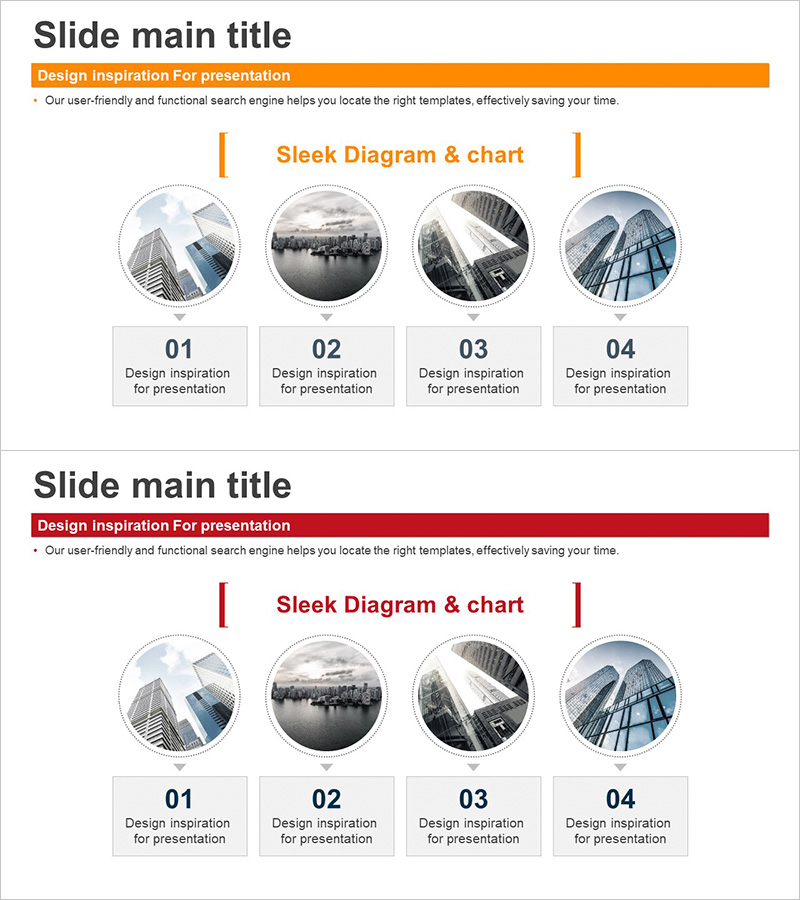
Step-by-Step Business Progress Diagram – 4 Steps for Efficient Operations
RJ0300064_10
- Last Update 05/05/2025
- File Size 18.8MB
- # of Slides 2
- File Format PPTX
- Slide Ratio 16:9
- Color
Keywords
- #Content-Based Slides
- #Design-Based Slides
- #Business Strategy
- #Operational Plan
- #Diagram
- #Step-by-Step Schedule Plan
- #Business Processes
- #Cluster
- #Closed Cluster Diagram
- #16:9
- #4-step diagram PowerPoint
- #circular image slide
- #business progress PowerPoint
- #step-by-step process diagram
- #how to create process diagram in PowerPoint
About the Product
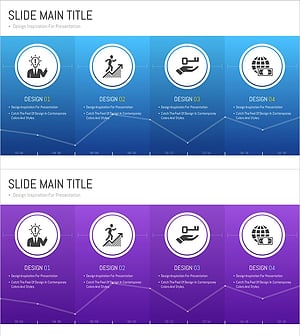
A 4-step circular image diagram PowerPoint slide designed to visualize business progress, project phases, and operational planning. Each step features a circular image area paired with descriptive text space, enabling clear communication of project status and strategic execution phases. The design uses orange and red accent bars to distinguish sections, incorporating professional business and architectural imagery in an infographic layout. The 16:9 widescreen format with 2 slides is ready for immediate presentation use, with fully editable colors and images for customization.
Usage Points
-
Main Usage
Presents 4 sequential business phases or project stages using both circular images and descriptive text, enhancing audience comprehension through dual-channel information delivery. The combination of visual imagery and text explanation maximizes information retention and clarity in strategic presentations.
-
How to Use
Insert this slide into business plans, strategy presentations, or operational reports within the 'Implementation Strategy' or 'Execution Plan' sections. Replace the circular image areas with relevant phase-specific visuals, add step names and descriptions in the text boxes below, and adjust accent bar colors to match your project theme or corporate branding.
-
Recommended For
Ideal for executives, project managers, and business leads presenting phased initiatives. Particularly effective in construction, real estate, IT, and manufacturing industries where sequential processes are critical. Suitable for investor presentations, board meetings, and internal progress reports requiring visual progress tracking.
-
Slide Structure
2-slide set with 4 circular image placeholders (approximately 80px diameter) arranged horizontally on each slide. Each circle is paired with a numbered label (01–04) and text description box below. Top section features an orange or red accent bar with title area. Overall layout maintains left-right symmetry with balanced spacing throughout.
Related Products
-
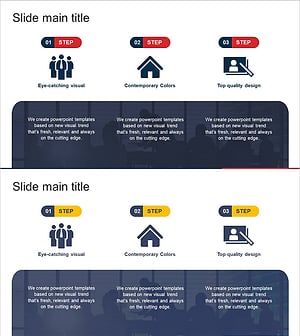
Business Step-by-Step Solutions - STEP 3
#Business Strategy #Operational Plan #Diagram
-
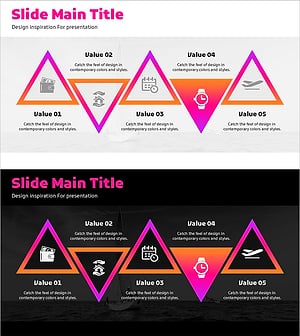
Accommodation Reservation Diagram – Effectively Communicate Business Strategy
#Business Strategy #Operational Plan #Diagram
-
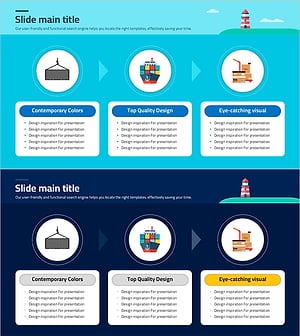
Slide Visualizing Logistics and Transport Procedures
#Business Strategy #Operational Plan #Diagram
-
Banking Service Process Diagram
#Business Strategy #Operational Plan #Diagram
