



Pencil Shape Diagram – Cluster for Business Introduction
RJ0300059_11
- Last Update 05/04/2025
- File Size 0.8MB
- # of Slides 2
- File Format PPTX
- Slide Ratio 16:9
- Color
Keywords
- #Content-Based Slides
- #Design-Based Slides
- #Company Introduction
- #Business Introduction
- #Diagram
- #Business Areas
- #Business Areas
- #Cluster
- #Chain Diagram
- #16:9
- #pencil diagram PowerPoint
- #cluster diagram slide
- #hexagon connection template
- #business introduction PPT diagram
- #3-item relationship chart PowerPoint
About the Product
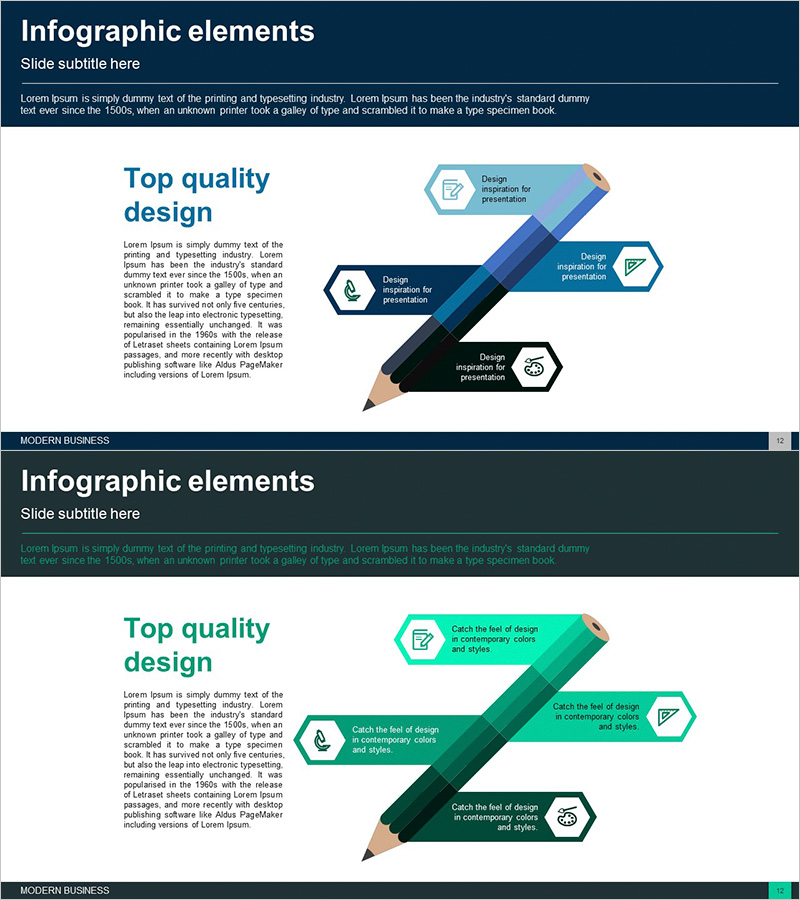
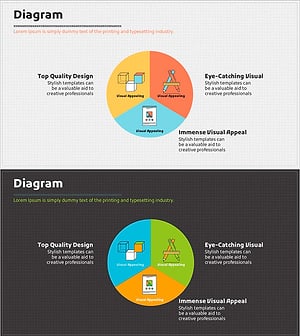
A cluster diagram PowerPoint slide featuring three hexagonal nodes connected in a pencil-shaped layout. The design uses a gradient background in dark blue, black, and light blue tones, with hexagonal text boxes positioned along the pencil graphic. Each node includes an icon placeholder and text input area for presenting three related items such as business divisions, core competencies, or service areas. This slide effectively visualizes organizational structure, business domains, and key values in company introduction and business overview presentations. The 16:9 widescreen format includes 2 slides ready for immediate editing.
Usage Points
-
Main Usage
Visually represent the relationships and connections between three related items (business divisions, core competencies, service areas, organizational structure) in company and business introduction presentations. The hexagonal node structure emphasizes equal importance of each item while demonstrating overall integration.
-
How to Use
Enter item names and descriptions in each hexagonal text box and customize icons as needed. Maintain the dark blue, black, and light blue color scheme or modify to match company brand colors. The pencil background graphic reinforces creativity, planning, and innovation messaging.
-
Recommended For
Ideal for business planning teams, marketing departments, and executive presentations. Suitable for new business introductions, organizational structure explanations, and core competency highlights. Applicable to startups, SMEs, and large corporations for business briefings, investor presentations, and internal reports.
-
Slide Structure
2-slide set. The first slide features a title area with three hexagonal nodes arranged along a pencil graphic background. Each node contains an icon placeholder, text input area, and description text. The second slide uses the same layout for additional explanations or detailed content input.
Related Products
-
Pentagonal Star Diagram – Cluster for Business Introduction
#Company Introduction #Business Introduction #Diagram
-
Internet of Things Service Area Diagram – Business Introduction and Visualization
#Company Introduction #Business Introduction #Diagram
-
Fountain Pen Business Area Diagram – Overview for Business Presentation
#Company Introduction #Business Introduction #Diagram
-
Writing Instrument Pie Diagram – Business Introduction Slide
#Company Introduction #Business Introduction #Diagram
