



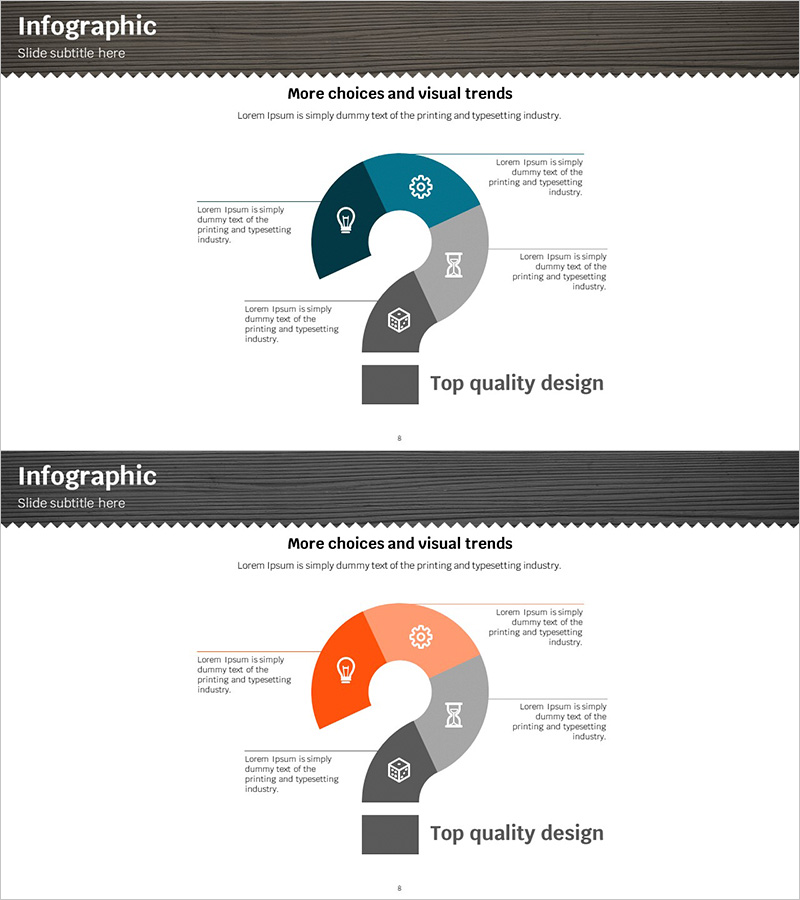
Question Mark Shape Diagram – Infographic for Business Introduction
RJ0300050_7
- Last Update 05/01/2025
- File Size 1.4MB
- # of Slides 2
- File Format PPTX
- Slide Ratio 16:9
- Color
Keywords
- #Content-Based Slides
- #Design-Based Slides
- #Company Introduction
- #Business Introduction
- #Diagram
- #Business Areas
- #Business Areas
- #16:9
- #question mark diagram PowerPoint
- #4-section infographic slide
- #business introduction presentation
- #business diagram PowerPoint template
- #infographic PPT slide design
About the Product
A question mark-shaped 4-section diagram PowerPoint slide optimized for business introduction and marketing presentations. This 2-slide set features dark blue and orange color schemes with icons and text areas in each section to effectively communicate four key messages. Perfect for visualizing company business areas, core values, service features, and competitive advantages. Ideal for investor pitches and client presentations to enhance brand credibility and professionalism. Fully editable PPTX format allows easy customization of colors, text, and icons to match your brand identity.
Usage Points
-
Main Usage
Visually presents four key business messages—such as business areas, core competencies, service features, or business model—using a question mark-shaped diagram structure. Enhances brand credibility and professionalism in investor presentations, client meetings, and corporate introduction decks.
-
How to Use
Enter your key messages in each section's text area and replace icons to match your content. Adjust slide order based on presentation flow, or customize colors to match your corporate brand palette for a cohesive presentation design.
-
Recommended For
Marketing managers, sales teams, and executives presenting business strategy and core values. Suitable for startup investment pitches, new business introductions, consulting firm strategy proposals, and corporate overview presentations.
-
Slide Structure
2-slide set with each slide centered on a question mark-shaped 4-section diagram. Title area at top, color-coded sections (dark blue, orange, gray) with text boxes and icon spaces in the center, and legend area at bottom for clear information hierarchy.
Related Products
-
Mobile Security Service Diagram
#Company Introduction #Business Introduction #Diagram
-
Visualization of Technology Business Fields and Areas – The Harmony of Yellow and Red
#Company Introduction #Business Introduction #Diagram
-
AI Robot Service Area Diagram – Business and Innovation
#Company Introduction #Business Introduction #Diagram
-
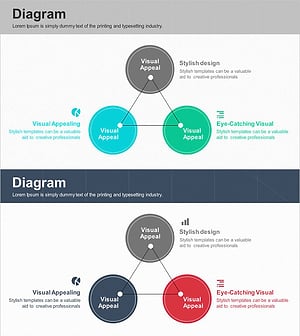
Main Business Areas Triangle Diagram
#Company Introduction #Business Introduction #Diagram
