



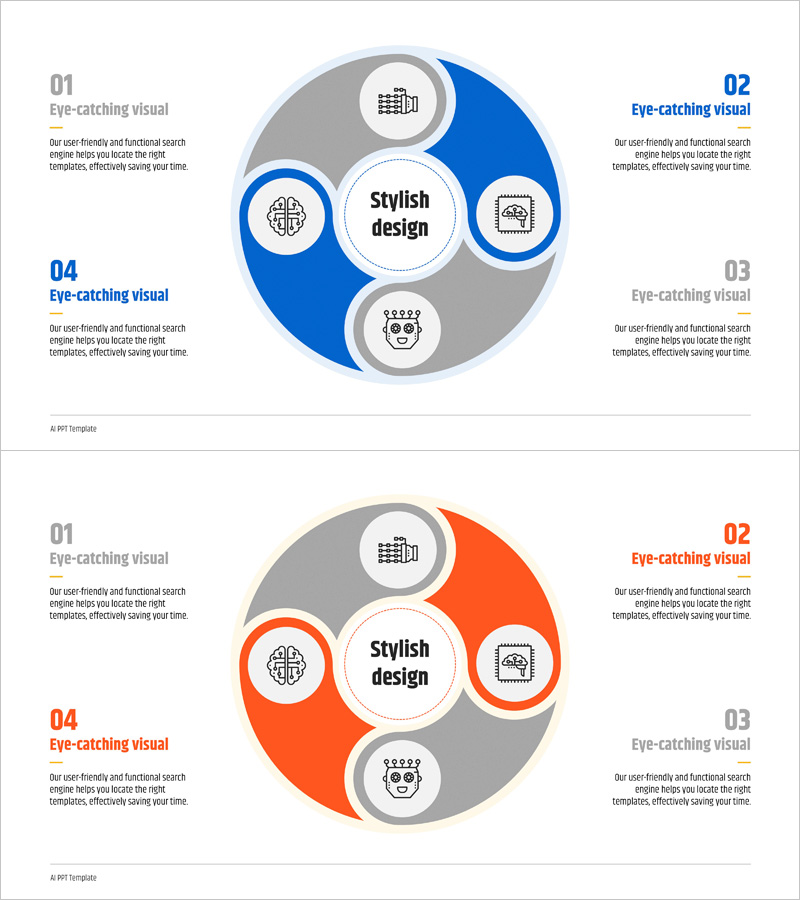
AI Robot Service Area Diagram – Business and Innovation
RJ0400072_19
- Last Update 06/07/2025
- File Size 0.2MB
- # of Slides 2
- File Format PPTX
- Slide Ratio 16:9
- Color
Keywords
- #Content-Based Slides
- #Design-Based Slides
- #Company Introduction
- #Business Introduction
- #Diagram
- #Business Areas
- #Business Areas
- #Cluster
- #Chain Diagram
- #16:9
- #radial diagram PowerPoint
- #4-node diagram slide
- #AI service area diagram
- #business concept map PPT
- #how to create radial diagram in PowerPoint
About the Product
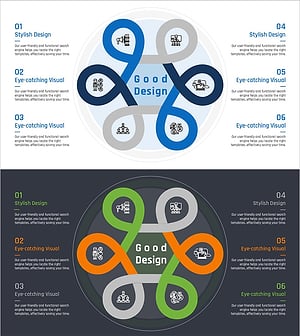
A PowerPoint slide featuring a radial diagram with four service areas radiating from a central core concept. The design uses a two-tone color scheme of blue and gray to convey business professionalism, with icons and text labels positioned at each node to establish clear information hierarchy. Optimized for visualizing complex concepts such as artificial intelligence, robotics, and technology services, this presentation template is ready for immediate use in corporate introductions and business domain explanations. The 16:9 widescreen format spans 2 slides, accommodating diverse presentation scenarios.
Usage Points
-
Main Usage
Visualizes core business domains or service scope by radiating from a central concept to surrounding areas. Effectively communicates multi-layered concepts such as AI, robotics, and technology services in executive briefings, investor pitches, and corporate introductions.
-
How to Use
Enter the core concept (e.g., AI Robot Service) in the central circular node and populate the four surrounding nodes with specific domains (e.g., Construction, Healthcare, Manufacturing, Finance). Customize node icons by industry and adjust colors to match your presentation theme.
-
Recommended For
Ideal for technology companies, AI and robotics startups, and IT consulting firms preparing corporate introductions, business plans, and investor pitch decks. Also suitable for product service area explanations, business model visualization, and organizational role distribution diagrams.
-
Slide Structure
2-slide set. The first slide features a blue-highlighted version with one of four nodes emphasized; the second slide presents an orange-highlighted version with the same 4-node radial structure, enabling comparative visualization. Each node includes icon, title, and descriptive text areas.
Related Products
-
Internet of Things Service Area Diagram – Business Introduction and Visualization
#Company Introduction #Business Introduction #Diagram
-
Pentagonal Star Diagram – Cluster for Business Introduction
#Company Introduction #Business Introduction #Diagram
-
Traditional Pattern Diagram – Business Introduction and Connection
#Company Introduction #Business Introduction #Diagram
-
Business Area Flower Diagram – Ideal for Company Introductions
#Company Introduction #Business Introduction #Diagram
