



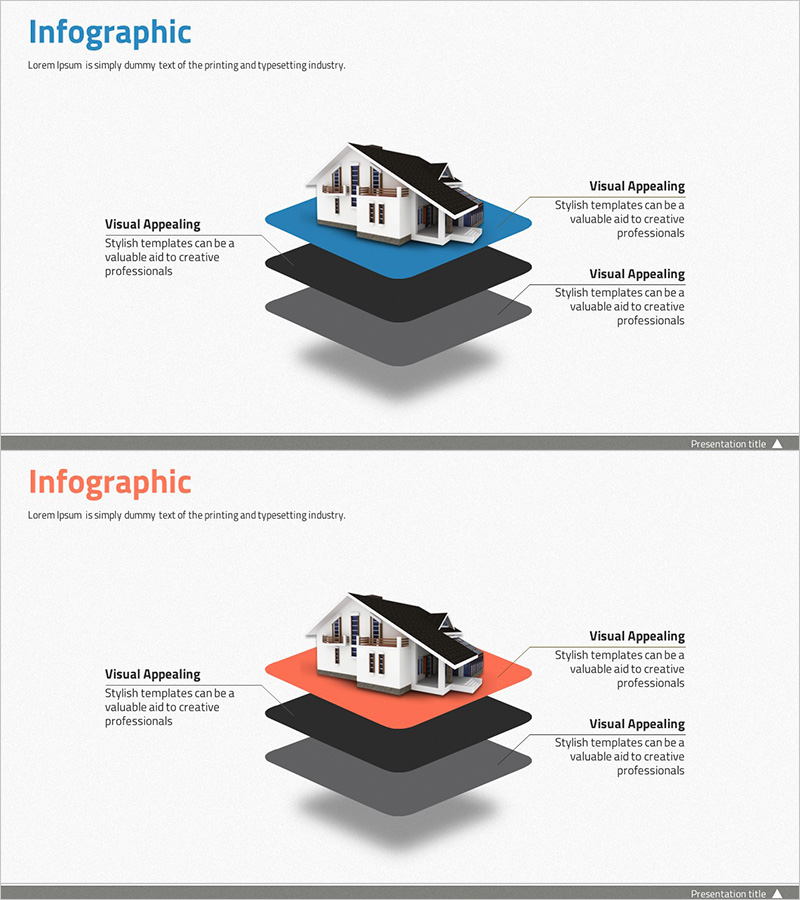
Step-by-Step Configuration Contents Slide – Diagram for Information Delivery
RJ0300034_11
- Last Update 04/27/2025
- File Size 5.9MB
- # of Slides 2
- File Format PPTX
- Slide Ratio 16:9
- Color
Keywords
- #Content-Based Slides
- #Design-Based Slides
- #Product/Service Introduction
- #Diagram
- #Product/Service Introduction
- #Composition
- #Cluster
- #Chain Diagram
- #16:9
- #nested diagram PowerPoint
- #hierarchical structure slide template
- #3-layer information architecture
- #cluster diagram PPT
- #information visualization slide
About the Product
A 3-layer nested diagram PowerPoint slide featuring a central building mockup surrounded by concentric layers in blue, black, and gray tones. This design effectively visualizes hierarchical information structures with gradient shading that creates depth perception. Text areas positioned on both left and right sides allow detailed descriptions for each layer. Ideal for presenting organizational hierarchies, product architecture, system components, and multi-level decision frameworks in professional presentations.
Usage Points
-
Main Usage
Effectively communicates multi-layered information structures such as organizational hierarchies, product components, system architecture, and process stages. The central focal point with surrounding relational elements enhances audience comprehension and engagement.
-
How to Use
Insert your core concept or product name in the central building mockup area. Add corresponding descriptions in the left and right text boxes for each layer (blue, black, gray). Customize the content for organizational charts, product feature hierarchies, system diagrams, or decision-making structures based on your presentation needs.
-
Recommended For
Executives, strategists, product managers, IT architects, and consultants presenting organizational structures, product strategies, or system designs. Suitable for investor presentations, strategic briefings, product launches, training seminars, and internal reports.
-
Slide Structure
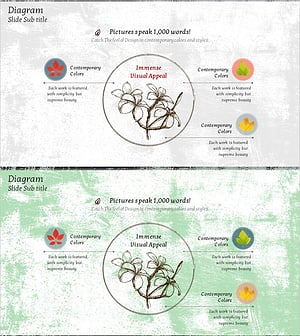
2-slide set. Each slide features a 3D building mockup at the center surrounded by three concentric nested layers in blue (top), black (middle), and gray (bottom). Text boxes on the left and right sides accommodate layer-specific descriptions. Gradient shading enhances the three-dimensional appearance and visual hierarchy.
Related Products
-
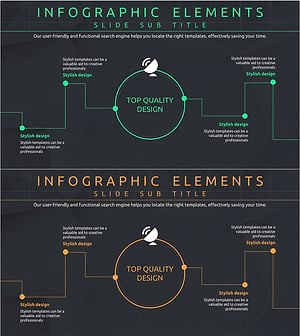
Introduction to Network Service Configuration – Cluster and Connection Diagrams
#Product/Service Introduction #Diagram #Product/Service Introduction
-
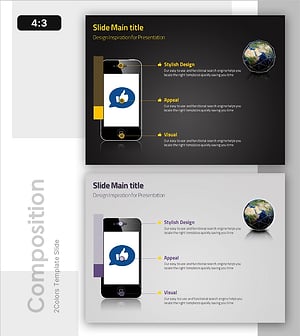
Diagram Showcasing Mobile App Service Configuration
#Product/Service Introduction #Diagram #Other
-
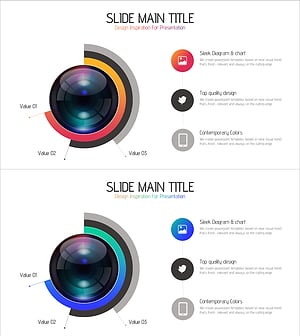
Camera Usage App Analysis – Innovation and Insight
#Product/Service Introduction #Diagram #Graph
-
Maple Leaf Distribution and Promotion Strategy Diagram – Maximizing Business Impact with Clusters
#Product/Service Introduction #Diagram #Product/Service Introduction
