



Introduction to Network Service Configuration – Cluster and Connection Diagrams
RJ0400024_15
- Last Update 05/24/2025
- File Size 2.3MB
- # of Slides 2
- File Format PPTX
- Slide Ratio 16:9
- Color
Keywords
- #Content-Based Slides
- #Design-Based Slides
- #Product/Service Introduction
- #Diagram
- #Product/Service Introduction
- #Composition
- #Cluster
- #Chain Diagram
- #16:9
- #cluster diagram PowerPoint
- #network connection slide template
- #radial diagram presentation
- #product architecture PPT
- #how to create network diagram in PowerPoint
About the Product
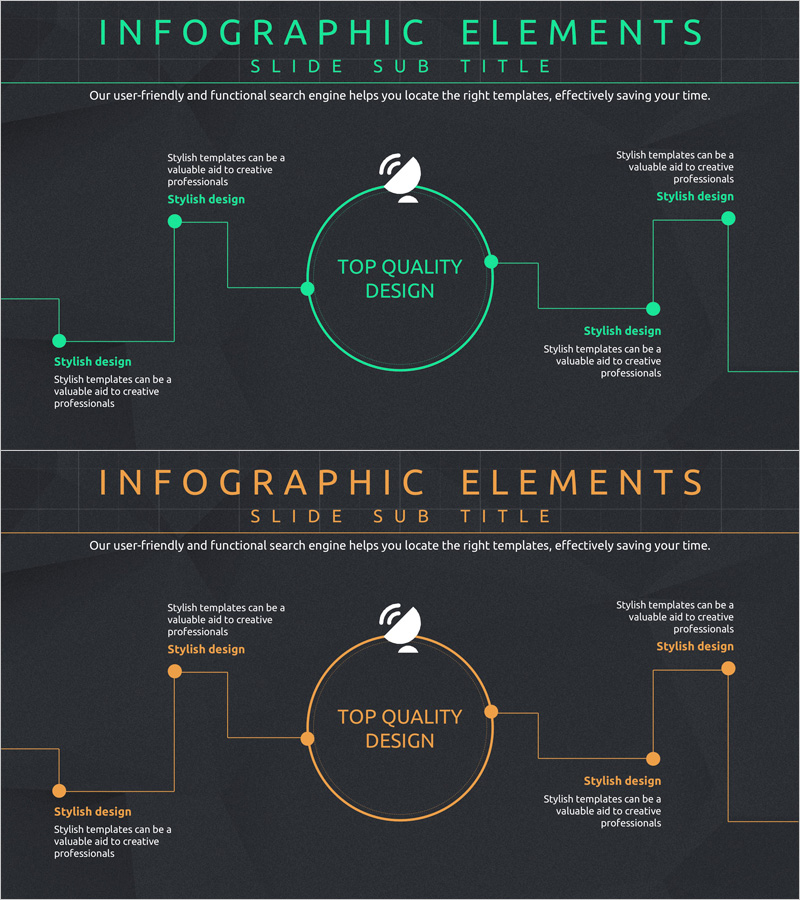
A radial cluster diagram PowerPoint slide featuring a central circular node with four-directional connections to surrounding elements. Presented in two color variations—neon green and orange—on a dark background, with callout text boxes positioned at each connection point. Ideal for visualizing network service architecture, product feature relationships, and organizational connectivity. The 2-slide set is ready for immediate presentation use, with fully editable nodes, connection lines, and text elements for customization.
Usage Points
-
Main Usage
Visualize network service architecture, product feature interdependencies, organizational collaboration structures, and system component relationships with a central hub model. The radial layout effectively communicates information flow from core concept to peripheral elements, enhancing audience comprehension.
-
How to Use
Apply to technology architecture sections in product pitches, system configuration pages in IT service proposals, and departmental relationship diagrams in organizational restructuring presentations. Input core concepts in the central node and detailed items in the four surrounding connection points for hierarchical information delivery.
-
Recommended For
IT, telecommunications, and software companies presenting technical architectures; network service proposal documents; product architecture explanation materials; organizational structure and partnership relationship introductions; system integration (SI) project planning presentations.
-
Slide Structure
2-slide set. First slide features neon green radial cluster diagram with 1 central circular node, 4 connection lines, 4 surrounding nodes, and 4 callout text boxes. Second slide provides identical structure in orange color variation for design flexibility.
Related Products
-
Introduction to Kitchen Appliances Infographic Slide – Emphasizing Practicality and Style
#Product/Service Introduction #Diagram #Product/Service Introduction
-
Maple Leaf Distribution and Promotion Strategy Diagram – Maximizing Business Impact with Clusters
#Product/Service Introduction #Diagram #Product/Service Introduction
-
Introduction to Baking Ingredients – The Start of Delicious Desserts
#Product/Service Introduction #Diagram #Product/Service Introduction
-
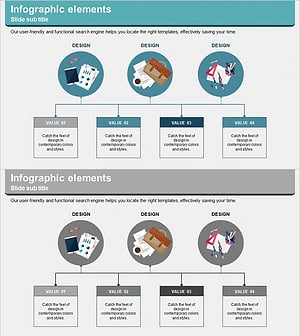
Business Details Diagram - Perfect Blend of Functionality and Design
#Product/Service Introduction #Diagram #Product/Service Introduction
