



Diagram Introducing the Main Business Areas – Creativity and Innovation
RJ0300029_8
- Last Update 04/26/2025
- File Size 1.5MB
- # of Slides 2
- File Format PPTX
- Slide Ratio 16:9
- Color
Keywords
- #Content-Based Slides
- #Design-Based Slides
- #Company Introduction
- #Business Introduction
- #Diagram
- #Business Areas
- #Business Areas
- #Spread
- #Centralized Diagram
- #16:9
- #radial diagram PowerPoint
- #center diagram slide template
- #business areas introduction slide
- #radial diagram PPT slide
- #6-node diagram template
About the Product
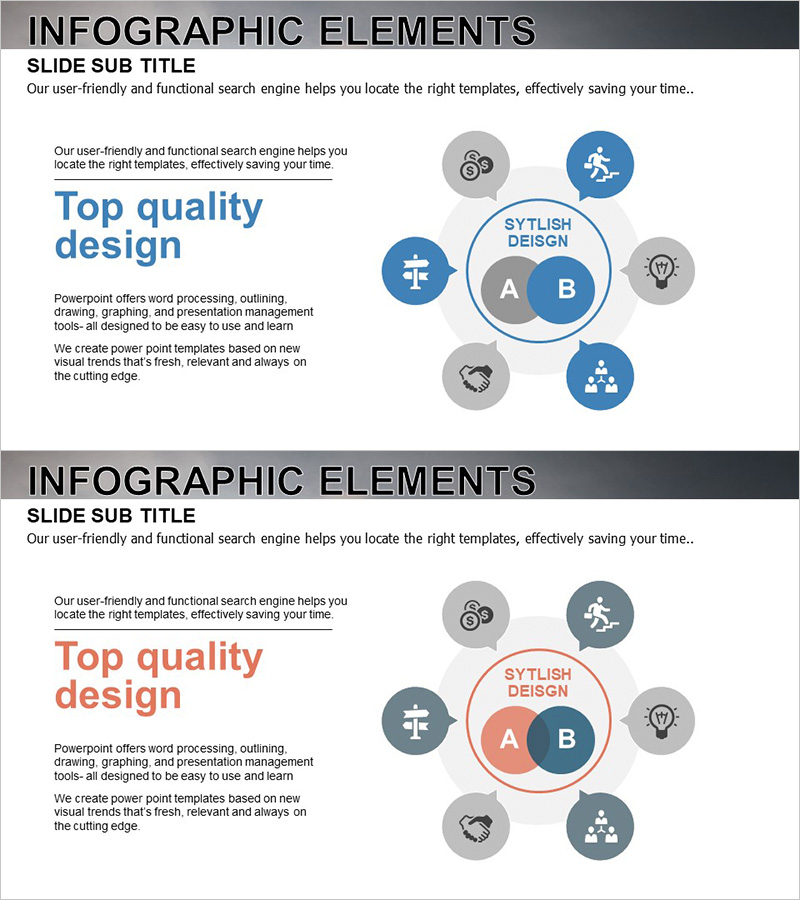
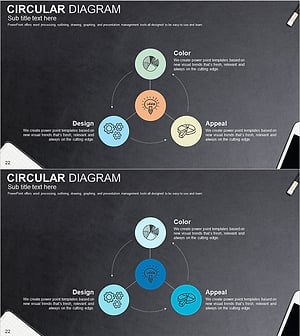
A PowerPoint slide featuring a radial diagram with a central concept surrounded by six related elements radiating outward. The design uses teal, blue, and red color-coded circular nodes with a central circular text box (areas A and B) to visually represent key business areas, core values, organizational roles, or strategic elements. Each node includes an icon (gear, runner, cross, lightbulb, handshake, team) to symbolically convey different business concepts. Composed of 2 slides in 16:9 widescreen format, all text and shapes are fully editable for immediate use in company presentations, business area explanations, organizational structures, and strategic discussions.
Usage Points
-
Main Usage
Visualizes key business areas, core values, organizational roles, or strategic elements through a radial structure expanding from a central concept. Color-coded nodes in teal, blue, and red provide clear category differentiation, while icons on each node symbolically represent concepts to enhance audience comprehension and engagement.
-
How to Use
Enter your core concept in the central text boxes (A and B), then replace the text on each of the 6 nodes with your specific elements. Adjust colors and icons to match your meaning or keep them as designed. Use in company presentations for business area sections, organizational structure explanations, strategy briefings, and executive reports to emphasize key messages.
-
Recommended For
Recommended for company profiles, business plans, strategy presentations, organizational restructuring explanations, and marketing proposals across all job levels and departments. Particularly effective for executive briefings, investor pitches, new employee training, departmental role clarification, and cross-functional team introductions.
-
Slide Structure
2-slide set in 16:9 widescreen format. Each slide features a central circular text box (A and B areas) surrounded by 6 circular nodes in teal, blue, and red colors arranged in radial formation. Each node contains an icon (gear, runner, cross, lightbulb, handshake, team) and connecting lines link the center to all nodes to show relationships. All elements are clearly visible and fully editable.
Related Products
-
Mobile Security Service Diagram
#Company Introduction #Business Introduction #Diagram
-
Travel Business Services Area – Effective Diagram Design
#Company Introduction #Business Introduction #Diagram
-
Astronomy Earth Diagram PowerPoint – Visual Exploration
#Company Introduction #Business Introduction #Diagram
-
Sketch Icon Business Area Diagram – Visualizing Business Introduction
#Company Introduction #Business Introduction #Diagram
