



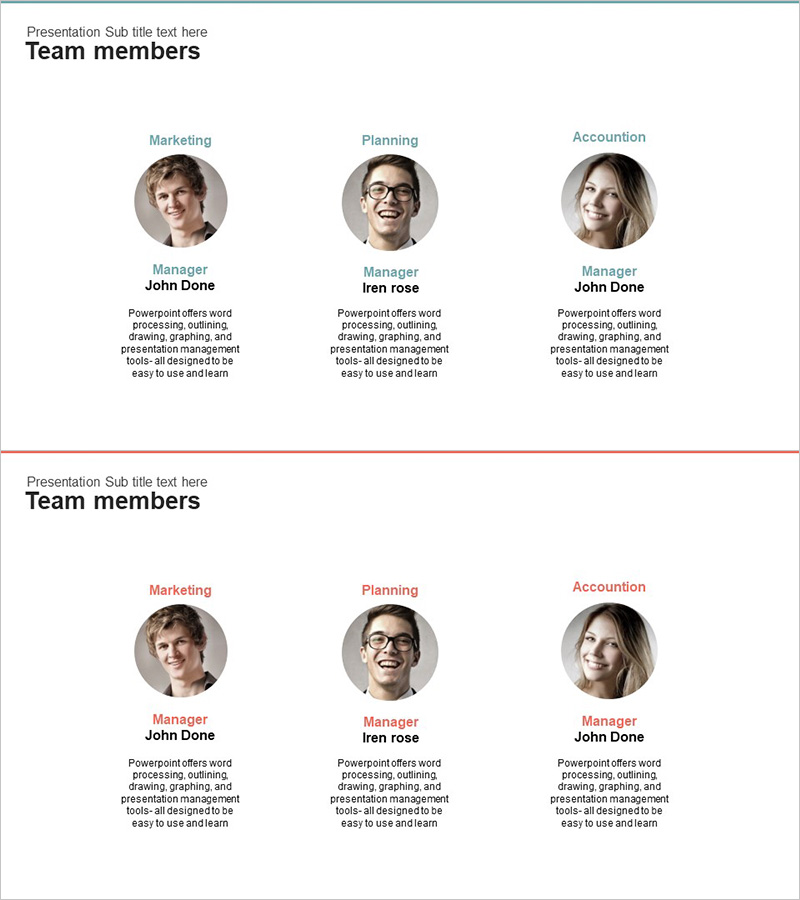
Company Key Personnel – Team Introduction in Diagram
RJ0300023_10
- Last Update 04/23/2025
- File Size 0.6MB
- # of Slides 2
- File Format PPTX
- Slide Ratio 16:9
- Color
Keywords
About the Product
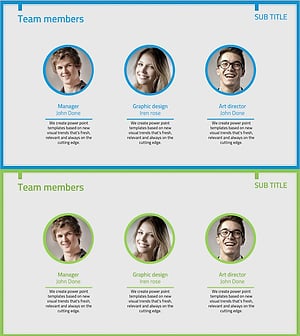
A professional PowerPoint slide featuring a 3-person cluster diagram to introduce your company's key personnel. Circular profile images are paired with department names, job titles, and descriptive text in a balanced layout that clearly conveys team roles and relationships. Two design variations are included—one with a blue accent line and one with a red accent line—allowing you to match your presentation's visual identity. Delivered in 16:9 widescreen PPTX format, fully editable and optimized for company profiles, organizational charts, and team introduction sections.
Usage Points
-
Main Usage
Visualize your company's key personnel structure by department and role at a glance. Clearly communicate each team member's responsibilities and organizational position to enhance audience understanding. Ideal for company introductions, investor pitches, and organizational announcements.
-
How to Use
Insert team member photos into the circular profile areas and edit the department names, job titles, and description text. Choose between the blue or red accent line version to match your presentation's brand colors. Duplicate shapes to add more team members if needed.
-
Recommended For
Executive and leadership introductions in company profiles / investor relations (IR) presentations / new employee onboarding materials / organizational restructuring announcements / partner meeting decks / recruitment fair presentations.
-
Slide Structure
Slide 1: Blue top accent line with 3 circular profile areas, department names (top), job titles (middle), and descriptions (bottom) / Slide 2: Red top accent line with identical 3-person layout variation. Each profile uses circular clipping for automatic image framing.
Related Products
-
Representative Medical Staff Introduction Slide – Trustworthy Visuals
#Company Introduction #Diagram #Manpower
-
Introduction of Medical Personnel - Emphasizing Expertise with Diagrams
#Company Introduction #Diagram #Manpower
-
Analysis of Key Human Resources Systems – Delivering Insights
#Company Introduction #Market and Competitor Analysis #Diagram
-
Responsible Team Profile Slide
#Company Introduction #Market and Competitor Analysis #Diagram
