



Digital Marketing Introduction and Fields – Modern Presentation Slide
RJ0300015_16
- Last Update 04/22/2025
- File Size 0.4MB
- # of Slides 2
- File Format PPTX
- Slide Ratio 16:9
- Color
Keywords
- #Content-Based Slides
- #Design-Based Slides
- #Company Introduction
- #Product/Service Introduction
- #Diagram
- #Business Areas
- #Product/Service Introduction
- #Cluster
- #Closed Cluster Diagram
- #16:9
- #table diagram PowerPoint
- #4-option comparison slide
- #comparison chart template
- #option selection presentation
- #diagram slide design
- #PowerPoint comparison template
About the Product
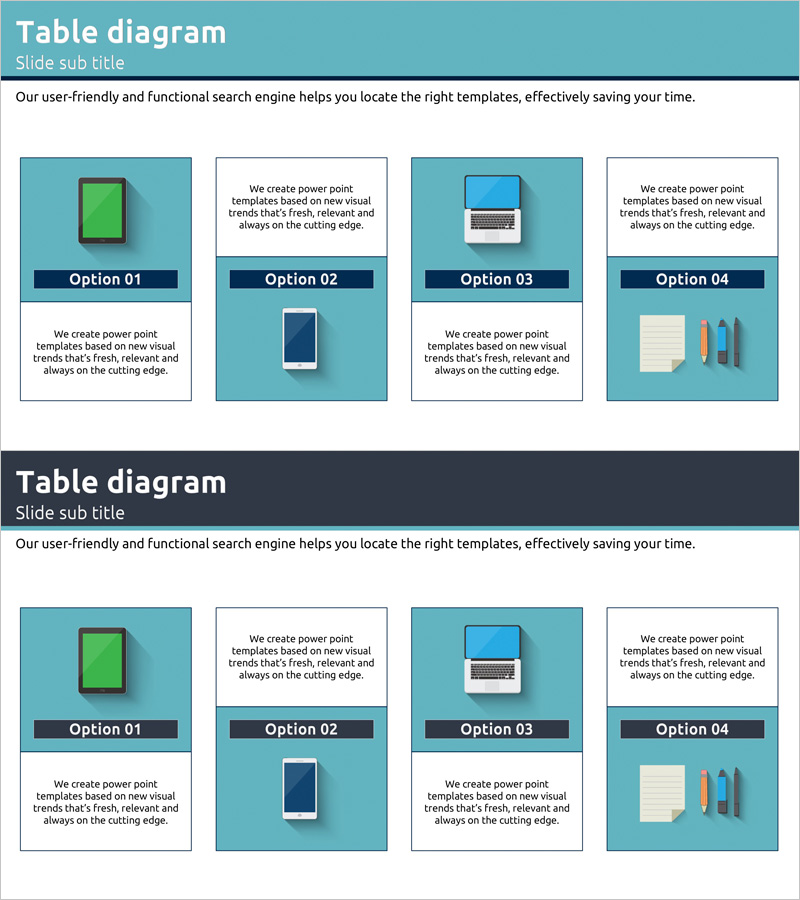
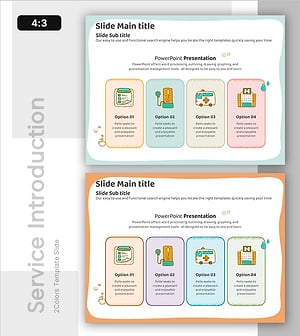
A table diagram PowerPoint slide that visually compares four options side by side. Featuring a turquoise background combined with white text areas, this slide deck includes two layout variations with icons (smartphone, laptop, tablet, chart) positioned under each option to represent category characteristics intuitively. Perfect for presenting product features, service options, marketing channels, or digital solutions in a structured comparison format. Delivered in 16:9 PPTX format, fully editable with customizable colors and text for immediate use.
Usage Points
-
Main Usage
Presents four items—product features, service options, marketing channels, or digital solutions—in parallel format to help audiences understand and compare distinct choices. Ideal for company introductions, product showcases, marketing proposals, and business pitches where clear option differentiation is essential.
-
How to Use
Edit the text and icons in each option box to match your content. Add option names and descriptions in the turquoise background areas, and include additional details or features in the white sections. Replace icons with custom images or adjust colors to align with your brand identity.
-
Recommended For
Marketing professionals, product managers, sales representatives, consultants, and educators presenting option comparisons, choice frameworks, or feature explanations. Particularly effective for digital marketing, IT solutions, financial products, and educational program introductions.
-
Slide Structure
Two slides with four option boxes arranged horizontally on each. The first slide positions icons above option names on a turquoise background. The second slide combines turquoise and white areas to accommodate more detailed text information while maintaining visual balance and clarity.
Related Products
-
Introducing Camping Program with Isometric Diagram
#Company Introduction #Product/Service Introduction #Diagram
-
Transportation Business Service Introduction – Cluster Structure Overview
#Company Introduction #Product/Service Introduction #Diagram
-
VR Service Area Illustration Diagram – Vision of Future Services
#Company Introduction #Product/Service Introduction #Diagram
-
Integrated Healthcare Services Provided by the Hospital – Understanding through Structured Approach
#Company Introduction #Product/Service Introduction #Diagram
