



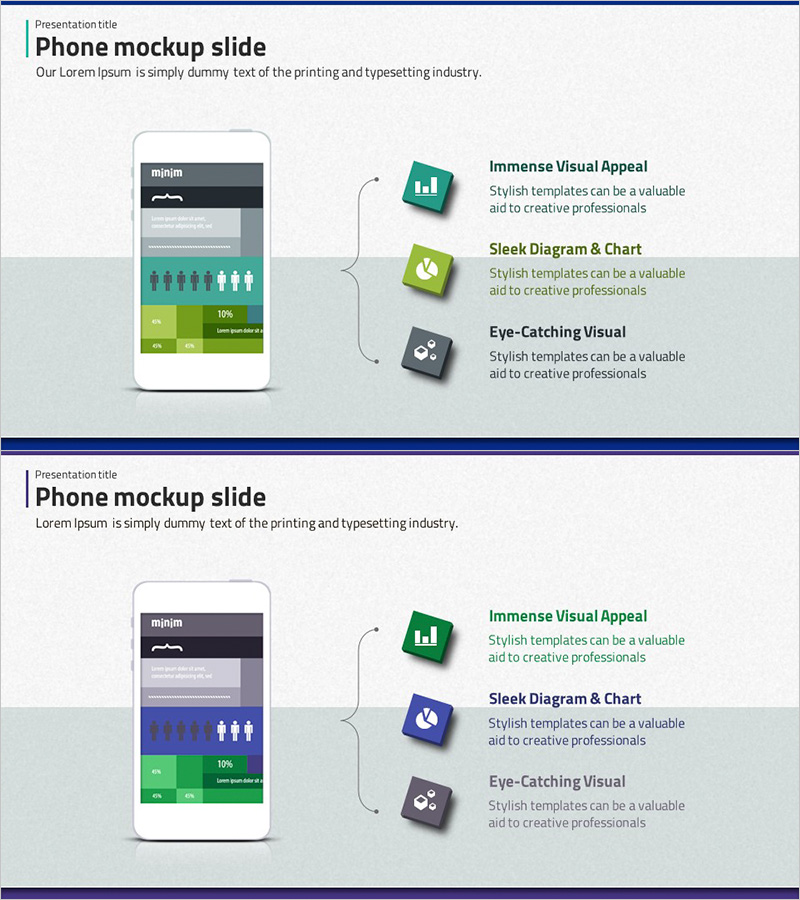
Smartphone App Service Characteristics Diagram – Visual Expansion
RJ0300010_9
- Last Update 04/20/2025
- File Size 1.1MB
- # of Slides 2
- File Format PPTX
- Slide Ratio 16:9
- Color
Keywords
- #Content-Based Slides
- #Design-Based Slides
- #Product/Service Introduction
- #Diagram
- #Features
- #Development Status
- #Spread
- #Radial Diagram
- #16:9
- #radial diagram PowerPoint
- #expansion diagram slide template
- #smartphone app features slide
- #app service introduction PPT
- #core value visualization slide
- #mobile mockup diagram PowerPoint
About the Product
A radial diagram PowerPoint slide that expands three key service features from a central smartphone mockup. This design visualizes smartphone app characteristics (visual appeal, diagram & chart capabilities, user experience) using icons and text labels. The slide includes a mobile app interface mockup at the top with navigation bar, creating authentic app context for service feature explanation. Green, blue, and gray 3D icons connected by curved lines represent information flow and relationships. Two-slide set provides color variations (green emphasis and blue emphasis) for flexible presentation adaptation.
Usage Points
-
Main Usage
Presents mobile app service characteristics, values, and functions using a radial structure that expands from center to periphery, enabling intuitive understanding of service overview. Ideal for app development planning, product introduction, and investment pitch presentations to emphasize service differentiation.
-
How to Use
Replace the central smartphone mockup image with your app name and modify the three surrounding text boxes with service features (e.g., ease of use, innovative technology, customer satisfaction). Icons and colors are fully editable to match brand guidelines. Nodes can be expanded to 4-5 features if needed.
-
Recommended For
Mobile app development companies, startups, and IT enterprises presenting product introductions, app marketing plans, investment pitch decks, and app service planning documents. Suitable for technical teams, marketing departments, and executive presentations requiring quick comprehension of core service value.
-
Slide Structure
Title area at top, central smartphone mockup showing app interface, three feature boxes positioned left, right, and bottom (each containing icon, title, and description text), curved connector arrows linking center to each feature box. Two-slide version varies only in color scheme (green emphasis vs. blue emphasis) while maintaining identical layout and node structure.
Related Products
-
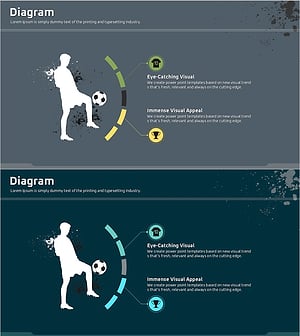
A Diagram of a Soccer Game – Sports Strategy Analysis
#Product/Service Introduction #Market and Competitor Analysis #Diagram
-
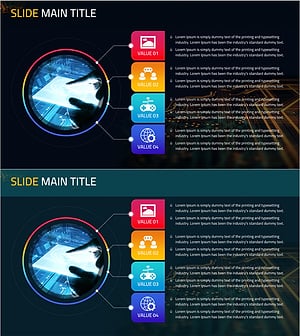
Clear Visualization of Mobile Marketing Goals with Circular Diagram Slide
#Product/Service Introduction #Marketing Plan and Strategy #Diagram
-
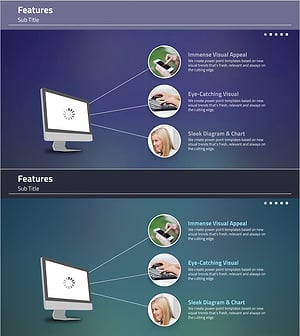
Elegant Diagrams and Charts for Presentations
#Product/Service Introduction #Diagram #Other
-
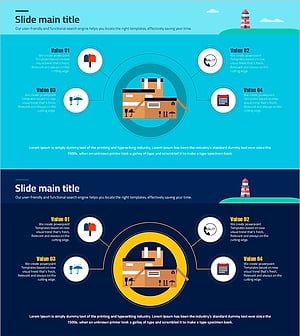
Diagram Visualizing Characteristics of the Shipment
#Product/Service Introduction #Diagram #Features
