



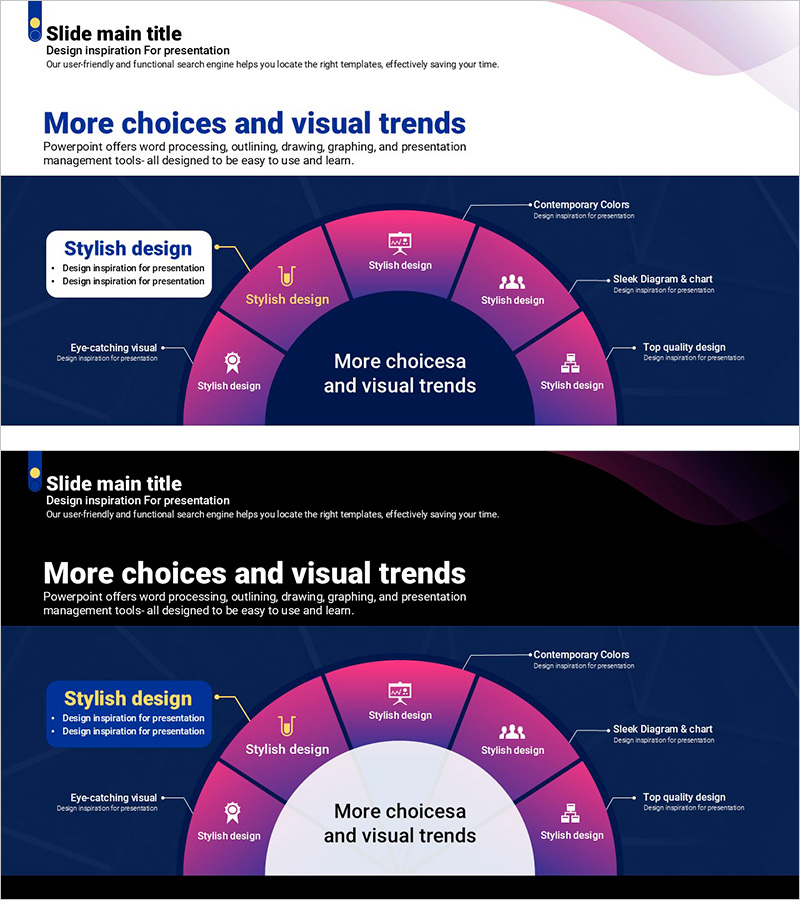
Curved Theme Purple Template Diagram3 – Business Area Introduction
RJ0200068_8
- Last Update 04/18/2025
- File Size 1.2MB
- # of Slides 2
- File Format PPTX
- Slide Ratio 16:9
- Color
Keywords
- #Content-Based Slides
- #Design-Based Slides
- #Product/Service Introduction
- #Business Introduction
- #Diagram
- #Product and Service Overview
- #Business Areas
- #Spread
- #Radial Diagram
- #16:9
- #radial diagram PowerPoint slide
- #business area introduction presentation
- #6-segment diagram template
- #purple radial chart
- #sunburst diagram PowerPoint
- #how to create radial diagram in PowerPoint
About the Product
A radial diagram PowerPoint slide featuring six segments radiating from a central hub, rendered in purple and pink gradient colors. Each segment includes an icon and text label, creating a visual representation of how peripheral elements relate to a core concept. The 2-slide set includes a complete radial layout on the first slide and a center-focused variant on the second, ideal for business area introductions, service overviews, and organizational function breakdowns. All text, icons, and colors are fully editable for seamless integration into your presentation.
Usage Points
-
Main Usage
Designed to illustrate relationships where a central concept branches outward to multiple peripheral elements. Ideal for presenting business area classifications, service portfolios, organizational functions, marketing channels, product lineups, and any hub-and-spoke information structure.
-
How to Use
Enter your core topic in the central circle, then populate each of the six segments with corresponding details. Edit icons and text labels to match your presentation content. Colors can be easily adjusted to align with corporate branding guidelines.
-
Recommended For
Executives, marketing teams, strategy planners, and sales professionals presenting business portfolios, organizational structures, and market analysis. Particularly effective when comparing or explaining multiple departments, channels, or functions at equal hierarchical levels.
-
Slide Structure
Two-slide set. Slide 1 features a complete radial diagram with six segments surrounding the center, each containing an icon, text label, and description area. Slide 2 presents a center-focused variant with enlarged central area and highlighted segments, suitable for detailed discussion of specific items.
Related Products
-
VR Product Service Overview – Innovation and Experience
#Product/Service Introduction #Business Introduction #Diagram
-
Business Area Circular Connection Diagram – Connecting Business Strategies
#Company Introduction #Business Introduction #Diagram
-
Core Business Goals Diffusion Diagram - Visual Representation of Business Strategy
#Business Introduction #Marketing Plan and Strategy #Diagram
-
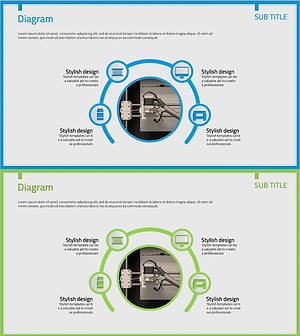
3D Printing Business Area Diagram – Innovative Business Introduction
#Company Introduction #Business Introduction #Diagram
