




Blue Line Wide Template – Operational Plan and Marketing Strategy
RJ0200066_29
- Last Update 04/18/2025
- File Size 0.3MB
- # of Slides 2
- File Format PPTX
- Slide Ratio 16:9
- Color
Keywords
- #Content-Based Slides
- #Design-Based Slides
- #Marketing Plan and Strategy
- #Diagram
- #Text Box
- #Marketing Strategy
- #Target Setting
- #Flow
- #Converging Flow Diverging Flow
- #Circular Text Box
- #16:9
- #diverging diagram PowerPoint
- #3-node radial slide
- #central expansion diagram
- #marketing strategy PPT
- #operational plan PowerPoint slide
About the Product
A 3-node diverging diagram PowerPoint slide that expands from a central concept in two directions. Featuring a bright blue background with a central circular node and two white circular nodes connected by bidirectional arrows, this design visualizes processes that branch from a core strategy into multiple execution paths. Two color variations are provided: bright blue and dark backgrounds, with editable icon and text areas in each node. Ideal for operational plans, marketing strategy presentations, and organizational direction statements in business decks.
Usage Points
-
Main Usage
Expresses structures where a core concept or central strategy branches into two or more execution paths, departments, or objectives. Effectively visualizes organizational direction statements, multi-channel marketing strategy rollouts, and parallel operational initiatives.
-
How to Use
Enter the core concept (e.g., strategy, goal, core value) in the central circular node, and add detailed execution plans or department names in the left and right nodes. Customize node icons to match your category and adjust text size and color to fit your presentation theme.
-
Recommended For
Recommended for executive strategy presentations, marketing team channel-based strategy reports, operations team goal-sharing sessions, and organizational restructuring explanations. Suitable for executive briefings, company-wide announcements, team meetings, and various business presentation scenarios.
-
Slide Structure
2-slide set: Slide 1 features bright blue background with central circular node (dark blue and cyan border) and two white circular nodes, connected by bidirectional arrows. Slide 2 uses dark background with identical structure but central node has blue border and right node highlighted in orange. Each node includes editable icon and text input areas.
Related Products
-
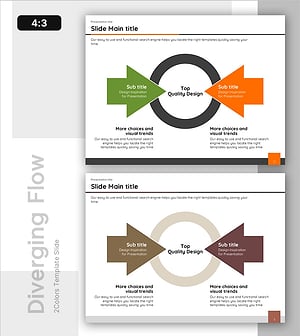
Goal Setting Diagram – Business Vision and Marketing Strategy
#Business Vision and Strategy #Marketing Plan and Strategy #Diagram
-
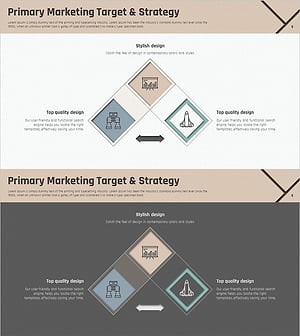
Marketing Square Overlay Diagram – Effective Marketing Strategy
#Marketing Plan and Strategy #Diagram #Marketing Strategy
-

Silhouette and Arrow Changes – A Glimpse into Marketing Strategy
#Marketing Plan and Strategy #Other #Marketing Strategy
-
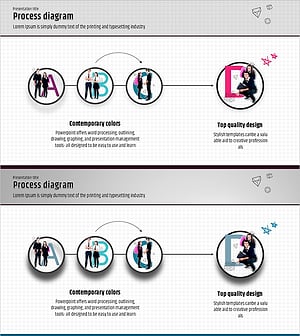
Goals and Directions Diagram – Core of Marketing Strategy
#Marketing Plan and Strategy #Diagram #Marketing Strategy
