



Simple Design Trend Wide PPT Image&Text
RJ0200059_18
- Last Update 04/15/2025
- File Size 0.5MB
- # of Slides 2
- File Format PPTX
- Slide Ratio 16:9
- Color
Keywords
About the Product
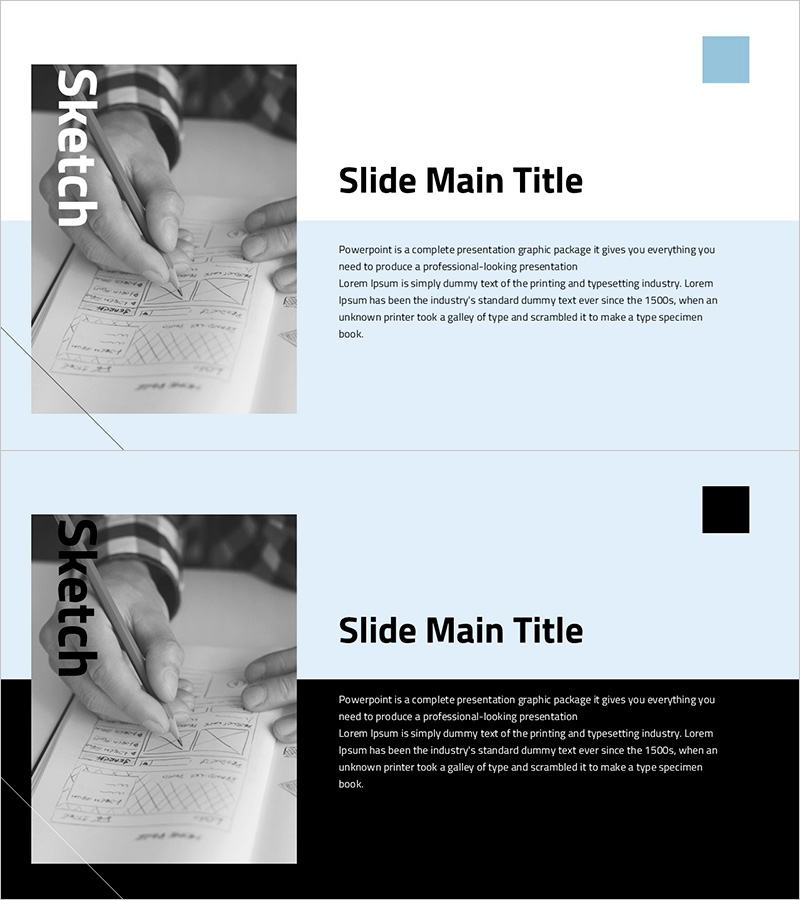
A 2-slide PowerPoint presentation template for communicating service implementation strategies visually. The layout features a left image area paired with a right text area, enabling simultaneous presentation of technical concepts and execution methods. The light blue background contrasted with black-and-white imagery reinforces professionalism, while providing three dedicated text input zones for title, body content, and descriptive text. Ideal for technology presentations, business proposals, and service introduction decks where implementation strategy and deployment approach need clear articulation.
Usage Points
-
Main Usage
Communicates technology-driven service implementation strategy, deployment methodology, and system architecture through combined image and text presentation. The left image area accommodates construction scenes, prototypes, or system diagrams, while the right text section details implementation objectives, phases, and critical components, simultaneously conveying technical credibility and execution feasibility.
-
How to Use
Deploy in technology presentations, business proposals, or service introduction decks within the 'Implementation Plan' or 'Technical Deployment' section. Insert construction site photos, system architecture diagrams, or prototype images in the left area, and populate the right text with implementation phases, technology stack, and timeline to support technical decision-making.
-
Recommended For
Suited for technology-driven startups, IT enterprises, and systems integration firms presenting to investors, technology partners, or clients. Particularly effective when technology leads, development teams, and business development professionals need to emphasize implementation strategy credibility and technical feasibility.
-
Slide Structure
Two-slide format with each slide featuring a left image input area (for photographs, diagrams, or visual assets) and a right text section (one title field and two body text areas). The blue background paired with black-and-white imagery creates clear information hierarchy through tonal contrast, while maintaining balanced image-text proportion in 16:9 widescreen format.
Related Products
-
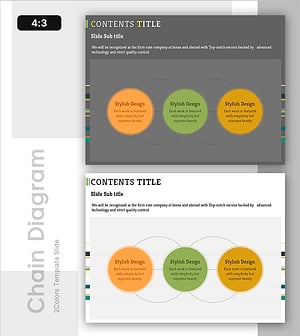
System Connection Diagram – Sophistication in Operational Planning Tools
#Operational Plan #Technical Approach #Diagram
-
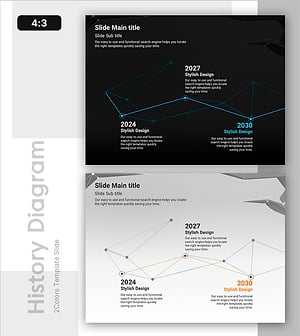
Line History Diagram: Optimized Design for Time Series Data Analysis
#Operational Plan #Technical Approach #Diagram
-
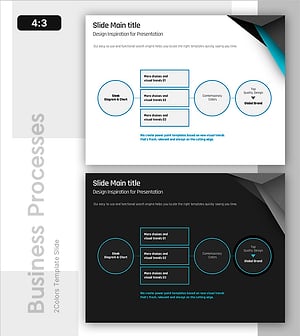
Process Box Diagram – Cluster for Technical Sections
#Technical Approach #Diagram #Service Implementation Plan
-
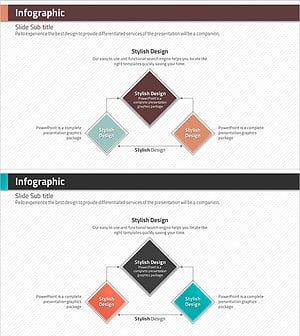
Rhombus Presentation Template Infographic – Visualizing Risk Management Strategies
#Technical Approach #Risk Management and Regulatory Compliance #Diagram
