



Stylish Design Presentation Template – Setting New Standards for Data Delivery
RJ0200052_5
- Last Update 04/13/2025
- File Size 0.5MB
- # of Slides 2
- File Format PPTX
- Slide Ratio 16:9
- Color
Keywords
- #Content-Based Slides
- #Design-Based Slides
- #Product/Service Introduction
- #Operational Plan
- #Diagram
- #Text Box
- #Program Introduction
- #Business Processes
- #Cluster
- #Closed Cluster Diagram
- #Rectangle Text Box
- #16:9
- #4-section text box PowerPoint
- #rectangular box slide template
- #data emphasis presentation
- #four-item comparison slide
- #text box PowerPoint design
About the Product
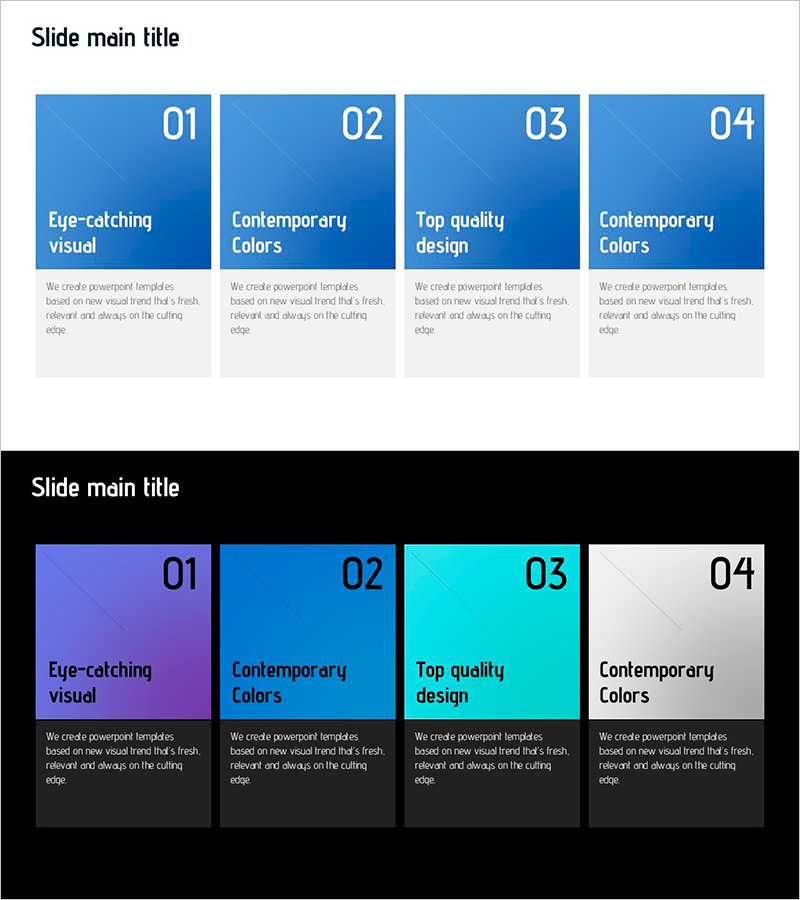
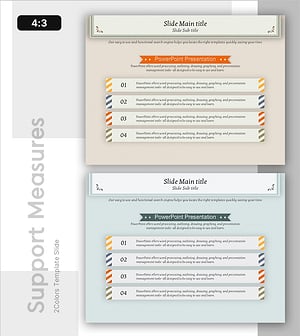
A four-section text box PowerPoint slide designed to present and compare four key items side by side. Each section features a blue gradient rectangular box with a diagonal pattern overlay for visual depth. White numbered badges (01–04) clearly mark the sequence or priority of each section. The layout is symmetrically balanced, allowing you to input a title and descriptive text in each box. Perfect for business proposals, marketing presentations, and product introductions where you need to highlight four core points, features, or benefits. The 2-slide set includes multiple color variations: solid blue gradient, and a multi-color version with blue, purple, cyan, and gray gradients for flexible presentation design.
Usage Points
-
Main Usage
Present four equal-weight concepts, features, steps, or solutions with visual clarity and balance. Each box functions as an independent information zone, preventing visual clutter while maintaining audience focus. Ideal for marketing messages, product advantages, service features, strategic pillars, or comparative analysis where four distinct elements need equal emphasis.
-
How to Use
Enter your category name or main topic in the title area of each rectangular box, then add detailed explanations in the text field below. The numbered badges (01–04) can indicate sequence, priority, or simply organize information. Use the color variation slide to apply different tones per section or highlight specific items by changing their background color.
-
Recommended For
Marketing professionals presenting four product features, sales teams explaining four customer benefits, strategy teams structuring four strategic pillars, educators introducing four learning objectives, and project managers outlining four execution phases. Also suitable for consultants presenting four solution options or analysts comparing four market segments.
-
Slide Structure
Two-slide set. Slide 1: Four rectangular boxes with solid blue gradient background and diagonal pattern overlay, symmetrically arranged. Slide 2: Four rectangular boxes with multi-color gradient (blue, purple, cyan, gray) background. Each box contains a white numbered badge, title text area, and description text area for flexible content input.
Related Products
-
Triangle Pattern Wide Table PPT Template – Ideal for Company and Service Introduction
#Company Introduction #Product/Service Introduction #Diagram
-
Photo Concept Box for Product and Service Introduction – Creative Design
#Product/Service Introduction #Diagram #Text Box
-
Modern Wide PowerPoint Template – Rectangular Diagram
#Business Management #Operational Plan #Diagram
-
Effective Information Delivery with Striped Text Box
#Product/Service Introduction #Diagram #Text Box
