



Hologram Wide Diagram – Operations and Strategy
RJ0200053_5
- Last Update 04/14/2025
- File Size 0.7MB
- # of Slides 2
- File Format PPTX
- Slide Ratio 16:9
- Color
Keywords
- #Content-Based Slides
- #Design-Based Slides
- #Operational Plan
- #Marketing Plan and Strategy
- #Diagram
- #Production and Technology Development Strategy
- #Marketing Objectives
- #Cluster
- #Chain Diagram
- #16:9
- #hologram diagram PowerPoint
- #connection diagram slide template
- #4-node diagram PowerPoint
- #operations strategy presentation
- #how to create connection diagram in PowerPoint
About the Product
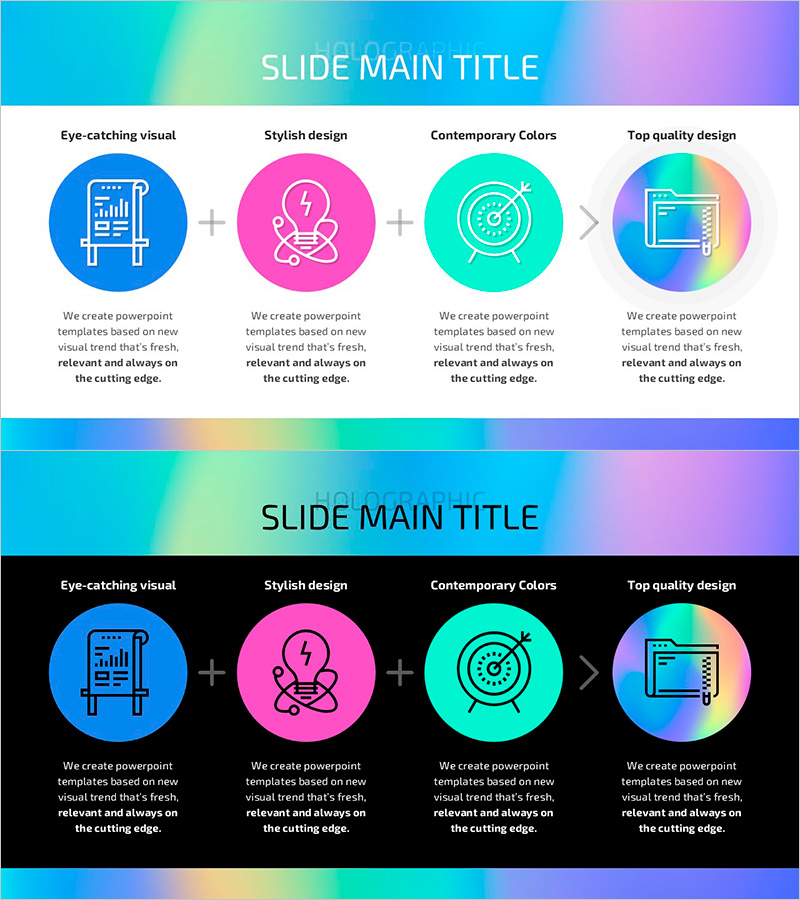
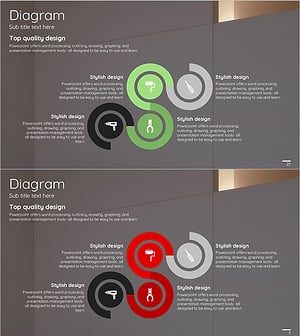
A connection diagram PowerPoint slide featuring a hologram gradient background with four circular nodes arranged in a radial pattern. The design uses blue, pink, cyan, and orange gradient circles with central directional arrows to represent relationships and cyclic flow between nodes. Ideal for visualizing interconnected elements such as operations, marketing strategy, business initiatives, and organizational structure. The 2-slide set includes both light and dark background versions in 16:9 widescreen PPTX format, fully editable and ready to customize.
Usage Points
-
Main Usage
Illustrates interconnected relationships between four key elements using circular nodes and central directional arrows, clearly conveying cyclic flow and integrated structure. Effectively communicates departmental relationships, strategic initiatives, process stages, and organizational hierarchies.
-
How to Use
Enter department names, strategy items, or process stages in each circular node, and add the integrated objective in the center text area. Use the light background version for daytime presentations and reports; apply the dark background version for evening presentations and video content.
-
Recommended For
Recommended for executives, strategy teams, marketing departments, and operations teams presenting organizational structures and interdepartmental collaboration. Ideal for business plans, strategic reports, organizational restructuring proposals, and integrated marketing plan presentations.
-
Slide Structure
2-slide set: Slide 1 features a light gradient background (cyan to pink to orange) with 4 circular nodes arranged radially; Slide 2 uses a black background with identical structure. Each node includes an icon placeholder and text input area, with central arrow connectors linking all elements.
Related Products
-
Final Business Goal Diagram – Connecting Strategy and Vision
#Business Vision and Strategy #Marketing Plan and Strategy #Diagram
-
Silhouette Connection Diagram – Visualizing Marketing Strategies
#Marketing Plan and Strategy #Diagram #Other
-
Growth Graphs and Product Production Strategies Using Bar Charts
#Operational Plan #Market and Competitor Analysis #Diagram
-
Product Usage Process Diagram – Operations and Technical Aspect
#Operational Plan #Technical Approach #Diagram
