




Visualizing Business Strategy with Circular Diagram - Efficient Operation Plan
RJ0200046_17
- Last Update 04/11/2025
- File Size 0.3MB
- # of Slides 2
- File Format PPTX
- Slide Ratio 16:9
- Color
Keywords
- #Content-Based Slides
- #Design-Based Slides
- #Business Strategy
- #Operational Plan
- #Diagram
- #Implementation Framework
- #Business Processes
- #Flow
- #Circular Flow
- #16:9
- #circular diagram PowerPoint
- #3-step cycle slide
- #business strategy presentation
- #process flow diagram
- #operational planning slide
- #PowerPoint diagram template
About the Product
A circular diagram PowerPoint slide featuring three rounded nodes arranged around a central dark gray box, connected by directional arrows in a clockwise cycle. The design uses cyan-blue circular icons on a light gray background, creating clear visual contrast and flow direction. This presentation slide effectively communicates business strategy, operational cycles, process flows, and sequential relationships. The 2-slide PPTX template in 16:9 format is ready for immediate editing and customization for your strategic presentations.
Usage Points
-
Main Usage
Designed to visually represent business strategy, operational cycles, process flows, and sequential relationships. The circular structure starting from a central concept and flowing through three stages before returning creates an effective way to communicate repetitive processes, continuous improvement cycles, and iterative business models.
-
How to Use
Use this slide in executive reports, business planning presentations, strategy meetings, and team operation briefings to explain process flows. Edit the node text and icons to reflect your actual stages and descriptions, and adjust colors as needed to match your brand guidelines or corporate identity.
-
Recommended For
Ideal for executives, business planners, operations managers, consultants, and project managers presenting strategy development, process improvement, and cycle-based operational planning. Particularly effective when communicating repetitive or cyclical business structures and operational systems that require clear visual representation.
-
Slide Structure
Two-slide layout: the first slide features three cyan-blue circular nodes with a dark gray central box on a light background, while the second slide displays gradient-filled nodes (purple, orange, and blue tones) with the same central structure on a black background. Both slides use directional arrows to show clockwise circular flow, with clearly defined text input areas for each element.
Related Products
-
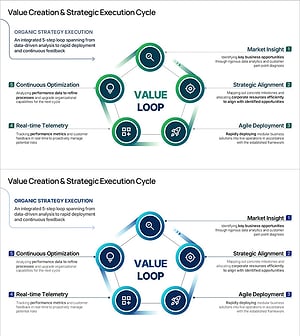
Strategy Execution Cycle PowerPoint Slide – 5-Step Loop
#Business Strategy #Business Management #Operational Plan
-
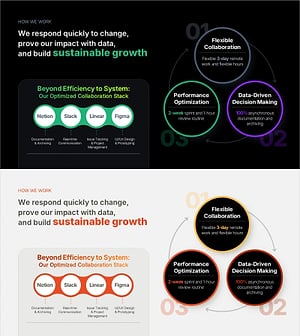
Work Principles & Collaboration Stack Slide – Dark & Light
#Business Strategy #Operational Plan #Diagram
-
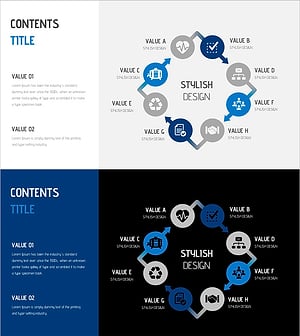
Water Resources Presentation Template - Circular Diagram
#Business Strategy #Operational Plan #Diagram
-

Game and Hobby Diagram – Visualizing Organization and Strategy
#Business Strategy #Operational Plan #Diagram
