



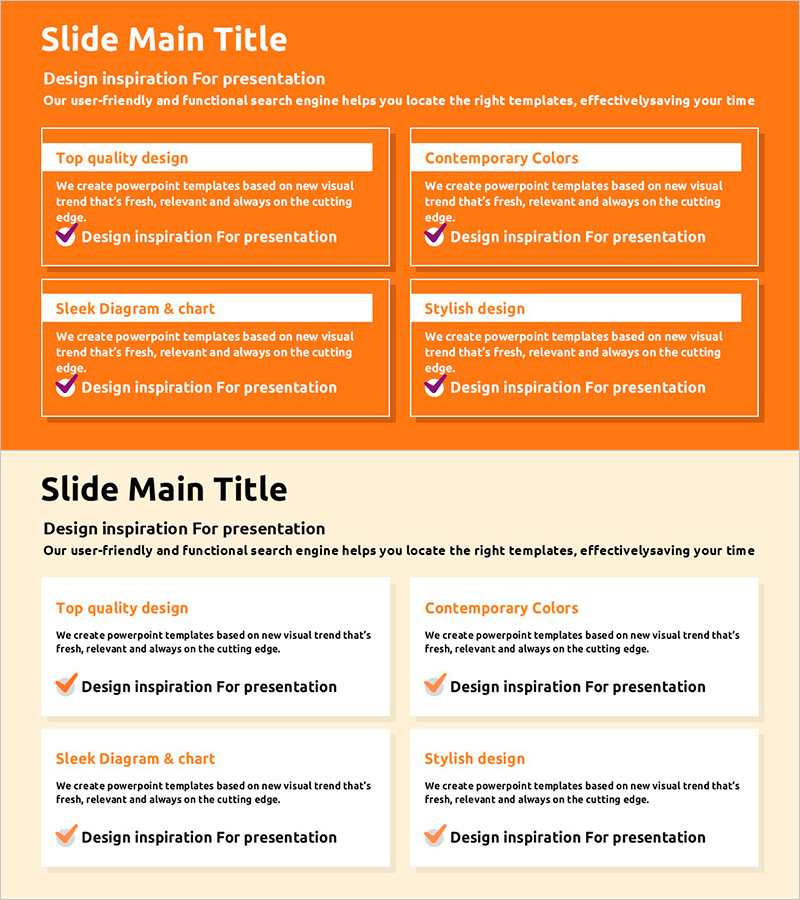
Orange Square Text Box Presentation Template
RJ0200043_24
- Last Update 04/10/2025
- File Size 0.2MB
- # of Slides 2
- File Format PPTX
- Slide Ratio 16:9
- Color
Keywords
- #Content-Based Slides
- #Design-Based Slides
- #Operational Plan
- #Market and Competitor Analysis
- #Text Box
- #Business Support Plan
- #Market Analysis
- #Rectangle Text Box
- #16:9
- #square text box PowerPoint slide
- #orange presentation template
- #4-panel comparison slide
- #text box design PowerPoint
- #how to create comparison slides in PowerPoint
About the Product
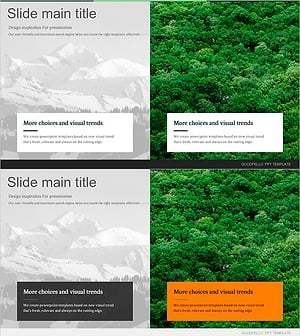
A PowerPoint slide featuring four white-bordered square text boxes arranged in a 2x2 grid on an orange background. Each box contains a title header and description area for flexible content input, ideal for comparative analysis, feature highlights, strategic elements, and market insights. The 16:9 widescreen PPTX format is fully editable and ready to integrate into business presentations including operational plans, market analysis, and product introductions.
Usage Points
-
Main Usage
Displays four independent information blocks simultaneously for side-by-side comparison and analysis. Effectively presents product features, strategic pillars, market segments, or operational components with clear visual separation and hierarchical text structure in each box.
-
How to Use
Enter category names or topic titles in the orange header area of each square box, then add detailed descriptions in the text field below. The orange background conveys energy and action, making it suitable for marketing, operations, and strategy sections. Colors can be customized to match your brand or presentation theme.
-
Recommended For
Ideal for marketing plans, operational strategies, product overviews, and business analysis documents requiring four-point comparisons. Particularly effective for SWOT analysis, competitive positioning, feature breakdowns, market segmentation, executive briefings, investor pitches, and team meeting materials.
-
Slide Structure
Both slides feature identical 4-panel layouts (2x2 grid) with four square text boxes per slide. Each box is divided into a colored header section for titles and a white content area for descriptive text, creating clear information hierarchy and visual balance.
Related Products
-
Frame Boxes and Check Boxes – Ideal for Operational Planning and Risk Management
#Operational Plan #Risk Management and Regulatory Compliance #Text Box
-
Green Isometric Execution Plan – Effective Business Management
#Business Management #Operational Plan #Diagram
-
Characteristics of Each Type of Cat Visualized in a Diagram
#Operational Plan #Text Box #Risk Management
-
Characteristics of Seasonal Forests – Market and Competitor Analysis
#Market and Competitor Analysis #Diagram #Text Box
