



Origami Presentation Template Vision Diagram – Product and Program Introduction
RJ0200042_8
- Last Update 04/10/2025
- File Size 0.5MB
- # of Slides 2
- File Format PPTX
- Slide Ratio 16:9
- Color
Keywords
About the Product
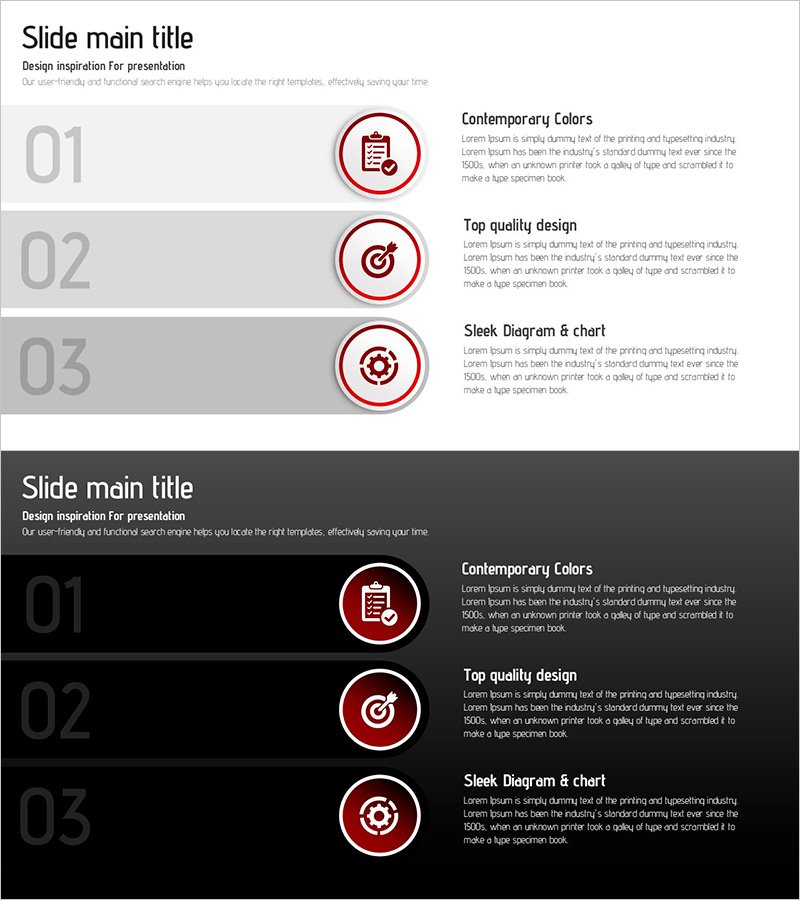
A PowerPoint slide that visualizes the core features of your product or service using a 3-step icon diagram. Available in two versions—light background and dark background—with clearly defined areas for icons, titles, and descriptive text at each stage. Red circular icons and gray numbering emphasize information hierarchy, naturally guiding audience attention. This presentation design effectively communicates service structure and value proposition in product introductions, marketing pitches, and business briefings.
Usage Points
-
Main Usage
This slide breaks down your product or service into three key components and explains each visually. Icons and text clearly distinguish each stage, allowing audiences to grasp the entire service structure at a glance.
-
How to Use
Enter your slide title in the header area, then fill in the title and description for each of the three steps in the text boxes next to the icons. Use the light background version for daytime presentations and client meetings; use the dark version for evening events and online presentations for better readability.
-
Recommended For
Ideal for product marketing teams, business development professionals, and sales representatives presenting to customers, investors, and partners. Particularly effective for SaaS, software solutions, consulting services, and financial product introductions where complex service structures need to be communicated clearly and concisely.
-
Slide Structure
The slide consists of a title area at the top and a 3-step diagram section below. Each step features four elements arranged horizontally: a red circular icon, gray numbering, a title text field, and a description text field. Both slides maintain identical layouts for consistent presentation flow and visual coherence throughout your deck.
Related Products
-
3 Product Categories Slide – Stylish Design
#Product/Service Introduction #Diagram #Program Introduction
-
Infant Content Introduction Illustration – Fun and Educational Design
#Product/Service Introduction #Program Introduction #Product and Service Overview
-
Presentation Template for Introducing Traditional Culture
#Product/Service Introduction #Program Introduction #Product and Service Overview
-
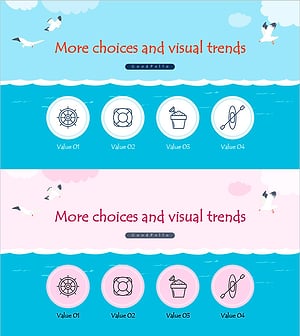
Overview of Water Play Program - Capturing Fun and Excitement
#Product/Service Introduction #Diagram #Program Introduction
