



Origami Presentation Template – Capturing Vision and Core Values
RJ0200042_4
- Last Update 04/10/2025
- File Size 3MB
- # of Slides 2
- File Format PPTX
- Slide Ratio 16:9
- Color
Keywords
- #Content-Based Slides
- #Design-Based Slides
- #Company Introduction
- #Business Vision and Strategy
- #Text Box
- #Core Values, Vision, and Mission
- #Business Vision
- #Rectangle Text Box
- #16:9
- #vision PowerPoint slide
- #vision presentation design
- #business vision slide
- #company vision PPT
- #how to present vision in PowerPoint
About the Product
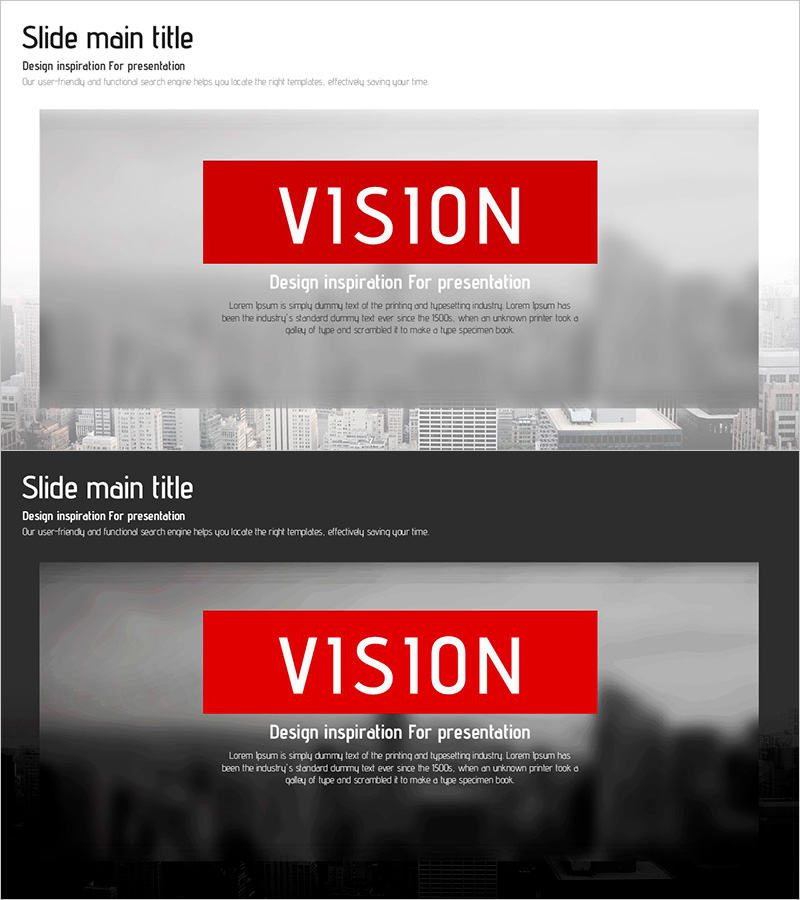
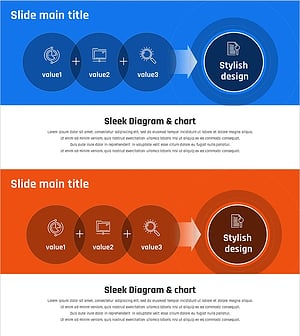
A professional PowerPoint slide designed to effectively communicate your organization's vision and core values. The slide features a light gray background with a prominent red box positioned at the center to emphasize key messages. The top section provides space for the slide title and subtitle, while the central red box is ideal for placing core keywords such as VISION. The bottom area includes a text section for detailed descriptions, allowing you to articulate vision statements, mission, and core values clearly. This 2-slide set is optimized for company presentations, business plans, and strategic announcements where conveying organizational direction is essential.
Usage Points
-
Main Usage
This slide is designed to clearly and powerfully communicate your organization's vision, mission, and core values. The red accent box draws visual attention to key messages, enabling you to effectively convey your company's strategic direction and values to your audience.
-
How to Use
Enter your slide topic (such as Vision, Mission, or Core Values) in the title area at the top. Place your core keyword or tagline in the central red box. Use the text area at the bottom to provide detailed vision statements, mission descriptions, or core value items that support your presentation.
-
Recommended For
Ideal for company overview presentations (vision and mission sections), business plan documents (business vision pages), executive presentations, investor pitches, and employee onboarding sessions where emphasizing organizational strategic direction is important.
-
Slide Structure
The 2-slide set features a three-section layout on each slide: a top title area (slide title and subtitle), a central red accent box (for core keywords), and a bottom text section (for detailed content). This structure provides clear visual hierarchy and emphasis.
Related Products
-
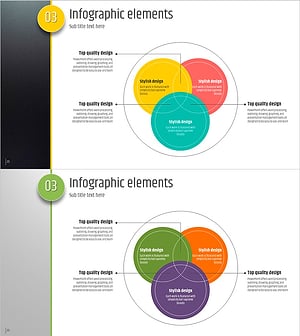
Five Color Infographic Template – Communicate Business Vision and Core Values
#Company Introduction #Business Vision and Strategy #Diagram
-
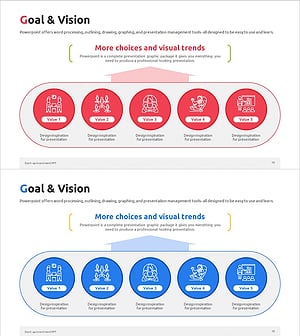
Startup Goals and Vision Cluster Diagram
#Company Introduction #Business Vision and Strategy #Diagram
-
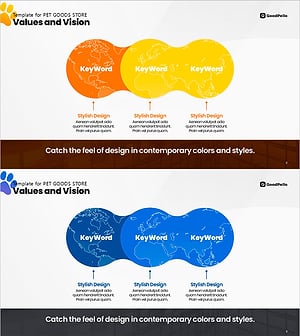
Pet Brand Mission – Cluster Diagram of Values and Vision
#Company Introduction #Business Vision and Strategy #Diagram
-
Startup Company Core Values, Vision and Mission Slide
#Company Introduction #Business Vision and Strategy #Diagram
