



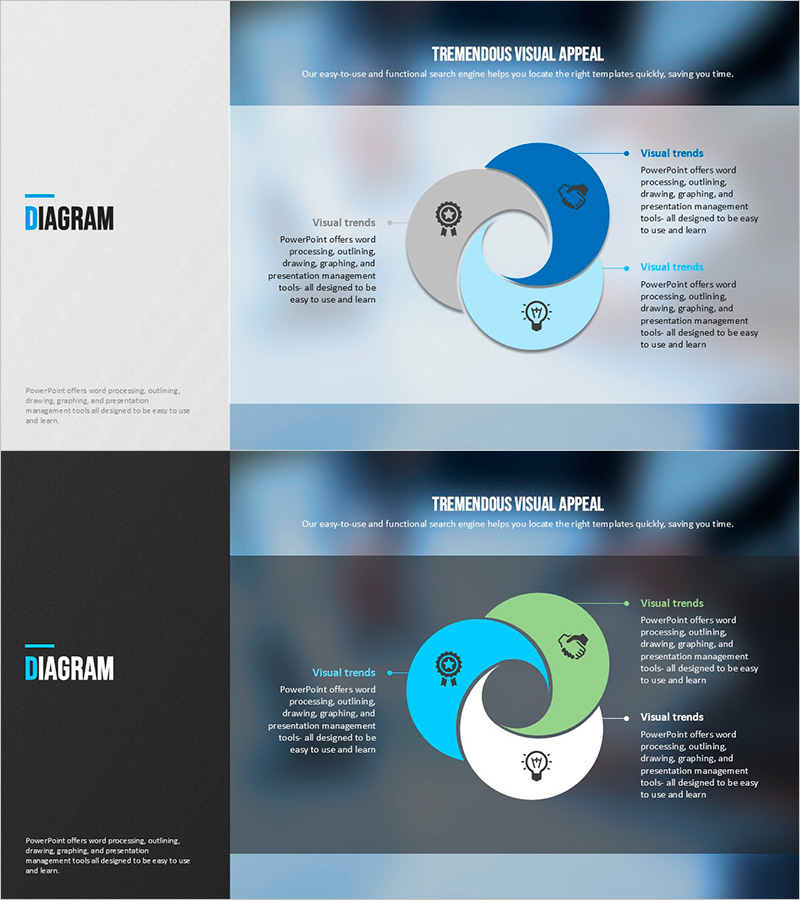
Modern Blue Presentation Diagram – Product/Service Features and Benefits
RJ0200035_10
- Last Update 04/07/2025
- File Size 2.3MB
- # of Slides 2
- File Format PPTX
- Slide Ratio 16:9
- Color
Keywords
- #Content-Based Slides
- #Design-Based Slides
- #Product/Service Introduction
- #Diagram
- #Features
- #Benefits and Advantages
- #Cluster
- #Chain Diagram
- #16:9
- #circular diagram PowerPoint
- #3-segment diagram slide
- #product features PowerPoint
- #service benefits diagram
- #blue diagram slide template
- #how to create circular diagram in PowerPoint
About the Product
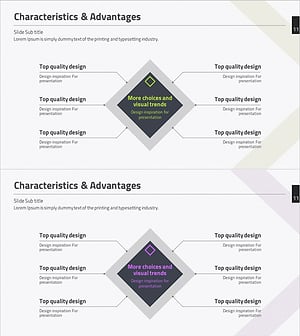
A circular diagram PowerPoint slide that divides product and service features and benefits into three distinct segments. The three-color circular diagram uses dark blue, light blue, and gray tones, with space for icons and text in each segment and a central element to emphasize the core message. Provided in two slide versions with light and dark backgrounds, allowing you to match your presentation's color scheme. Ideal for product introduction presentations, service explanation materials, marketing proposals, and other documents where you need to communicate key value propositions visually.
Usage Points
-
Main Usage
Used to compare and emphasize three key features, benefits, or functions of a product or service simultaneously. The circular structure with a central core message visually represents interconnection and integration among the three segments.
-
How to Use
Enter product features (durability, innovation, reliability) or service benefits (cost savings, efficiency, customer satisfaction) in each circular segment. Customize icons and adjust colors to match your brand identity. Choose between light or dark background versions depending on your presentation environment.
-
Recommended For
Recommended for product marketing managers, service planners, sales presentation specialists, and corporate communications professionals. Effective for new product launch announcements, service improvement reports, client proposals, company overview materials, and investor presentations.
-
Slide Structure
Three circular nodes arranged in a circular pattern around a central element. Each segment is color-coded in dark blue, light blue, and gray, with dedicated icon and text input areas. The center features a core message emphasis element. Two slide layouts provided: light gray background and dark gray background versions for flexible presentation design.
Related Products
-
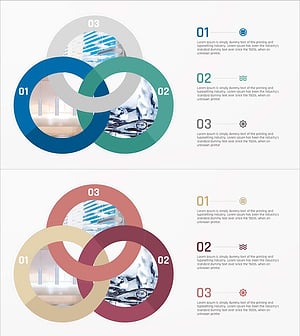
Waterproof Interior Material Introduction – Diagram Highlighting Benefits and Features
#Product/Service Introduction #Diagram #Features
-
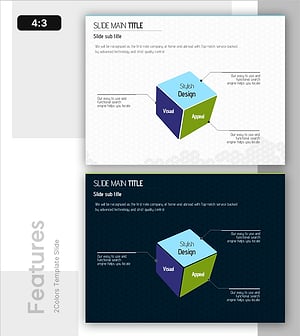
3D Box Diagram – Highlighting Product Features and Benefits
#Product/Service Introduction #Diagram #Features
-
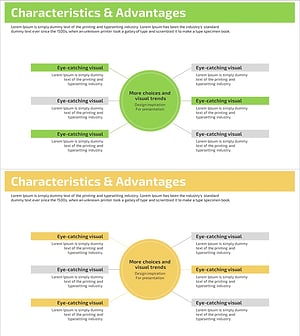
Feature Diffusion Diagram – Characteristics and Advantages
#Product/Service Introduction #Diagram #Features
-
Characteristics & Advantages Slide – Effective Information Delivery Through Connection Diagram
#Product/Service Introduction #Diagram #Features
