



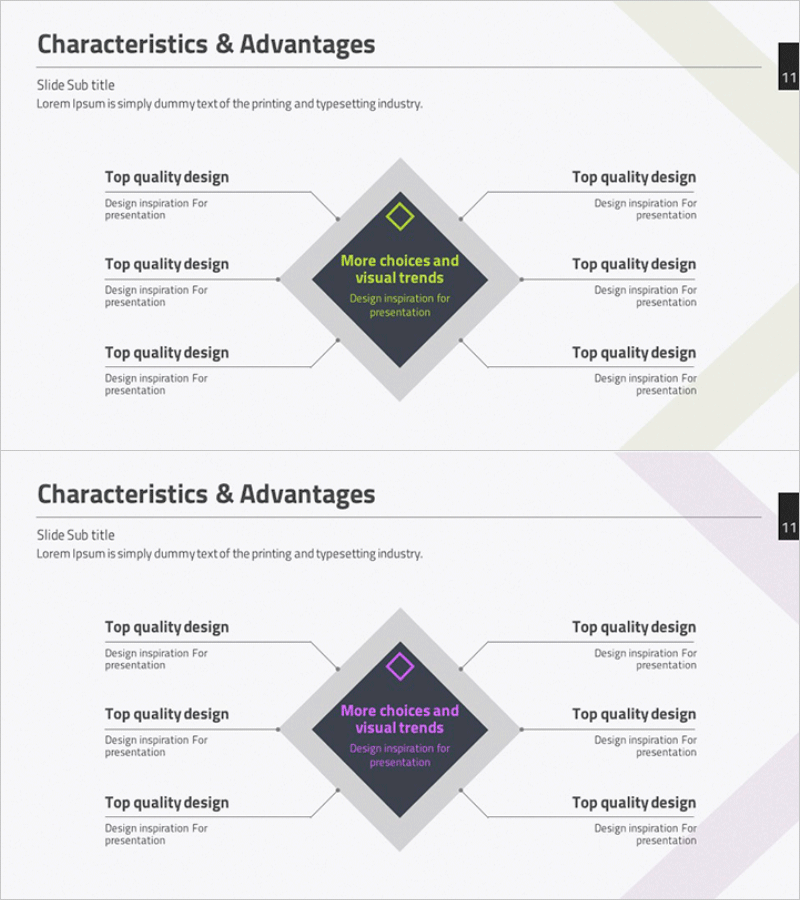
Characteristics & Advantages Slide – Effective Information Delivery Through Connection Diagram
RM0200001_10
- Last Update 01/31/2025
- File Size 3.4MB
- # of Slides 2
- File Format PPTX
- Slide Ratio 16:9
- Color
Keywords
- #Content-Based Slides
- #Design-Based Slides
- #Product/Service Introduction
- #Diagram
- #Features
- #Benefits and Advantages
- #Cluster
- #Chain Diagram
- #16:9
- #connection diagram PowerPoint
- #cluster diagram slide template
- #6-direction diagram presentation
- #characteristics advantages slide
- #PowerPoint diagram template download
About the Product
A cluster diagram PowerPoint slide featuring a central diamond-shaped concept connected to six directional text boxes—three on each side. The dark charcoal background with yellow accent text in the center emphasizes the core message, while beige and lavender geometric background elements create visual balance. Two color variations (yellow and purple highlights) are included, allowing you to match your presentation theme. Delivered in 16:9 widescreen PPTX format for immediate editing and use.
Usage Points
-
Main Usage
Visually communicate a product or service's core characteristics and advantages across six distinct categories. The central diamond shape anchors the primary concept, while the radiating connection structure clarifies how each characteristic relates to the core message.
-
How to Use
Ideal for company overview presentations, product introduction decks, and marketing strategy slides. Replace the center diamond text with your core concept, then populate the six surrounding boxes with specific characteristics, advantages, or features. Adjust colors using the two provided variations to align with your brand or presentation theme.
-
Recommended For
Product managers, marketing professionals, and sales presenters explaining multi-faceted product value. Particularly effective in B2B proposals, investor pitch decks, and new product launch presentations where differentiating competitive advantages is critical.
-
Slide Structure
Two-slide set. Each slide features a rotated diamond shape (dark charcoal background) at center with six text boxes—three on each side—connected via directional arrows. Slide 1 uses yellow accent highlighting; Slide 2 uses purple accent highlighting for flexible color selection.
Related Products
-
Feature Diffusion Diagram – Characteristics and Advantages
#Product/Service Introduction #Diagram #Features
-
3D Box Diagram – Highlighting Product Features and Benefits
#Product/Service Introduction #Diagram #Features
-
Crock Diagram for Visualizing Product Features and Benefits – Cluster and Connection
#Product/Service Introduction #Diagram #Features
-
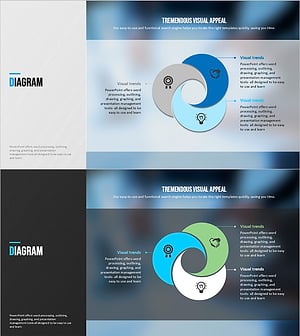
Modern Blue Presentation Diagram – Product/Service Features and Benefits
#Product/Service Introduction #Diagram #Features
