



Layout Design PowerPoint – Attractive Column Text Template
RJ0200029_26
- Last Update 04/06/2025
- File Size 1.3MB
- # of Slides 2
- File Format PPTX
- Slide Ratio 16:9
- Color
Keywords
- #Content-Based Slides
- #Design-Based Slides
- #Company Introduction
- #Market and Competitor Analysis
- #Other
- #Customers and Partners
- #Target Market
- #Map
- #16:9
- #two-column text PowerPoint slide
- #parallel layout presentation
- #image chart comparison slide
- #business analysis PPT
- #regional data visualization template
About the Product
A two-column PowerPoint slide layout that positions text and visual elements side by side for effective information comparison. The left column accommodates images and descriptive text, while the right column is designed for maps, charts, and diagrams. The dark gray header and white content area create clear visual hierarchy and improve readability. This layout is ideal for business presentations, marketing analysis, and regional data visualization. The 16:9 widescreen format with 2-slide composition supports diverse content combinations and professional reporting.
Usage Points
-
Main Usage
This slide enables simultaneous comparison and explanation of text and visual content. The left image area and right chart area create clear information contrast, making it effective for marketing analysis, regional statistics, and product comparison presentations.
-
How to Use
Insert photos or screenshots in the left image area, and place maps, graphs, or diagrams in the right chart section. Add slide titles in the header and descriptive text in the body to create a professional comparative analysis slide.
-
Recommended For
Recommended for marketing plans, market analysis reports, regional business updates, and product comparison presentations. Ideal for investor pitches, client proposals, and internal meeting materials that require data-driven decision support.
-
Slide Structure
Two-slide composition with dark gray header (title and subtitle input) and white content area. The content section features a two-column layout: left column for images and screenshots, right column for maps, graphs, and data tables.
Related Products
-
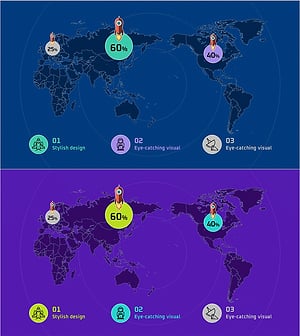
Map of Rocket Launches by Country – Global Network Analysis
#Company Introduction #Market and Competitor Analysis #Other
-
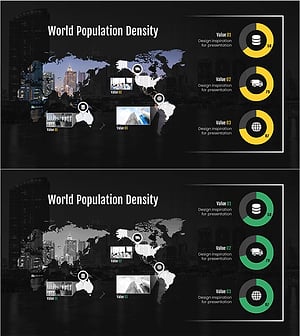
Target Country Market Share Analysis Graph
#Market and Competitor Analysis #Graph #Other
-
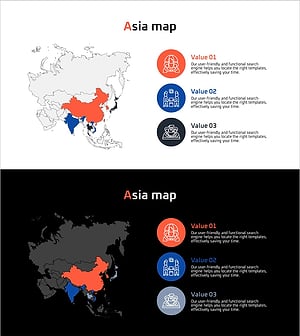
Export Strategy to Target Asian Countries
#Market and Competitor Analysis #Marketing Plan and Strategy #Diagram
-
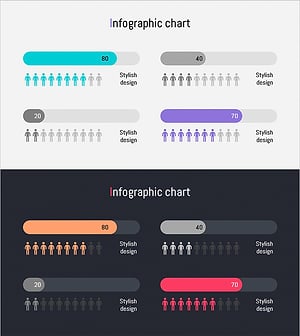
Area Graph for Competitor Analysis
#Market and Competitor Analysis #Marketing Plan and Strategy #Graph
