



Product/Service Introduction Presentation Template Using Arrow Diagram
RJ0200029_15
- Last Update 04/05/2025
- File Size 1.5MB
- # of Slides 2
- File Format PPTX
- Slide Ratio 16:9
- Color
Keywords
About the Product
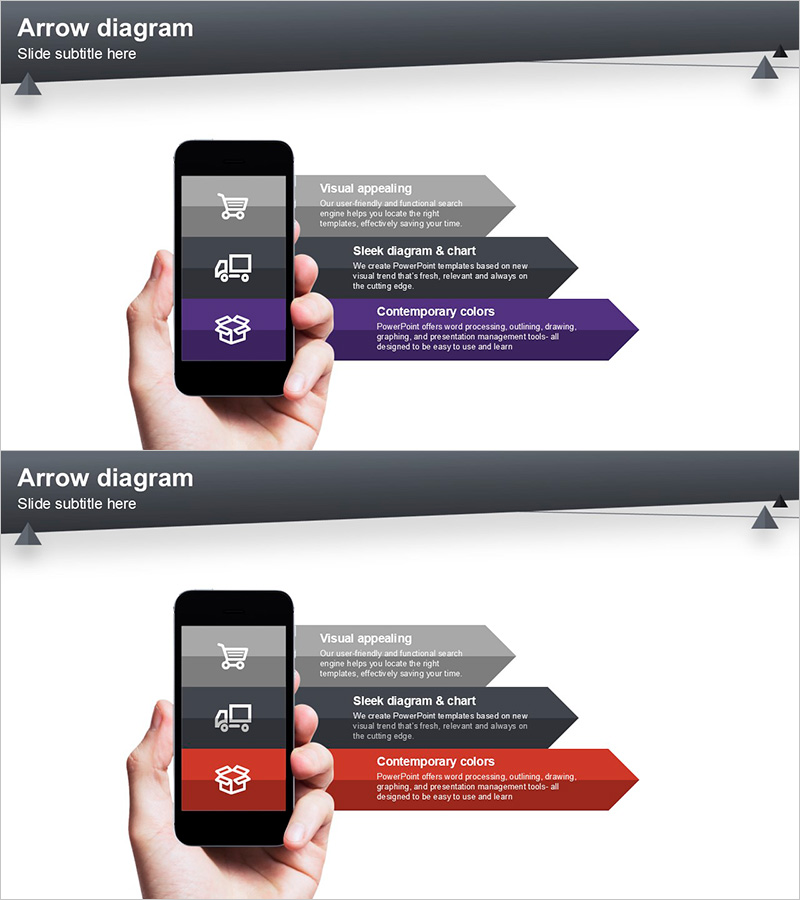
A PowerPoint slide featuring an arrow flow diagram optimized for product and service introduction presentations. This slide combines a smartphone mockup image with three key messages arranged in sequential steps, enabling you to convey product features and value propositions intuitively through visual flow. Three color versions—gray, purple, and red—are provided so you can match your brand tone, and each arrow section supports free editing of text and icons. The set includes 2 slides formatted in 16:9 widescreen ratio for seamless integration into your presentation deck.
Usage Points
-
Main Usage
This slide explains product or service features, value propositions, and processes in sequential steps. By combining a smartphone mockup with an arrow flow diagram, it visually communicates the product experience from the customer perspective, making it ideal for investor pitches, partner presentations, and customer demos to highlight product differentiation.
-
How to Use
Replace the title and description text in each arrow box with your actual product features and benefits, then swap icons with images representing those features. Select a color version matching your company brand guidelines, and adjust the number of arrows as needed to reflect your process stages.
-
Recommended For
Product introduction presentations, service launch events, investor pitch decks, customer demo sessions, marketing strategy documents, and employee onboarding materials. Particularly effective for mobile apps, SaaS platforms, and digital service introductions.
-
Slide Structure
The slide layout positions a smartphone mockup on the left side with three arrow boxes on the right. Each arrow contains an icon, title, and description text area, arranged vertically to clearly represent sequential flow. Both slides share the same layout structure with color variations only.
Related Products
-
Product Overview Introduction Slide – Innovative Service Promotion
#Product/Service Introduction #Other #Product/Service Introduction
-
Introduction to IT Infrastructure Services – Customer-Centric Effective Solutions
#Product/Service Introduction #Diagram #Other
-
Product Service Introduction and Characteristics – Attractive Design
#Product/Service Introduction #Other #Product/Service Introduction
-
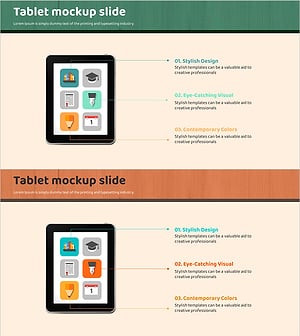
Tablet Mockup Icon Slide - Visual Representation for Product Introduction
#Product/Service Introduction #Other #Product/Service Introduction
