



Introduction to IT Infrastructure Services – Customer-Centric Effective Solutions
RJ0300052_9
- Last Update 05/02/2025
- File Size 5.9MB
- # of Slides 2
- File Format PPTX
- Slide Ratio 16:9
- Color
Keywords
- #Content-Based Slides
- #Design-Based Slides
- #Product/Service Introduction
- #Diagram
- #Other
- #Product/Service Introduction
- #Features
- #Cluster
- #Closed Cluster Diagram
- #Mockup
- #16:9
- #desktop mockup PowerPoint
- #laptop display slide template
- #technology solution presentation
- #product introduction mockup
- #IT service PowerPoint slide
- #how to create mockup slides in PowerPoint
About the Product
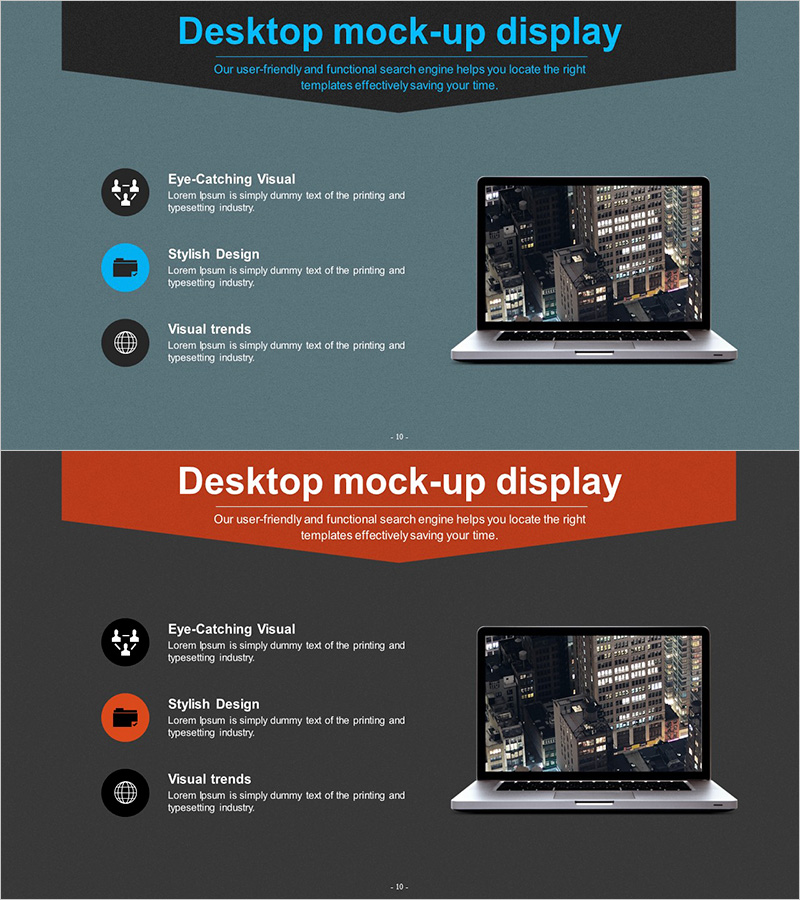
A desktop mockup PowerPoint slide set designed to visually present IT infrastructure and technology solutions. This 2-slide template features a notebook display where you can insert actual content, combined with 3 icons and text areas for structured information layout. The gray, blue, and orange-toned background creates a professional hierarchy, making it ideal for product introductions, service explanations, and technology architecture presentations. Available in 16:9 aspect ratio PPTX format, fully editable across all PowerPoint versions.
Usage Points
-
Main Usage
A mockup slide that inserts actual content into a notebook screen to visually explain IT infrastructure, technology solutions, and product features. Three icons with text areas organize key characteristics hierarchically, while gray, blue, and orange tones convey professionalism and technical credibility.
-
How to Use
Insert actual service screenshots, UI interfaces, or dashboard images into the laptop screen area. Add key features, benefits, and characteristics in the text fields next to the 3 icons on the left. Maintain the color scheme while editing text and images for use in technology presentations, client proposals, and internal reports.
-
Recommended For
Recommended for IT companies, software vendors, cloud service providers, and system integrators presenting product introductions, technical briefings, and client proposals. Effective for executives, development teams, and sales teams explaining technology solutions and user experience intuitively.
-
Slide Structure
2-slide composition with each slide divided into a notebook mockup image (right) and information area (left). The left section contains 3 circular icons with corresponding text description fields, organized with a title area at the top and subtitle area at the bottom.
Related Products
-
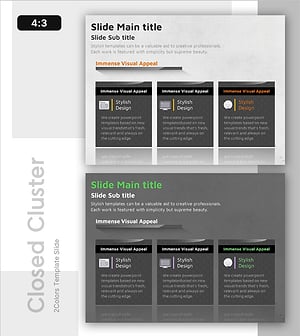
Information Box for Each Item – Cluster Visualization for Product/Service Introduction
#Product/Service Introduction #Diagram #Product/Service Introduction
-
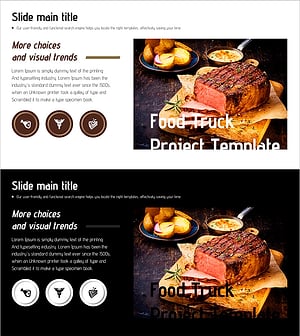
Introduction to Steak – A Slide Capturing Culinary Delights
#Product/Service Introduction #Diagram #Product/Service Introduction
-
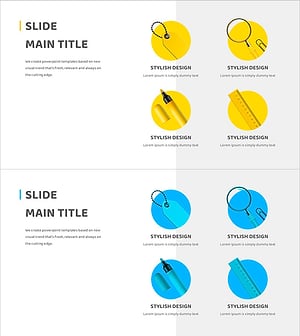
Learning Tool Description – Creative Design Clusters
#Product/Service Introduction #Diagram #Product/Service Introduction
-
Application Service Introduction Slide – Innovative Visual Template
#Product/Service Introduction #Diagram #Other
