



Tablet Mockup Icon Slide - Visual Representation for Product Introduction
RJ0500017_5
- Last Update 06/11/2025
- File Size 2MB
- # of Slides 2
- File Format PPTX
- Slide Ratio 16:9
- Color
Keywords
- #Content-Based Slides
- #Design-Based Slides
- #Product/Service Introduction
- #Other
- #Product/Service Introduction
- #Features
- #Mockup
- #16:9
- #tablet mockup PPT slide
- #icon grid PowerPoint design
- #product introduction mockup slide
- #how to create tablet mockup in PowerPoint
- #product features visualization slide
About the Product
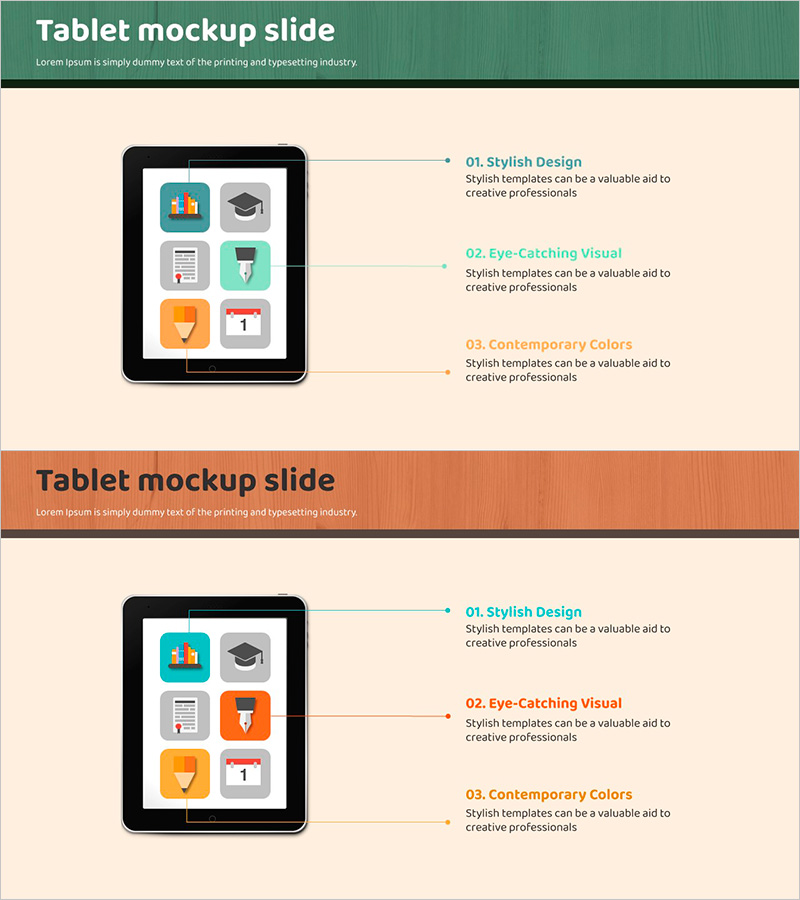
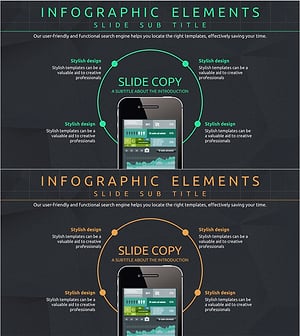
A product introduction PowerPoint slide featuring a tablet mockup with six colorful icons arranged in a grid layout. This presentation slide effectively showcases app features, service highlights, and product components at a glance. The beige background design is ready to use in corporate presentations, product demos, and service introduction materials. The 2-slide set includes multiple color variations (blue, orange, gray) that can be customized to match your brand identity. Each icon area is independently editable, allowing you to add feature names, descriptions, and additional details to create a comprehensive product overview.
Usage Points
-
Main Usage
Visualize key features and functions of tablet-based products, apps, or services using icon representations. The mockup image demonstrates the actual user experience, while distinct icons clarify each feature, effectively communicating product value to your audience.
-
How to Use
Use as the 'Key Features' or 'Service Overview' slide in your product introduction section. Customize by adding feature names and descriptions to each icon area, or change icon colors to match your brand palette. Highly effective for startup pitches, app launch presentations, and B2B product demonstrations.
-
Recommended For
IT companies, app developers, SaaS startups, product managers, marketing professionals, and investment pitch presenters. Recommended for anyone introducing tablet or mobile-based solutions across all industries.
-
Slide Structure
Slide 1: Title area + tablet mockup image with 6 icons in 2×3 grid + three text labels on the right (number, title, description). Slide 2: Same layout with color variations (orange and gray tones). Each icon area is independently editable with three text input zones for hierarchical information: feature name, subtitle, and detailed description.
Related Products
-
Modern Mobile Mockup Slide – Emphasizing Visual Appeal
#Product/Service Introduction #Other #Product/Service Introduction
-
Elegant Diagrams and Charts for Presentations
#Product/Service Introduction #Diagram #Other
-
Hologram Wide PPT Mockup – Product/Service Introduction
#Product/Service Introduction #Other #Product/Service Introduction
-
Mobile Network Service Introduction and Characteristics – Key to Visual Communication
#Product/Service Introduction #Diagram #Other
