



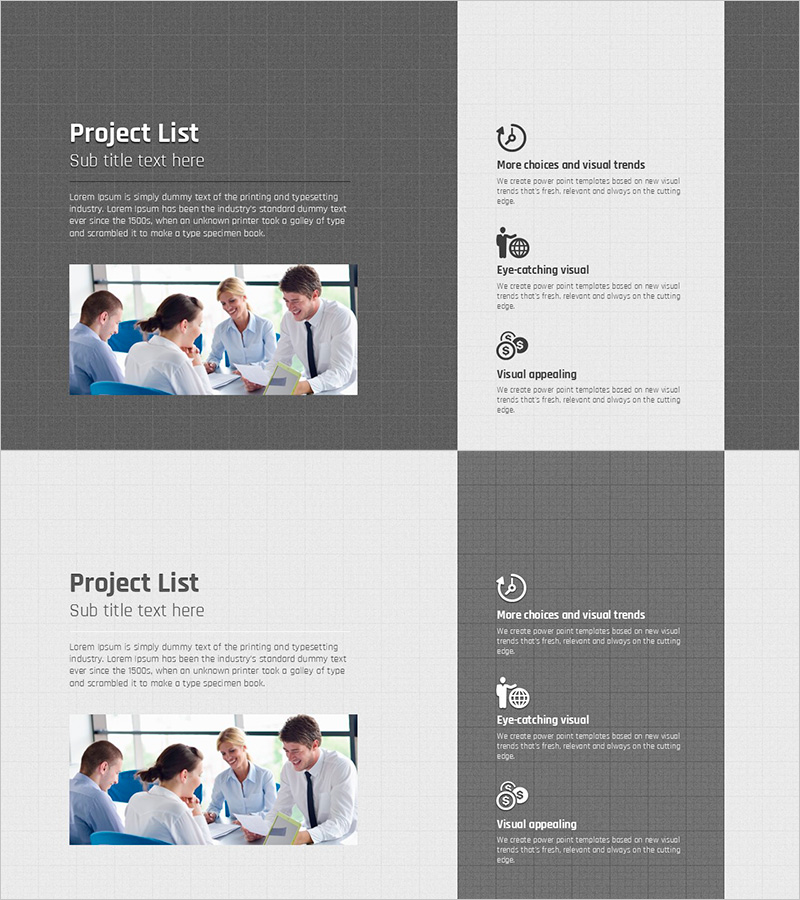
Creating Project Lists with Graph Paper Template
RJ0200023_32
- Last Update 04/03/2025
- File Size 5MB
- # of Slides 2
- File Format PPTX
- Slide Ratio 16:9
- Color
Keywords
- #Content-Based Slides
- #Operational Plan
- #Technical Approach
- #Post-Implementation Management & Maintenance
- #Service Operation Plan
- #16:9
- #project list PowerPoint slide
- #operational planning template
- #graph paper slide design
- #project management presentation
- #how to create a project list in PowerPoint
About the Product
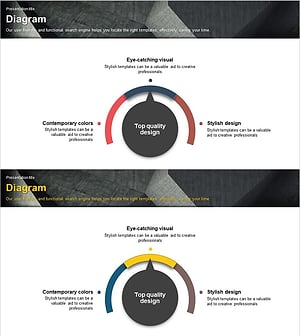
A 2-slide PowerPoint presentation designed for project management and operational planning. The layout features a dark gray background with white graph paper sections divided into two columns: the left side accommodates project overview and descriptive text, while the right side displays three key points with accompanying icons. The graph paper design emphasizes planning and systematic organization, enhanced by a team collaboration photo that conveys a professional working atmosphere. Available in 16:9 widescreen PPTX format, fully editable and ready for business strategy presentations, project status reports, and operational planning meetings.
Usage Points
-
Main Usage
This slide set is designed to systematically present project progress, operational plans, and team collaboration details. The graph paper background visually reinforces planning accuracy and precision, while the two-column layout balances informational content with visual elements. Ideal for business strategy presentations, project management reports, and team meeting materials.
-
How to Use
Enter project name, objectives, and implementation background in the left text area. Add three key points in the right icon section. Replace the sample team photo with your own project-related imagery or company photos. Customize colors and fonts to match your corporate branding guidelines for consistent visual identity.
-
Recommended For
Operations managers, project leads, strategic planners, and team directors presenting weekly or monthly operational plans, project status updates, and team collaboration summaries. Particularly effective for internal meetings and executive briefings where systematic planning and organizational competence must be emphasized.
-
Slide Structure
Two-slide deck with each slide divided into left text input area (title, subtitle, body text in three levels) and right icon section (three key points). The graph paper background combined with dark gray tones creates clear information hierarchy, while the team collaboration imagery conveys professionalism and trustworthiness.
Related Products
-
Office Worker Illustration Theme Solution Diagram
#Technical Approach #Diagram #Service Operation Plan
-
Visualization of Service Operation through Structural Chart of Construction System
#Technical Approach #Diagram #Service Operation Plan
-
Delivering Service Operation Plans with Mobile Network Configuration Diagram
#Technical Approach #Diagram #Service Operation Plan
-
Business Operations Plan Diagram – Visualization for Innovation and Efficiency
#Technical Approach #Diagram #Service Development Plan
