



Volume Presentation Template Button Diagram – Product/Service Introduction
RJ0200017_16
- Last Update 04/02/2025
- File Size 3.2MB
- # of Slides 2
- File Format PPTX
- Slide Ratio 16:9
- Color
Keywords
- #Content-Based Slides
- #Design-Based Slides
- #Product/Service Introduction
- #Text Box
- #Differentiation Strategy for Products/Services
- #Rounded Rectangle Text Box
- #16:9
- #volume button diagram PowerPoint
- #two-step comparison slide
- #product introduction presentation
- #circular button diagram
- #service introduction slide
About the Product
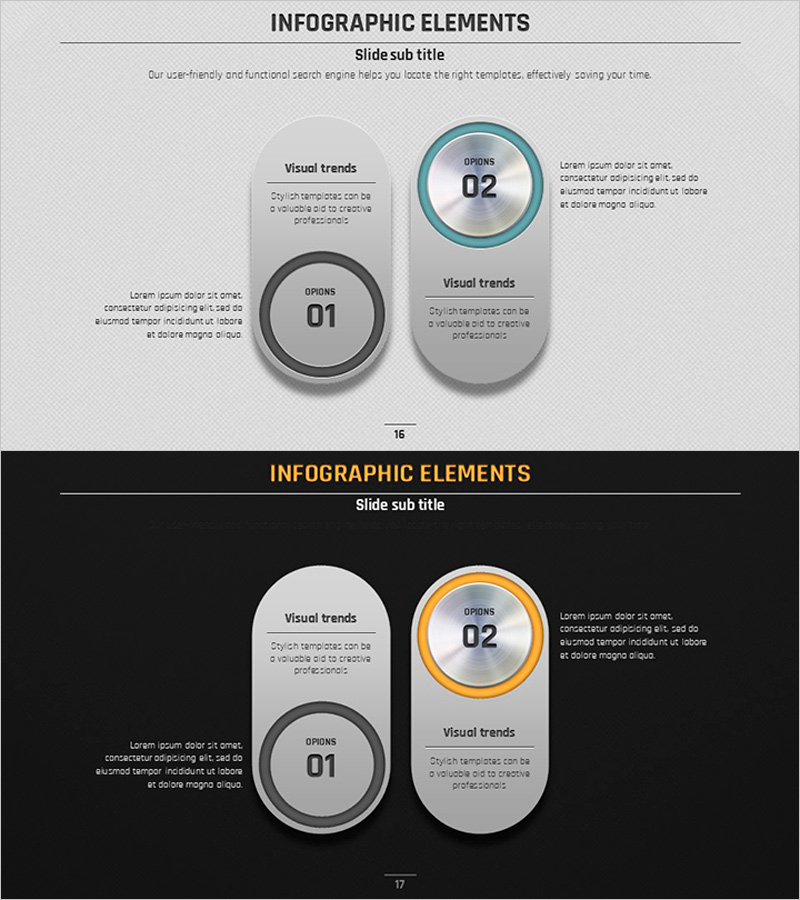
A 2-slide PowerPoint presentation featuring a volume button diagram optimized for product and service introductions. The comparison layout displays two circular buttons side-by-side to visually represent two options, stages, or alternatives. The rounded rectangle frames combined with gray and blue tones create a professional appearance while allowing flexible text and description input in each button area. This PPT slide is ready to use for product feature comparisons, service option presentations, decision-point emphasis, and various business scenarios.
Usage Points
-
Main Usage
This slide presents two product options, service plans, or business alternatives side-by-side for comparison. The circular button interface format emphasizes user choice or decision points, allowing clear distinction and expression of each item's features and descriptions.
-
How to Use
Enter product names, service names, or stage names in the left button (01) and right button (02). Add comparison information such as features, benefits, pricing, or duration in the text boxes surrounding each button. Customize colors as needed to match your brand identity.
-
Recommended For
Ideal for product introduction presentations, service plan comparisons, investment proposals, marketing planning presentations, and sales pitch materials. Particularly effective when clearly contrasting two choices to support decision-making.
-
Slide Structure
2-slide set with two circular buttons (01, 02) and rounded rectangle frames on each slide. Title area at the top, two buttons in the center, and symmetrical text boxes on left and right for descriptions.
Related Products
-
Simple Car Design Mockup – Product Features and Differentiation Strategy
#Product/Service Introduction #Text Box #Other
-
Physical Fitness Diagram Slide – Product and Service Introduction
#Product/Service Introduction #Business Management #Diagram
-
Creative Connection Diagram – Product and Service Differentiation Strategy
#Product/Service Introduction #Operational Plan #Diagram
-
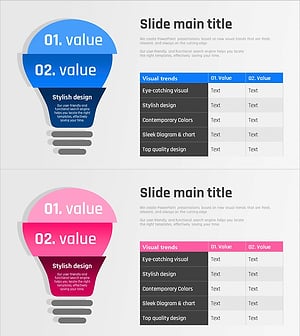
Light Bulb Diagram and Table Chart – Marketing Goals and Strategy Analysis
#Product/Service Introduction #Marketing Plan and Strategy #Diagram
