



Square Frame Template Image Portfolio – Stylish Design and Visual Presentation
RJ0200014_5
- Last Update 04/01/2025
- File Size 4.4MB
- # of Slides 2
- File Format PPTX
- Slide Ratio 16:9
- Color
Keywords
About the Product
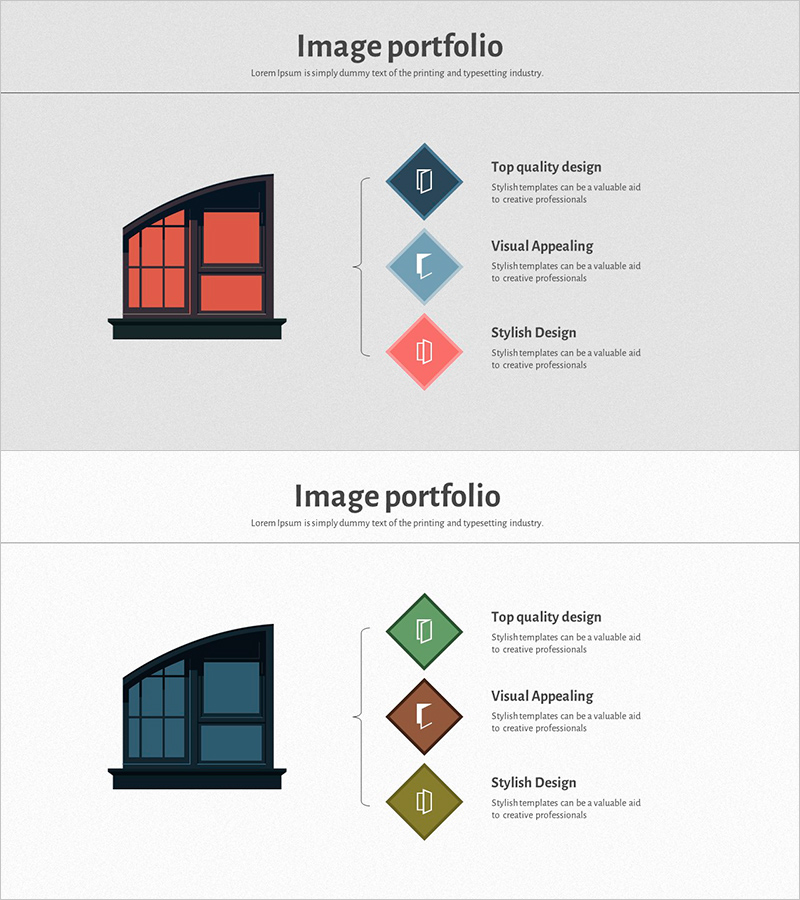
A portfolio PowerPoint slide that harmoniously combines images and text information. The layout features a large image area on the left side and three diamond-shaped frames arranged vertically on the right side, each containing space for an icon, title, and descriptive text. This design is optimized for portfolio presentations, product introductions, and service feature explanations. Provided as a 2-slide PPTX file in 16:9 widescreen format, with selectable color combinations (dark blue, light blue, coral or green, brown, olive) that can be customized to match your corporate brand. Fully editable, allowing you to swap text and images for various presentation needs.
Usage Points
-
Main Usage
Designed for presentations that need to convey both visual and textual information simultaneously, such as portfolio showcases, product introductions, and service feature explanations. The large left-side image creates visual impact while the three right-side frames present key information in a hierarchical structure.
-
How to Use
Insert portfolio photos, product images, or service representative visuals in the left image area. Add titles, icons, and descriptive text to each of the three diamond frames on the right to highlight key features or benefits. Adjust color combinations to align with your brand identity.
-
Recommended For
Ideal for design agencies, portfolio presentations, product launch decks, service introduction materials, marketing pitch decks, and corporate brand overview presentations. Suitable for any presentation requiring strong visual impact.
-
Slide Structure
Consists of 2 slides, each divided into a left image input area (approximately 40%) and a right text area (approximately 60%). The right side features three diamond-shaped frames arranged vertically, with each frame containing space for an icon, title input field, and descriptive text input field.
Related Products
-
Preschool Parent Engagement System Overview – The Importance of Communication
#Product/Service Introduction #Diagram #Other
-
Thread and Button Infographic – Cute Design Introduction
#Product/Service Introduction #Diagram #Composition
-
Key Curriculum Overview for Preschool Programs
#Product/Service Introduction #Diagram #Composition
-
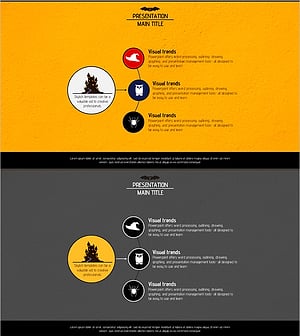
Diagram Slide for Introducing Event Program
#Product/Service Introduction #Diagram #Composition
